Digital dentistry is evolving fast, and apteryx imaging is at the forefront of this transformation. In 2026, practices that embrace smarter imaging solutions will unlock new levels of efficiency and patient care. This guide offers a clear look at apteryx imaging’s features, how it integrates with your workflow, and the tangible benefits it brings to modern dental teams. Ready to streamline your imaging, boost diagnostic accuracy, and stay ahead in a competitive field? Dive in for expert strategies, real-world examples, and actionable tips to maximize your investment.
Understanding Apteryx Imaging: Core Features and Technology
Apteryx imaging is setting new benchmarks for dental imaging by offering a powerful blend of centralized image management, seamless integration, and robust security. Its open-architecture platform supports a diverse range of imaging sources, making it a versatile solution for practices aiming to streamline their workflows.
Comprehensive Image Management
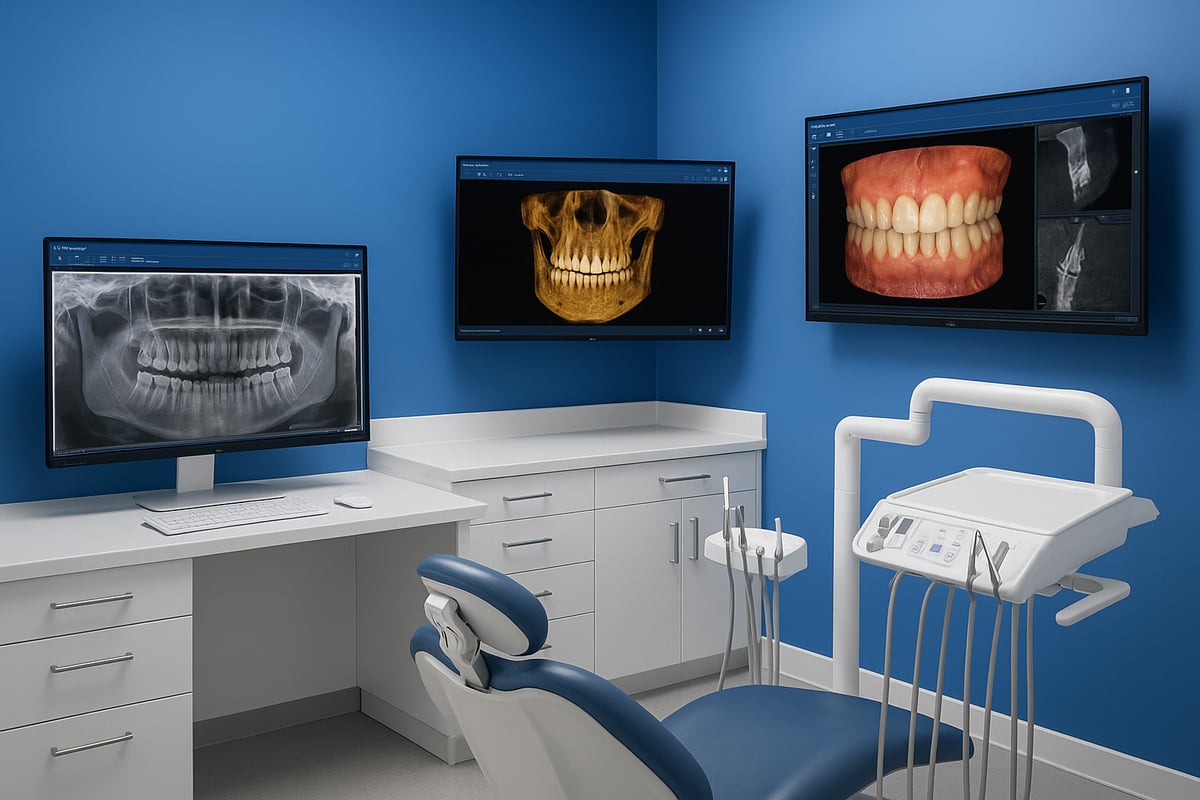
With apteryx imaging, dental practices benefit from a centralized hub for all imaging needs. The platform unifies digital x-rays, intraoral, extraoral, and 3D cone beam images, eliminating scattered files and reducing time spent searching for patient data.
Its open-architecture design ensures compatibility with a wide array of imaging hardware. The Secure Tagged Block (STB) file format provides lossless, secure storage, so patient images remain safe and high quality over time.
Advanced Image Capture and Enhancement
Apteryx imaging stands out for its broad compatibility with digital intraoral sensors, phosphor plate scanners, and cameras. Real-time image enhancement tools empower clinicians to achieve precise diagnostics, while customizable mounts and templates allow for tailored workflows.
For a deeper dive into the technology landscape and how imaging AI tools complement these features, see the Imaging and Clinical AI Tools Overview.
Seamless Practice Management Integration
Practice efficiency is at the core of apteryx imaging. NameGrabber technology bridges the gap between imaging software and most Windows-based practice management systems, streamlining the flow of patient information.
Electronic attachment capabilities facilitate insurance claims and referrals. Automated document generation simplifies treatment planning and record keeping.
User Experience and Accessibility
The apteryx imaging interface is designed for ease of use, helping new staff get up to speed quickly. Multi-user, network-capable deployment options support both solo and group practices.
Ongoing support is enhanced by free minor updates and comprehensive electronic manuals, ensuring practices always have the resources they need.
Security and Compliance
Security is a top priority for apteryx imaging. Built-in encryption and access controls protect sensitive patient data. The system supports HIPAA-compliant workflows, while audit trails make it easy to track image access and modifications for regulatory peace of mind.
Example
Dental practices using XrayVision, the flagship software within apteryx imaging, consistently report simplified workflows and reduced software training time. By consolidating imaging tasks into one intuitive system, teams spend less time navigating software and more time focused on patient care.
Apteryx Imaging Compatibility and Integration in 2026
Dental practices in 2026 expect seamless integration and broad compatibility from their imaging solutions. Apteryx imaging exceeds these expectations by supporting a wide array of hardware, practice management systems, and third-party tools, making it a future-ready choice for modern clinics.
Supported Devices and Hardware Ecosystem
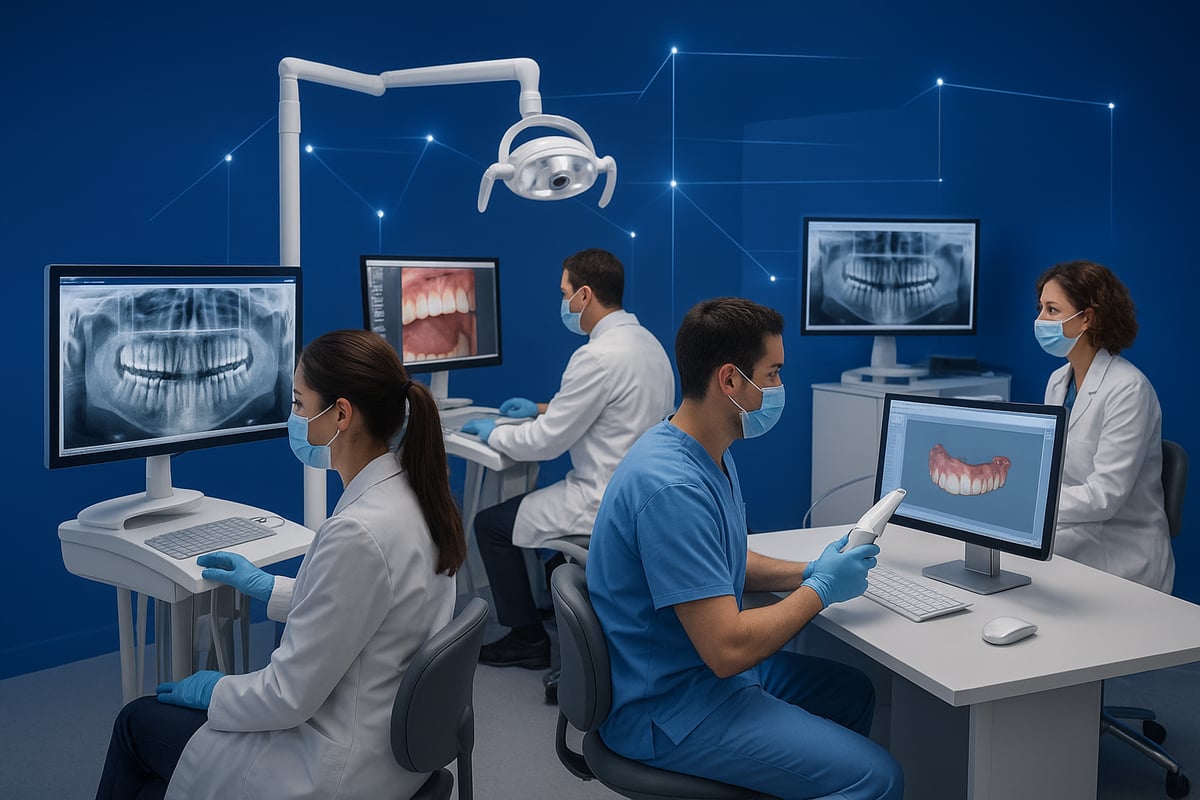
Apteryx imaging stands out for its open-architecture approach, enabling compatibility with a wide range of dental imaging equipment. Practices can connect devices from leading manufacturers such as Air Techniques, Apixia, Belmont, DentiMax, Gendex, Kodak, Planmeca, and Schick.
This flexibility allows clinics to use digital sensors, panoramic and cephalometric units, plus flatbed scanners. Both analog and digital imaging tools are supported, ensuring clinics can transition at their own pace. For a deep dive into supported devices and technical requirements, check the Apteryx Imaging Software Buying Guide.
Practice Management System Bridges
One of the biggest strengths of apteryx imaging is its seamless bridge to Windows-based practice management systems. With tools like NameGrabber™, clinics can transfer patient data instantly between platforms, eliminating manual entry and reducing errors.
This near-universal compatibility ensures that apteryx imaging fits into most existing dental office workflows without requiring major changes. Electronic attachments for insurance and referrals further streamline daily operations.
Cross-Platform and Network Capabilities
Apteryx imaging is designed for practices of all sizes, from solo offices to large group networks. Multi-location and multi-user licensing options make it easy to scale as your business grows.
Networked deployment means team members can access images from front and back office computers, improving collaboration and patient care. Whether you operate from one site or manage several, apteryx imaging adapts to your needs.
Data Migration and Database Conversion
Worried about legacy data? Apteryx imaging offers professional database conversion services to securely transfer x-rays, scans, and templates from old systems. This process minimizes downtime and risk of data loss.
Practices moving to apteryx imaging typically report smooth transitions, with all historical images organized and accessible within the new platform. This careful approach ensures continuity of care and record integrity.
Interoperability with Third-Party Tools
Sharing images outside your clinic is just as important as storing them. Apteryx imaging enables exports to common file formats such as TIFF, JPEG, and BMP, making it easy to share with other dentists, insurance providers, or specialists.
Bridges to email clients, including Outlook, allow direct image sending with just a few clicks. With over 90% of digital dental imaging devices compatible, apteryx imaging stands as one of the most interoperable solutions on the market today.
Step-by-Step Guide: Implementing Apteryx Imaging in Your Dental Practice
Rolling out apteryx imaging in your dental practice can feel like a major project, but with a clear roadmap, you can make the transition smooth and efficient. Here’s a step-by-step guide designed to help you implement apteryx imaging successfully, align your team, and unlock the full benefits for your workflow.
Step 1: Assessing Practice Needs and Hardware Compatibility
Start by evaluating your current imaging devices, computers, and software. Make a detailed inventory of all digital sensors, cameras, and scanners you use. Check which systems handle your patient records and imaging workflows.
Next, identify which practice management software you use and how you want apteryx imaging to integrate with it. Reviewing guides like the Practice Management Software Guide can help clarify compatibility and integration needs. Consult official apteryx imaging compatibility lists to ensure your hardware and software align.
Step 2: Licensing and Purchase Decisions
After mapping your needs, review the apteryx imaging license options. Decide between single-user licenses, multi-user bundles, or licenses for multiple locations, depending on your setup.
Compare costs and features, keeping in mind that pricing ranges from $175 for entry-level to $6,080 for large enterprise bundles. Consider whether you need technical support or software updates included. Taking time to compare licensing ensures you choose the most cost-effective and scalable solution for your practice.
Step 3: Database Conversion and Data Migration
If you’re upgrading from a legacy imaging system, prepare your historical data for migration. This includes x-rays, scans, and templates. Apteryx imaging offers professional database conversion services to help minimize downtime and prevent data loss.
Before starting the transfer, back up your data. During migration, verify that all files import correctly and are organized for easy access. Professional support during this step can save time and reduce stress.
Step 4: Software Installation and Network Setup
Once your data is ready, install apteryx imaging on all designated workstations. For practices with multiple users or locations, configure the network to allow seamless sharing and access to images.
Set up user accounts and permissions to control who can view and modify patient images. Establish security protocols to protect sensitive data throughout your network. A well-planned setup here supports smooth daily operations and compliance.
Step 5: Device Integration and Workflow Customization
Now, connect your digital sensors, intraoral cameras, and scanners to apteryx imaging. Customize image mounts and templates to match your practice’s common procedures.
Set up bridges to your practice management and email systems so that images transfer easily between platforms. Tailoring these workflows helps your team process images more efficiently and supports patient care.
Step 6: Staff Training and Onboarding
Effective use of apteryx imaging depends on well-trained staff. Use electronic manuals and help documents to introduce the software’s features.
Plan both group and one-on-one training sessions, focusing on image enhancement and management tools. Encourage staff to ask questions and share tips as they get comfortable with the new system. Ongoing training helps everyone work confidently and efficiently.
Step 7: Ongoing Support and Updates
Register your apteryx imaging system for technical support and software updates. Keep an eye on system performance and gather feedback from your team.
Schedule regular check-ins to review workflows and address any issues that arise. Staying proactive with support and updates ensures your imaging solution continues to deliver value as your practice evolves.
A real-world example: A multi-location dental group recently implemented apteryx imaging using these steps. Within two weeks, they saw image retrieval times drop by 40 percent and staff reported less time spent on software training or troubleshooting. Careful planning, training, and support helped the team unlock the full potential of apteryx imaging from day one.
Key Benefits and Real-World Impact of Apteryx Imaging
Dental practices are constantly searching for ways to improve efficiency, accuracy, and patient care. Apteryx imaging stands out as a trusted solution, offering a host of real-world benefits that transform dental imaging workflows. Let’s explore how this technology impacts practices of all sizes while supporting growth and compliance.
Streamlined Imaging Workflow
One of the most significant advantages of apteryx imaging is its ability to centralize all imaging tasks into a single, user-friendly platform. By consolidating digital x-rays, 3D scans, and photographs, practices eliminate the need for multiple software programs. This unified system reduces staff training time and minimizes the risk of workflow errors.
- All imaging sources managed in one place
- Faster image retrieval and review
- Seamless transition between imaging and patient records
Clinics using apteryx imaging report up to 30 percent faster patient image processing, resulting in smoother daily operations and improved patient experiences.
Enhanced Diagnostic Accuracy
Apteryx imaging provides advanced image enhancement tools that help dental professionals achieve greater diagnostic clarity. Features such as real-time adjustment, customizable mounts, and AI integration support more accurate diagnoses. For example, the integration with Overjet AI offers automated, real-time decision support within apteryx imaging, improving diagnostic confidence for clinicians. Learn more about Overjet AI Integration with Apteryx XVWeb.
This level of enhancement means clinicians can confidently evaluate radiographs, spot issues earlier, and tailor treatments to patient needs.
Improved Collaboration and Communication
Apteryx imaging simplifies sharing and collaboration for dental teams. Images can be securely shared with insurance providers, referring dentists, or other team members with just a few clicks. The system supports electronic attachments, which speeds up insurance claims and reduces delays caused by lost or misplaced films.
- Direct email bridges for rapid image sharing
- Easy referral process with attached visuals
- Consistent communication across team members
This improved communication streamlines case reviews and ensures everyone involved has access to the information they need.
Cost and Time Savings
Switching to apteryx imaging leads to measurable cost and time savings. Practices can retire film duplicators and manual filing systems, reducing equipment and storage costs. The platform’s free minor updates further limit ongoing expenses. Here’s a quick comparison:
| Traditional Setup | Apteryx Imaging |
|---|---|
| Multiple software fees | Single license |
| Film storage costs | Digital storage |
| Manual filing labor | Automated retrieval |
Practices often see a return on investment within the first year, thanks to faster workflows and reduced IT overhead.
Security and Compliance
Protecting patient data is critical. Apteryx imaging includes built-in encryption, access controls, and audit trails, making it easier to maintain HIPAA compliance. Every image access and modification is tracked, providing peace of mind for both practitioners and patients.
With secure transfer protocols and customizable permissions, practices can confidently handle sensitive information without sacrificing accessibility.
Scalability for Practice Growth
Apteryx imaging is designed to grow with your practice. Flexible licensing supports everything from solo offices to large dental service organizations. Multi-user and multi-location options ensure that as your business expands, your imaging solution keeps up.
Network-ready deployment allows for seamless collaboration across locations, making it ideal for practices planning to scale in the future.
User Satisfaction and Adoption
Dental teams consistently praise apteryx imaging for its intuitive interface and reliability. The system’s straightforward navigation and robust performance have led over 10,000 practices to make it their primary imaging solution.
As more practices adopt apteryx imaging, industry feedback continues to highlight its positive impact on workflow, staff satisfaction, and patient care.
Pricing, Licensing, and Support Options for 2026
Navigating the pricing and licensing landscape for apteryx imaging in 2026 is all about flexibility and value. Practices of every size can find a licensing tier that fits both budget and workflow needs. Let’s break down the key options, support resources, and cost-saving pathways so you can make an informed decision.
License Structures and Bundles
Apteryx imaging offers a robust range of license types, letting you tailor your solution to your practice’s needs. Choose from single-user licenses, multi-user bundles, or packages for multiple locations. Pricing starts at $175 for entry-level configurations and scales to $6,080 for enterprise-level bundles.
Here’s a quick table summarizing the options:
| License Type | Users | Price (USD) |
|---|---|---|
| Primary | 1 | $175 |
| User Bundle | 5 | $1,250 |
| User Bundle | 10 | $2,400 |
| User Bundle | 20 | $4,600 |
| Enterprise Bundle | 50 | $6,080 |
These flexible bundles mean apteryx imaging can scale with your team. For a broader perspective on how these options compare to other dental technology, see the Top Dental Software Solutions list.
Technical Support and Updates
Ongoing support is essential for any dental imaging solution. Apteryx imaging provides annual support packages, which include technical assistance, software updates, and training resources. The standard support package is $600 per year, offering peace of mind for practices wanting minimal downtime.
Support features include:
- Access to expert troubleshooting
- Free minor software updates
- Comprehensive electronic manuals
- Training for new features
These resources help ensure your apteryx imaging system remains up-to-date and reliable.
Database Conversion Services
Migrating from legacy imaging software to apteryx imaging is streamlined with professional database conversion services. For a one-time fee of $995 per conversion, you can securely transfer patient x-rays, scans, and custom templates.
Benefits of this service:
- Minimizes risk of data loss
- Ensures quick and organized data import
- Reduces workflow disruption during transition
Practices often find that converting to apteryx imaging is a smooth process, letting teams focus on patient care rather than technical headaches.
Upgrade and Expansion Pathways
Growth is easy with apteryx imaging. Adding new users or locations is straightforward—just purchase additional licenses as needed. License management is centralized, so renewals and upgrades are simple to track.
Expansion options include:
- Additional location licenses for multi-site practices
- User bundles for scaling teams
- Easy license renewal process
This scalability ensures that as your practice evolves, apteryx imaging adapts right alongside you.
Cost-Benefit Analysis
Investing in apteryx imaging can lead to significant long-term savings compared to juggling multiple software systems or using traditional film. By consolidating imaging tasks, practices reduce IT complexity, training costs, and ongoing maintenance expenses.
Here’s how apteryx imaging stacks up:
- Lower total cost of ownership
- Free minor updates reduce recurring expenses
- ROI often realized within the first year
Want to compare apteryx imaging with other solutions before making a decision? Check out the Dental Software Reviews Category to see how it measures up in real-world practice environments.
Expert Tips and Best Practices for Maximizing Apteryx Imaging
Unlocking the full potential of apteryx imaging requires more than just installation. Implementing expert strategies and best practices can transform your imaging workflow, boost diagnostic accuracy, and ensure ongoing compliance. Let’s explore actionable tips to maximize value for your dental practice.
Optimizing Image Quality and Diagnostic Value
Consistently achieving clear, diagnostic images is crucial for patient care. Start by calibrating your imaging devices regularly to ensure accurate results. Leverage apteryx imaging’s real-time enhancement tools to adjust brightness, contrast, and sharpness during image capture.
Customizing mounts for specific procedures, such as endodontics or orthodontics, helps your team review cases more efficiently. Recent advancements in AI, like those discussed in the Planet DDS and Pearl AI Partnership, further improve image clarity and diagnostic confidence.
Workflow Customization and Automation
Tailoring your workflow within apteryx imaging can save your team significant time. Set up default templates for common procedures, streamlining image capture and review. Automate tasks like exporting images and attaching them to patient records, reducing manual steps and potential errors.
Integrating imaging with your practice management system is seamless, especially when leveraging solutions like the Apteryx Imaging and DSN Software Integration. This bridge ensures patient data flows effortlessly between platforms, enhancing efficiency.
Staff Training and Change Management
Continuous training keeps your team confident and up to date with apteryx imaging. Schedule regular group or individual sessions, focusing on new features and workflow optimizations. Encourage sharing of tips and feedback, so everyone stays engaged.
Utilize electronic manuals and online resources for quick answers to common questions. By fostering a culture of learning, you reduce onboarding time and increase staff satisfaction.
Security and Compliance Maintenance
Protecting patient data is a top priority with apteryx imaging. Regularly review and update user permissions to ensure only authorized staff can access sensitive images. Conduct periodic audits of access logs to detect unusual activity quickly.
Stay current with HIPAA requirements and data protection best practices. Built-in encryption and access controls support secure workflows, offering peace of mind for both your team and your patients.
Troubleshooting and Support Utilization
Effective troubleshooting starts with documenting common issues and their solutions. Maintain a quick reference guide for staff, so minor setbacks are resolved fast. Take advantage of apteryx imaging’s support packages for technical help and software updates.
Engage with the user community to exchange insights and discover new solutions. This collaborative approach minimizes downtime and ensures your imaging system remains reliable.
Keeping Up with Industry Trends
The dental imaging field evolves rapidly, so staying informed is essential. Monitor apteryx imaging release notes for updates and new features. Attend webinars and industry events to learn best practices and explore innovations such as AI and 3D imaging.
Practices that standardize templates and protocols through apteryx imaging report a 20% reduction in image processing errors. Adopting emerging technologies, like those highlighted in AI partnerships, not only future-proofs your workflow but also keeps your practice at the forefront of patient care.