In 2026, dental practices are navigating a rapidly changing landscape filled with new challenges and heightened competition. Choosing the right practice management software can make all the difference in staying ahead.
This guide dives into r4 dental software, highlighting the features that matter most for success in 2026. Our focus is on helping you simplify workflows, deliver better patient care, and meet all regulatory requirements with confidence.
We’ll explore core functionalities, the latest innovations, integration options, user experience, and compliance essentials. Get ready to make a smart, informed choice for your dental practice.
The Evolving Landscape of Dental Practice Management in 2026
Dentistry in 2026 is evolving at an unprecedented pace. Dental practices are navigating a landscape shaped by rapid digital transformation, shifting regulations, and rising patient expectations. For any dental team, understanding how solutions like r4 dental software fit into these changes is crucial for staying ahead and thriving.
Digital Transformation in Dentistry
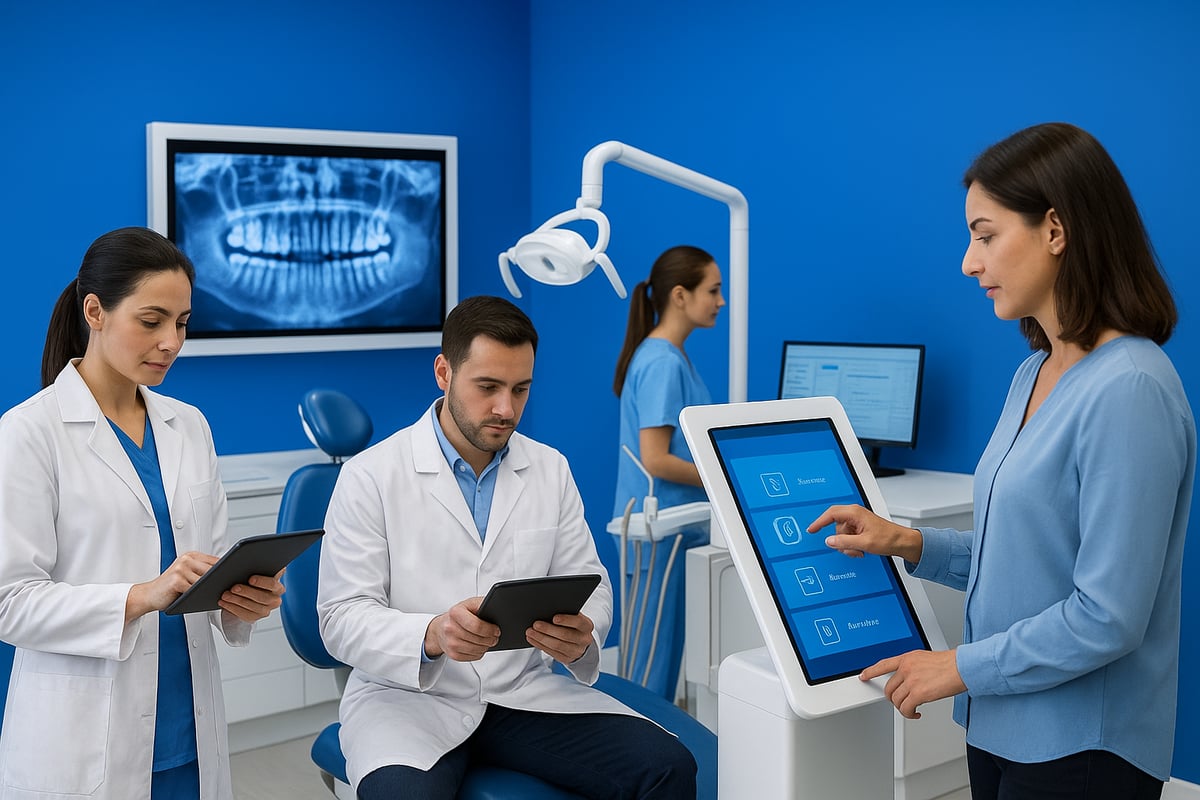
Digital transformation is reshaping every aspect of dental practice management. Paper-based systems are now the exception, replaced by comprehensive digital solutions like r4 dental software. This shift allows practices to streamline operations, reduce errors, and access patient records instantly from anywhere.
The adoption of cloud-based platforms has soared, especially for multi-location practices that demand secure remote access and real-time data synchronization. Mobile support is now a must, enabling clinicians to manage schedules, review charts, and communicate with patients on the go. AI-driven diagnostics and automation are gaining ground, helping teams make more accurate decisions and automate repetitive tasks.
With the rise in digital adoption comes an increased focus on data security. Cyber threats are a real concern, driving the need for robust encryption and privacy controls in every r4 dental software deployment.
Patients, too, expect digital engagement. They want online booking, automated reminders, and easy access to their treatment history. The cloud dental software market is projected to grow rapidly, with industry reports highlighting double-digit annual growth rates. According to the Dental Practice Management Software Market Growth, this surge reflects the sector’s embrace of innovation and the demand for smarter, more connected care.
Key Trends Impacting Software Requirements
Several trends are shaping what practices require from r4 dental software. Regulatory changes are tightening standards for data handling and compliance, pushing software vendors to deliver solutions that meet GDPR, HIPAA, and NHS guidelines.
Teledentistry and virtual care are becoming mainstream, requiring seamless integration of video consultations and remote monitoring tools. Analytics and business intelligence are now essential, empowering practices to make data-driven decisions and forecast patient flow.
Interoperability is another critical demand. R4 dental software must connect effortlessly with imaging, billing, and laboratory systems. This ensures efficient workflows and minimizes manual data entry. Mobile device support has grown in importance, with clinicians relying on tablets and smartphones for charting and communication.
In the UK, NHS digital initiatives are driving further modernization. Practices are encouraged to adopt systems that integrate with national health records and reporting frameworks, making r4 dental software a valuable asset for compliance and efficiency.
As practices look to the future, choosing software that aligns with these trends is vital. By staying informed, dental teams can select solutions that will support growth, patient care, and regulatory compliance in 2026 and beyond.
Core Features of R4 Dental Software for 2026
Choosing the right practice management platform is crucial for staying competitive. R4 dental software stands out in 2026 for its comprehensive features that help dental teams streamline daily operations, improve patient care, and keep up with regulatory demands. Let’s explore the essential tools and capabilities that make this solution a leader in modern dentistry.
Comprehensive Appointment and Workflow Management
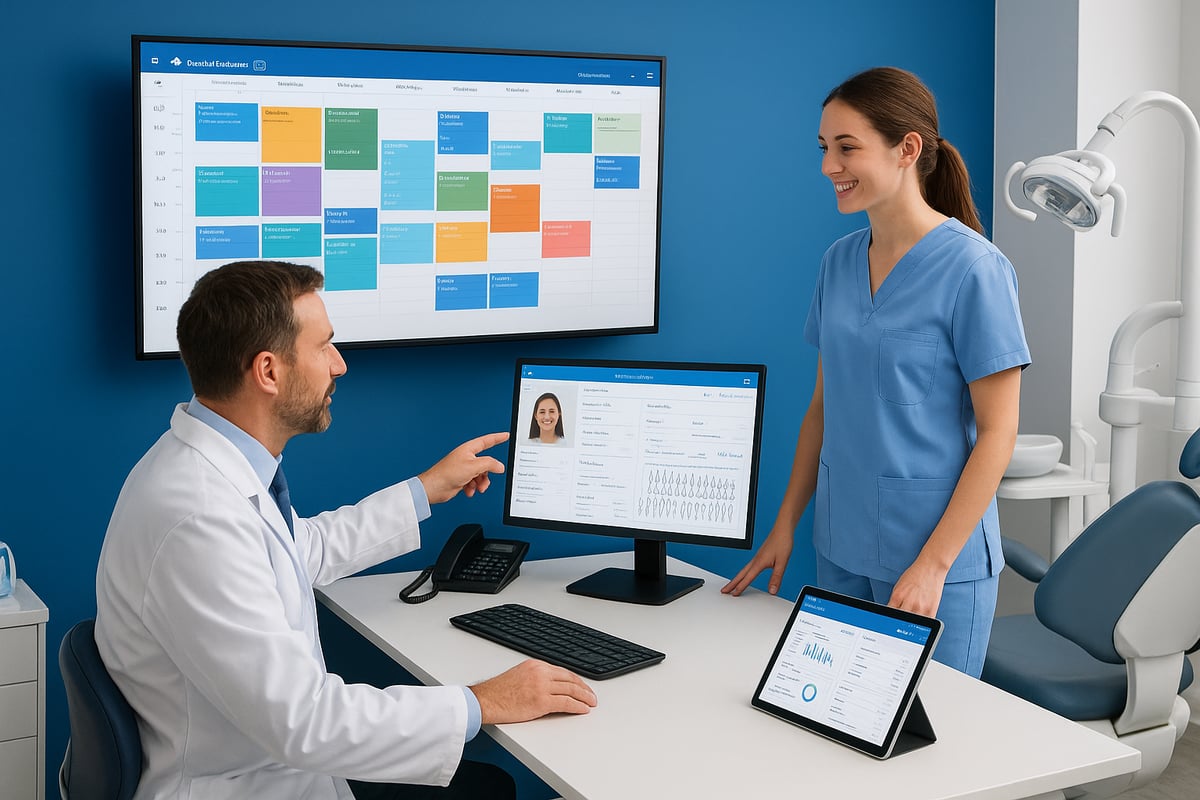
Managing appointments efficiently is the backbone of any successful dental practice. R4 dental software offers advanced scheduling tools, including automated reminders and a user-friendly online booking system. This reduces administrative burden and helps minimize no-shows.
Key features:
- Real-time chairside management for better patient flow
- Digital treatment planning with visual mapping
- Improved waitlist and recall systems to boost retention
- Seamless coordination across multiple locations and providers
Practices using R4 dental software often report a noticeable decline in missed appointments thanks to smart reminders. To see how these features fit into broader practice needs, check the Practice management software guide.
Clinical Records and Charting Enhancements
Efficient record-keeping is vital for quality care. R4 dental software streamlines clinical documentation with intuitive charting and customizable templates. Integration with imaging and diagnostic tools makes it easy for clinicians to access all patient information in one place.
Highlights include:
- Secure, cloud-based storage for instant access anywhere
- Voice-to-text dictation for rapid note-taking
- AI-assisted clinical notes that suggest entries and flag inconsistencies
With these enhancements, R4 dental software enables faster, more accurate record management, allowing dental teams to focus more on patient care and less on paperwork.
Billing, Claims, and Revenue Cycle Management
Financial health is as important as clinical excellence. R4 dental software simplifies billing with automated workflows and split billing for NHS and private patients. Real-time claims tracking reduces errors and speeds up reimbursements.
Key billing tools:
- Transparent patient statements and online payment options
- Integration with third-party finance solutions
- Automated claims processing that improves cash flow
Practices leveraging R4 dental software for revenue cycle management often see fewer denied claims and quicker payment cycles, directly contributing to a healthier bottom line.
Patient Communication and Engagement Tools
Building patient loyalty requires clear, consistent communication. R4 dental software includes robust engagement features such as two-way SMS and email messaging, appointment confirmations, and an easy-to-use patient portal.
Engagement tools include:
- Online forms for registration and consent
- Access to treatment history and payment records
- Automated feedback requests and reputation management
These tools empower patients to stay informed and involved, leading to higher satisfaction scores and stronger practice reputations.
Analytics, Reporting, and Business Intelligence
Data-driven decisions are the future of dental practice management. R4 dental software provides customizable dashboards that track key performance indicators and financial metrics. Predictive analytics help forecast patient flow and revenue.
Reporting features:
- Automated compliance and regulatory reports
- Actionable insights for growth strategies
- Visual dashboards for at-a-glance monitoring
Practices using R4 dental software gain a competitive edge by turning their data into practical strategies for growth and efficiency.
What’s New in R4 Dental Software for 2026?
Dental practices in 2026 demand more than just basic management tools. R4 dental software has responded with a suite of innovations that address the real needs of modern clinics. Let’s break down the biggest upgrades you can expect this year.
AI-Driven Features and Automation
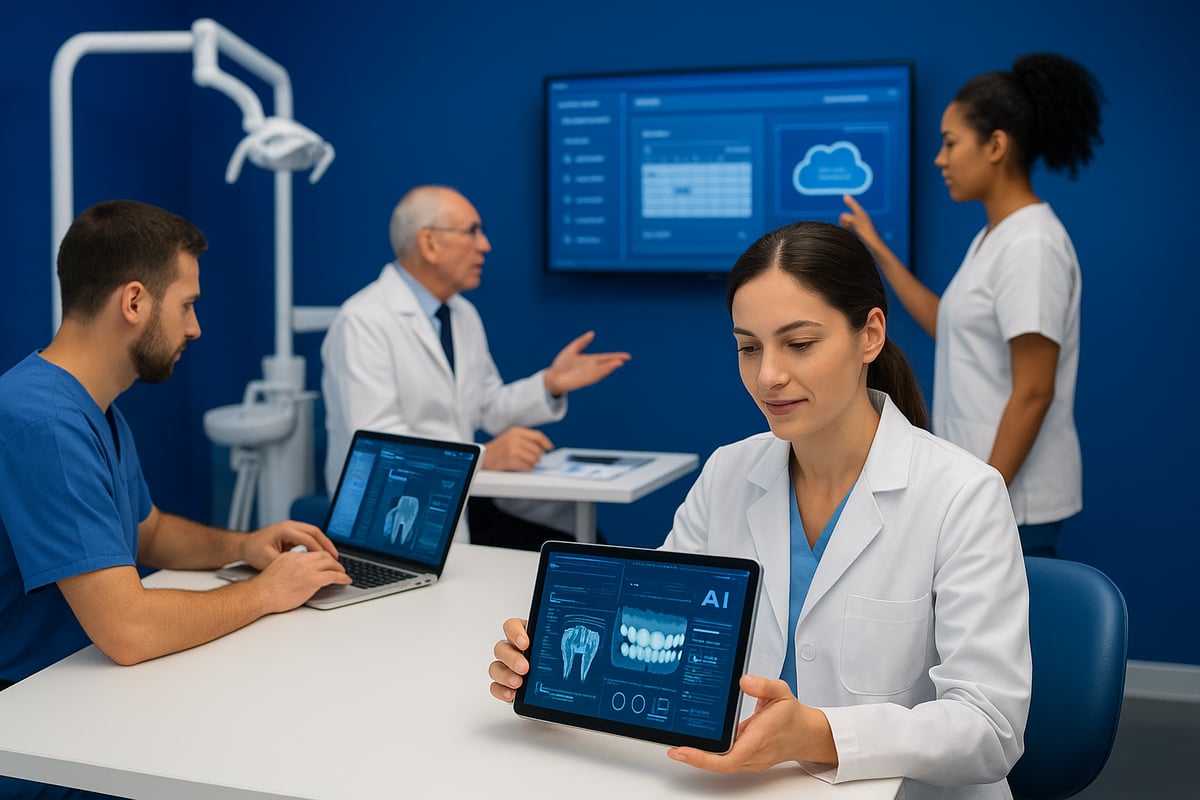
AI is at the heart of the new r4 dental software experience for 2026. The platform now offers AI-powered diagnosis support, suggesting treatment options based on real-time data and patient history. Workflow automation assigns tasks, prioritizes follow-ups, and provides smart reminders for preventive care.
Staff can spend less time on routine admin and more time with patients. In fact, practices have reported up to a 20 percent reduction in administrative workload. These upgrades are in line with broader AI Integration in Dental Software trends, ensuring r4 dental software remains at the forefront of digital dentistry.
Enhanced Cloud and Mobile Capabilities
Cloud-first architecture is a game changer for r4 dental software in 2026. The software now includes a full-featured mobile app, so clinicians and staff can access schedules, patient charts, and treatment plans from any device, anywhere. Real-time data synchronization ensures everyone is always working with up-to-date information, whether in a single clinic or across multiple locations.
Teleconsultations are now easier, with secure remote access built into the system. During patient visits, mobile charting allows for quick updates and seamless transitions between rooms. R4 dental software’s mobile support also boosts efficiency for busy teams.
Improved Integration Ecosystem
Seamless integration is a top priority for r4 dental software this year. The platform now supports effortless connections with imaging, lab, and pharmacy systems. With an open API, practices can build custom integrations or connect to third-party add-ons, making workflows even smoother.
For example, importing and exporting imaging data is now streamlined, reducing manual data entry and errors. This enhanced ecosystem ensures r4 dental software can adapt to the unique needs of every dental practice, regardless of size or specialty.
User Experience and Accessibility Upgrades
User experience is at the core of the 2026 r4 dental software redesign. The interface is more intuitive, with simplified navigation and easy-to-find tools. Built-in accessibility features now support users with diverse needs, creating a more inclusive work environment.
New staff can get up to speed quickly, thanks to guided onboarding and interactive tutorials. These upgrades mean less time training and more time delivering excellent patient care. R4 dental software continues to set the bar for usability in dental practice management.
Integration, Compatibility, and Data Security
Navigating the digital landscape in 2026, dental practices need software that connects seamlessly, protects sensitive data, and adapts to change. R4 dental software stands out in these areas, helping practices stay agile, secure, and future-ready.

Interoperability with Dental and Medical Systems
R4 dental software is built for true interoperability, ensuring smooth data exchange between dental and medical platforms. It supports HL7 and DICOM standards, which means imaging and electronic health records flow effortlessly between systems.
Practices can connect with labs for automated order processing and instant result imports. This integration streamlines workflows, reducing manual entry and minimizing errors. For example, when lab results arrive, R4 dental software imports them directly into patient records, saving valuable time.
- HL7 and DICOM compliance
- Imaging and EHR integration
- Automatic lab result imports
Such compatibility helps practices deliver coordinated care and improve patient outcomes.
Migration and Data Import/Export
Switching to R4 dental software is designed to be as painless as possible. Robust migration tools support data transfer from legacy systems, with bulk import/export options for records, imaging, and billing.
This flexibility ensures practices retain their historical data and maintain business continuity. In fact, many dental teams highlight the ease of transitioning with R4, citing minimal downtime and fast onboarding. For a closer look at how migration options compare across platforms, check out this Dental software reviews overview.
- Legacy system migration tools
- Bulk data import/export
- Smooth transition process
R4 dental software makes upgrading your practice’s digital backbone straightforward and reliable.
Security, Compliance, and Privacy
Data protection is a top priority for every dental practice. R4 dental software employs end-to-end encryption and role-based access, so only authorized team members can view sensitive information.
It includes robust compliance features for GDPR, HIPAA, and NHS standards, with audit trails and real-time breach detection. Practices using R4 dental software have reported zero data breaches when following best practices.
- End-to-end encryption
- GDPR, HIPAA, NHS compliance
- Audit trails and breach alerts
With these safeguards, your patients’ data stays private and secure.
Backup and Disaster Recovery
Unexpected outages can happen, but with R4 dental software, recovery is swift and reliable. Automated, cloud-based backups run in the background, ensuring your data is never at risk.
If an incident occurs, rapid data recovery options mean practices experience minimal downtime. For example, clinics using R4 dental software have restored full operations within hours after a system failure.
- Automated cloud backups
- Fast data recovery
- Minimal disruption during outages
With these features, your practice can focus on patient care, knowing your data is protected.
User Experience: Training, Support, and Adoption
Choosing r4 dental software means investing in more than just a platform—it is about empowering your entire practice. User experience is central to successful adoption, from first-day onboarding to long-term growth. Let us explore how r4 dental software delivers on training, support, scalability, and real-world results.
Onboarding and Staff Training
Adopting r4 dental software is designed to be smooth and intuitive, so even new hires can get up to speed quickly. Built-in training modules offer step-by-step tutorials, ensuring each team member learns at their own pace.
Customizable learning paths cater to different roles, whether you are a front desk coordinator or a clinical provider. Interactive guides and in-app tips help reinforce best practices as staff navigate daily workflows. Many practices report reduced onboarding times, letting new staff contribute faster.
Ongoing Support and Community Resources
Continuous support is a core strength of r4 dental software. Practices can access 24/7 customer support, including live chat for immediate help. Comprehensive user forums, webinars, and searchable knowledge bases foster a sense of community and ongoing learning.
For those looking to deepen engagement, resources like patient communication and engagement provide insights into maximizing software features for better patient interactions. Fast issue resolution means less downtime and more focus on patient care.
Customization and Scalability
No two dental practices are the same, and r4 dental software reflects that with robust customization. Configurable workflows let you tailor processes for solo, group, or corporate practices. Modular features ensure you only implement what you need, keeping the interface clean and efficient.
The platform’s cloud-based foundation supports seamless scaling as your business grows. According to Cloud-Based Dental Software Adoption, flexibility and remote access are top priorities for modern practices, making r4 dental software a future-ready choice.
Real-World User Feedback and Case Studies
User experiences with r4 dental software highlight tangible improvements in efficiency and care quality. Many practices report increased revenue and patient satisfaction after switching to the platform.
Testimonials often mention easier onboarding, rapid support response, and the ability to adapt the software as the practice evolves. For example, one clinic grew from a single location to a multi-site operation without missing a beat, thanks to the system’s scalable design.
How to Evaluate and Compare R4 Dental Software with Other Solutions
Selecting the best dental software is a major decision for any practice in 2026. With so many options, it is vital to take a systematic approach before committing to r4 dental software or any competitor.
Defining Practice Needs and Priorities
Start by identifying your practice’s clinical, administrative, and financial needs. Are you running a pediatric, orthodontic, or multi-specialty clinic? Each specialty has unique requirements, so list your must-have features and separate them from nice-to-haves.
For example, pediatric practices may need growth tracking tools, while a multi-location group will prioritize centralized scheduling. By clarifying your workflow pain points and goals, you can decide if r4 dental software aligns with your vision for patient care and efficiency.
A clear needs assessment will help you focus on solutions that truly fit, rather than getting lost in a sea of features that may not benefit your team.
Side-by-Side Comparison Criteria
Once you know your priorities, compare r4 dental software to other leading platforms. Key criteria include feature sets, integration options, pricing, user support, and ease of use.
Below is a simplified table to help visualize the comparison process:
| Criteria | R4 Dental Software | Dentally | Software of Excellence |
|---|---|---|---|
| Online Booking | Yes | Yes | Yes |
| NHS Billing | Yes | Limited | Yes |
| Third-Party Integrations | Extensive | Moderate | Extensive |
| Mobile App | Full-featured | Yes | Basic |
| Support Availability | 24/7 | Business Hrs | 24/7 |
Consider how r4 dental software’s strengths and weaknesses compare to your checklist. The right balance of features and usability is crucial for a smooth transition and long-term success.
Total Cost of Ownership and ROI
Evaluating total cost goes beyond the initial subscription. Factor in ongoing expenses for support, training, upgrades, and any add-ons. Calculate potential productivity gains, such as reduced no-shows and faster billing cycles, to estimate your return on investment.
For financial features, r4 dental software offers robust billing and claims management. To dig deeper into how these tools can impact your bottom line, explore Billing and revenue cycle tools for a detailed breakdown.
By considering both costs and benefits, you can make an informed decision that supports your practice’s financial health over time.
Transition Planning and Change Management
A successful switch to r4 dental software depends on thoughtful planning. Prepare for data migration by backing up records and testing import tools. Develop a training plan so your staff feels confident using the new system from day one.
Minimize disruption by scheduling go-live dates during slower periods and communicating changes to your team in advance. Use a three-step plan: assessment, staged rollout, and post-launch support.
With the right preparation, your practice can transition smoothly and fully realize the advantages of modern dental software.