The digital revolution is transforming dental care, bringing new possibilities to practices and labs in 2026. Today, digital workflows are not just a trend, they are the standard for outstanding patient results and streamlined operations.
This guide is your roadmap to mastering dental design software, offering practical insights and expert tips for every stage of your digital journey. Curious about where to start or how to stay ahead? Here, you will explore the evolution of cutting edge tools, must have features, integration strategies, platform comparisons, and the future landscape of digital dentistry.
Ready to lead in digital dentistry? Dive in and discover how you can elevate your practice and deliver better care.
The Evolution of Dental Design Software: From CAD/CAM to AI
The journey of dental design software has been nothing short of transformational. From its roots in early CAD/CAM technology to the AI-powered platforms of today, digital dentistry is now at the heart of efficient, patient-centered care.
The Early Days of Digital Dentistry
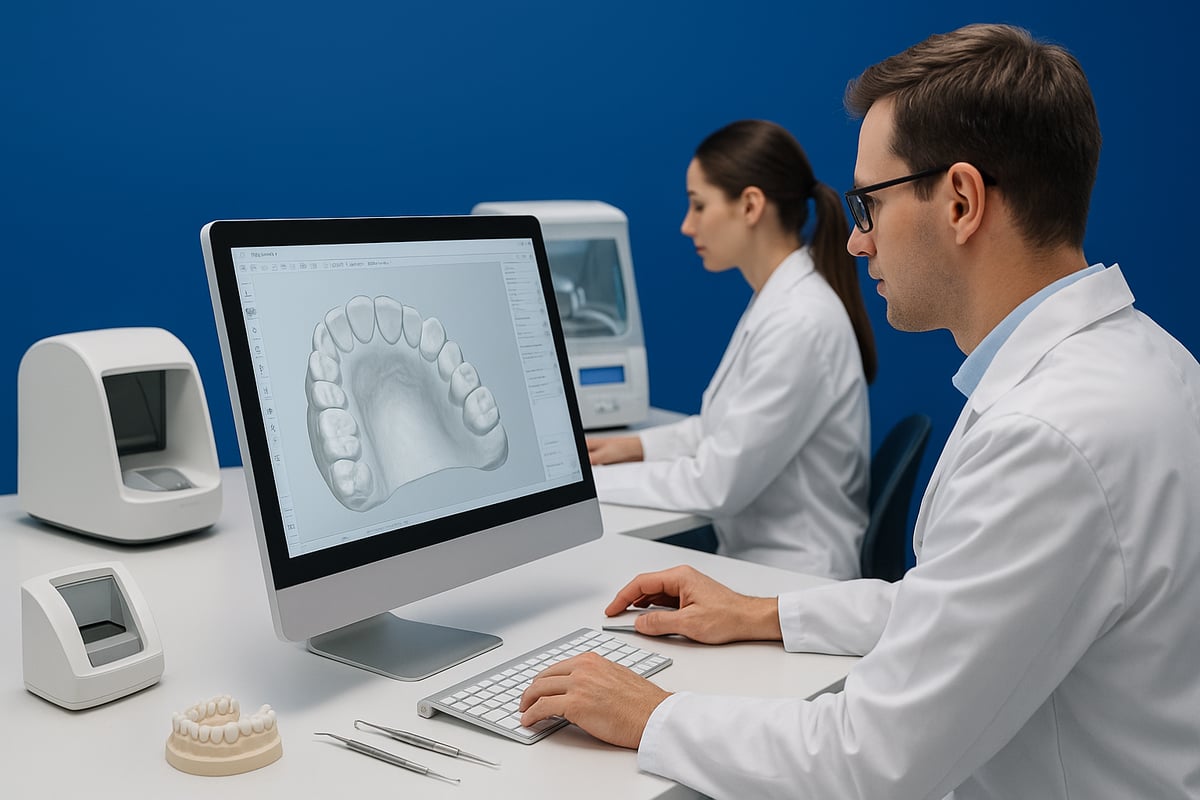
In the early 1990s, dental CAD/CAM systems began appearing in labs and clinics. These first-generation dental design software solutions were groundbreaking but faced steep hurdles. High costs, complex interfaces, and limited indications made adoption slow.
Back then, creating a crown or bridge demanded significant manual input. Technicians invested time and resources in hardware, and the learning curve was steep. Early systems often required physical models and could only handle a narrow range of prosthetics.
Milestones in Software Capabilities
As technology advanced, dental design software expanded its capabilities. Suddenly, it could handle not just crowns and bridges, but also dentures, implant bars, and more. Guided workflows became the norm, making the design process user-friendly and reducing errors.
A key development was the introduction of large implant and teeth libraries. For example, 3Shape Dental System now offers over 100 implant libraries, allowing precise customization for nearly any case. This leap enabled dental professionals to streamline their work and deliver more consistent results.
| Milestone | Impact on Workflow |
|---|---|
| Guided workflows | Reduced training time |
| Expanded libraries | Greater customization |
| Intuitive interfaces | Fewer design errors |
The Rise of AI and Automation
AI integration changed the game for dental design software. Platforms like 3Shape Automate now generate design proposals for crowns and inlays in as little as 90 seconds. This means labs can handle peak workloads with less manual setup and fewer mistakes.
Productivity has surged, as AI-driven systems take care of repetitive design tasks, freeing up technicians for complex cases. For a deeper dive into how AI boosts efficiency in dental CAD/CAM systems, explore the AI-Integrated CAD/CAM Systems Efficiency Metrics.
Cloud Licensing and Remote Access
The shift from hardware dongles to cloud-based licensing marked another milestone. With cloud licenses, dental design software updates seamlessly and is accessible from anywhere with an internet connection.
This model eliminates administrative hassles, such as lost dongles or manual software updates. It also enables labs and clinics to scale quickly and manage multiple locations with ease.
Interoperability and Open Systems
Modern dental design software emphasizes open ecosystems. Integration with third-party intraoral scanners and lab management systems has become standard. Data now flows smoothly from scan to design to production, reducing duplication and manual entry.
A great example is a dental lab managing hundreds of cases daily by connecting their design software with various scanners and manufacturing devices. Open systems empower labs to choose the best tools for each step and adapt quickly to new technology.
Key Data Points and Trends
Digital dentistry adoption is accelerating worldwide. The use of digital dentures and implant workflows is rising, with AI now assisting in thousands of cases per year. Many platforms set fair usage policies, such as 1,200 AI design units per seat annually.
Market forecasts predict that digital dentistry will grow at a compound annual rate of 9 to 12 percent through 2026. As dental design software evolves, professionals can expect even more automation, smarter workflows, and broader adoption across practices and labs.
Core Features and Capabilities of Modern Dental Design Software
Modern dental design software delivers a powerful suite of tools that redefine how dental professionals approach restorative, prosthetic, and orthodontic care. Let’s break down the essential features that set today’s platforms apart.
Comprehensive Range of Indications
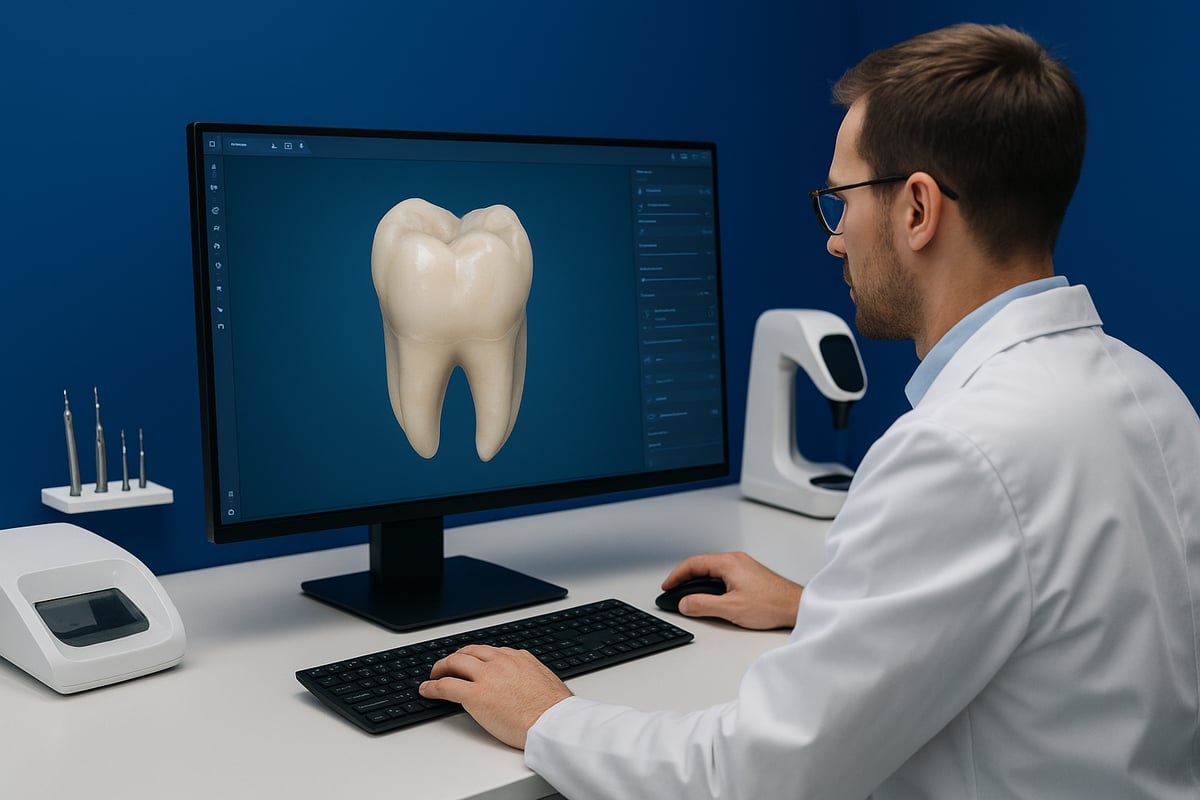
Dental design software now supports a vast array of restorative and prosthetic cases. You can design single crowns, bridges, veneers, full and partial dentures, implant bars, and removable partial dentures within one platform. Specialty add-ons, like splint modules, clear aligner design, and smile design tools, further increase versatility.
Leading platforms, such as 3Shape, offer extensive indications and modular upgrades for both general and advanced needs. For a detailed breakdown of features and pricing across modules, check out the 3Shape software pricing and features guide.
This breadth means dental labs and clinics can streamline their case management, handling everything from simple restorations to complex full-mouth rehabilitations without switching systems.
AI-Powered Design and Automation
AI is revolutionizing dental design software by automating routine case proposals. Automated tools generate crown, inlay, or onlay designs in seconds, delivering consistent results day or night. This technology reduces manual steps and cuts turnaround time, making it ideal for labs with high case volumes.
With AI, dental design software can handle peak workloads and repetitive tasks, freeing up technicians to focus on complex or esthetic refinements. Many platforms now offer 24/7 AI design availability, ensuring your practice stays productive even during off-hours.
AI-driven features not only improve speed, but also enhance accuracy and reduce the risk of human error. The result is a more reliable, scalable workflow for dental professionals.
Intuitive and Guided Workflows
User-friendly interfaces are a hallmark of modern dental design software. Guided workflows walk users through every step, from data import to final design, minimizing confusion and cutting down on training time.
Step-by-step guidance helps new users become proficient quickly, while experienced technicians benefit from reduced errors and greater consistency. For example, 3Shape’s guided workflows for fixed and removable prosthetics help ensure predictable, high-quality results every time.
Short, clear prompts and visual cues create a smooth experience, making even complex digital cases feel manageable. This focus on usability is key for busy dental teams.
Integration with Scanners and Imaging Devices
Dental design software is most effective when it seamlessly connects with digital scanners. Today’s platforms are compatible with both intraoral and lab scanners, such as TRIOS or Planmeca Emerald S.
Direct scan data import means you can move from impression to design in minutes, improving accuracy and efficiency. High-resolution imaging ensures that every detail is captured, supporting precise restorations and prosthetics.
This tight integration reduces the need for manual data entry or file conversions, saving time and minimizing risk of errors. It also enables a fully digital workflow from patient mouth to finished restoration.
Open Libraries and Customization
Access to comprehensive implant, tooth, and smile libraries is another standout feature. Dental design software platforms often include hundreds of curated options, allowing users to match or customize designs for each patient.
Customizable templates and open libraries mean you can adjust shapes, sizes, or esthetic details as needed. This flexibility supports unique patient anatomies and specialized clinical requirements.
Some systems even allow users to create and share their own libraries, fostering collaboration and innovation within the dental community.
Cloud and Remote Access
Cloud-based licensing is transforming how dental teams use and manage software. With cloud access, users can log in from any authorized device, collaborate across locations, and receive automatic updates.
This flexibility makes it easy for labs and clinics to scale operations or support remote work. Cloud platforms also simplify IT management, eliminating the need for physical dongles and manual software updates.
Remote collaboration tools further enhance productivity, enabling real-time teamwork and secure data sharing between clinicians, labs, and specialists.
Case Management and Lab Management Integration
Modern dental design software integrates directly with lab management systems (LMS), streamlining case tracking and communication. Synchronization between design and LMS platforms reduces double data entry and minimizes administrative errors.
Centralized case management ensures everyone is on the same page, from scan acquisition to delivery. Features like automated notifications and progress tracking help dental teams stay organized and responsive.
This integration supports a more efficient, transparent workflow, allowing labs to handle larger caseloads with fewer bottlenecks.
Security, Compliance, and Data Management
Safeguarding patient data is a top priority for any dental practice. Dental design software now includes robust security features, such as data encryption, user access controls, and compliance with GDPR and HIPAA regulations.
Cloud hosting options offer secure storage and backup for sensitive information. Regular software updates ensure ongoing protection against emerging threats and regulatory changes.
These measures help dental professionals maintain patient trust and meet the highest standards for privacy and compliance.
Step-by-Step Digital Dentistry Workflow in 2026
Mastering the digital workflow is key to unlocking the full power of dental design software. In 2026, clinics and labs follow a streamlined, step-by-step process that maximizes efficiency, accuracy, and patient satisfaction. Let’s walk through each stage to see how technology is transforming every aspect of care.

Step 1: Digital Impression and Data Acquisition
The journey begins with capturing a precise digital impression. Teams choose between advanced intraoral scanners like TRIOS 6 Wireless or lab scanners such as Planmeca Emerald S, depending on the case.
- Ensure teeth are clean and dry before scanning.
- Use real-time feedback to confirm scan accuracy.
- Save time by scanning both arches in one session.
High-quality scans feed directly into dental design software, setting the foundation for an efficient digital workflow.
Step 2: Case Management and Data Sync
Once the scan is complete, all case data is imported into the dental design software. Integration with lab management systems automates patient info and case details, drastically reducing manual errors.
- Auto-sync eliminates double entry.
- Centralized dashboards track progress and communication.
- Secure cloud access enables multi-location collaboration.
For teams seeking comprehensive digital records, exploring a dental charting programs guide can enhance workflow efficiency and connect seamlessly with design platforms.
Step 3: AI-Powered Design Proposal
Artificial intelligence now plays a pivotal role in dental design software. After importing the case, the system generates initial proposals for crowns, inlays, or onlays within seconds.
- AI delivers consistent, high-quality designs 24/7.
- Technicians review and fine-tune as needed.
- Example: 3Shape Automate proposes crowns in just 90 seconds.
This step dramatically speeds up production and minimizes the risk of human error.
Step 4: Customization and Library Selection
With a foundation set by AI, clinicians move to customization. Dental design software offers extensive libraries for teeth, implants, and smiles, allowing for tailored solutions.
- Select from 100+ implant and smile libraries.
- Adjust esthetics and fit for individual patients.
- Add specialty modules for complex restorations.
Customization ensures every restoration meets the highest standards for function and appearance.
Step 5: Validation and Simulation
Before moving to production, validation and simulation are essential. Dental design software provides virtual tools for checking occlusion, planning treatments, and visualizing results.
- Run virtual articulation for bite accuracy.
- Create diagnostic wax-ups for case planning.
- Use smile design modules for patient previews.
This digital preview reduces chair time and builds patient confidence.
Step 6: Collaboration and Approval
Collaboration is seamless in 2026. Dental design software enables secure sharing of cases with clinicians, labs, and even patients.
- Cloud-based tools allow real-time feedback.
- Secure data sharing protects patient privacy.
- Approvals and revisions are documented digitally.
Efficient collaboration shortens turnaround times and enhances quality control.
Step 7: Manufacturing Integration
After final approval, the design transitions to manufacturing. Dental design software exports files directly to milling machines, 3D printers, or external partners.
- Compatible with major production devices.
- Automated checks ensure files meet manufacturing specs.
- Quality assurance steps are tracked digitally.
This tight integration supports rapid, reliable production of dental restorations.
Step 8: Delivery and Follow-Up
The workflow concludes with delivery and follow-up. Dental design software tracks case status from production to chairside delivery, ensuring nothing is missed.
- Integrated dashboards monitor delivery timelines.
- Patient feedback is collected and analyzed.
- Post-delivery adjustments are logged for ongoing improvement.
By closing the loop, clinics and labs can refine processes and deliver exceptional patient care.
Leading Dental Design Software Platforms in 2026: Comparison and Selection
Choosing the right dental design software is a pivotal decision for any modern lab or clinic. With the landscape evolving rapidly, it is crucial to understand how leading platforms compare in terms of features, integration, and real-world performance.
3Shape Dental System
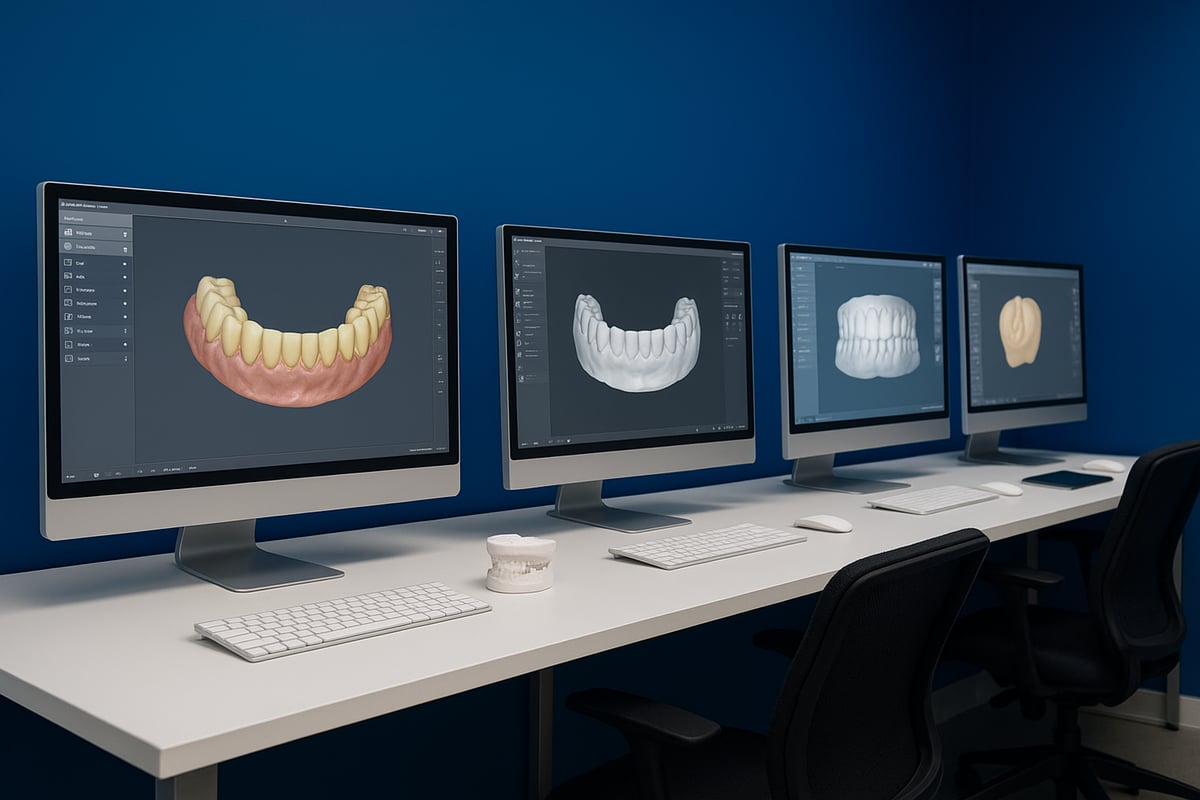
3Shape Dental System stands out in the dental design software market for its comprehensive clinical coverage and robust AI-powered workflows. Labs benefit from support for crowns, bridges, dentures, implants, and more. The platform integrates seamlessly with TRIOS scanners, Automate AI, and lab management systems, creating an efficient digital ecosystem.
Cloud licensing provides flexibility, allowing labs to scale their operations and manage remote users easily. Many high-volume labs rely on 3Shape Dental System to streamline case management and reduce turnaround times. The intuitive interface and guided workflows minimize the learning curve, making it accessible for both new and experienced users.
Planmeca Romexis CAD/CAM Design
Planmeca Romexis CAD/CAM Design offers a unified solution for imaging, design, and manufacturing. Its modular structure covers 2D/3D imaging, implant planning, smile design, and orthodontics within one platform. This dental design software is favored by clinics seeking all-in-one digital workflows and direct integration with Planmeca devices.
The open architecture allows for compatibility with third-party hardware, making it a versatile choice for diverse clinical environments. Romexis supports cloud licensing, enabling updates and remote access. Its user-friendly interface and guided modules help dental teams adopt digital workflows efficiently.
Exocad (if available from competitors)
Exocad is widely recognized for its open architecture and flexibility in the dental design software space. It provides a modular approach, allowing labs to select specific functionalities tailored to their needs, such as implantology, dentures, or orthodontics.
This platform is compatible with a broad range of scanners, printers, and milling devices. Independent labs often choose Exocad due to its adaptability and device-agnostic design. The software's intuitive workflows and customizable libraries foster smooth integration into existing digital processes, making it a strong option for growing laboratories.
Integration and Ecosystem Considerations
When evaluating dental design software, integration with scanners, printers, and lab management systems is crucial. Open systems allow cross-platform compatibility, supporting multi-vendor workflows and reducing duplication of data entry. Labs should prioritize platforms that sync with their preferred hardware and software.
For a detailed comparison of features, real user experiences, and integration capabilities, Dental software reviews and comparisons provides expert insights to help dental professionals make informed decisions. Leveraging such resources ensures the selected software aligns with evolving clinical needs.
Pricing, Licensing, and Support
Dental design software platforms offer multiple licensing models, including cloud-based subscriptions and perpetual licenses. Cloud licensing typically includes seamless updates, scalability, and remote access, while perpetual licenses may require separate maintenance agreements. Support options, such as LabCare or vendor academies, play an essential role in onboarding and troubleshooting.
Clinics and labs should evaluate costs, support services, and fair usage policies, especially concerning AI-driven features. Transparent pricing and comprehensive training resources contribute to maximizing return on investment and smooth software adoption.
User Feedback and Real-World Performance
User reviews and case studies are invaluable for assessing dental design software in real clinical settings. Many labs report up to 30 percent productivity gains after fully adopting digital workflows. Clinics often highlight reduced turnaround times, improved accuracy, and enhanced patient satisfaction.
Selecting a platform with a strong track record and consistent updates ensures long-term success. Engaging with peer feedback and vendor support communities can further optimize software utilization and keep teams ahead of industry trends.
Implementation Strategies: Training, Support, and Maximizing ROI
Getting the most out of dental design software requires more than just a purchase. Success depends on strategic training, reliable support, workflow optimization, and a clear understanding of costs and benefits. Let’s break down the key steps for implementing dental design software to ensure your practice or lab thrives.
Staff Training and Change Management
Transitioning to dental design software starts with comprehensive staff training. Choose vendor-led programs, such as interactive video modules or live webinars, to help clinicians and technicians get comfortable with new digital workflows.
Break training into manageable sessions, focusing on real-world cases and hands-on practice. Empower your team to ask questions and share feedback, which helps everyone adapt more quickly. With guided workflows and self-paced learning, the shift to digital design becomes smoother and less intimidating.
Support and Service Options
Ongoing support is essential for uninterrupted productivity with dental design software. Many providers offer subscription-based services that include software updates, technical support, and extended warranties.
Look for packages that provide access to troubleshooting resources, hands-on training, and even replacement hardware if needed. For example, some vendors offer up to five years of warranty and rapid device replacement, ensuring minimal downtime and peace of mind.
Workflow Optimization and Best Practices
Standardizing digital workflows unlocks the full potential of dental design software. Start by mapping out each step, from scan acquisition to final restoration delivery, and assign clear roles to your team members.
Leverage AI for repetitive design tasks, especially during peak periods. Use analytics to identify bottlenecks and refine processes over time. Incorporate checklists or digital case management tools to reduce errors and ensure every case follows best practices.
Cost-Benefit Analysis and ROI
Investing in dental design software pays off with faster turnaround and higher case capacity. Evaluate the upfront costs against long-term savings in materials, labor, and time. Digital workflows often boost profitability by enabling your lab or clinic to handle more cases with fewer resources.
According to AI Adoption in Dental Practices Statistics, the adoption of AI-powered dental solutions is rapidly increasing, resulting in improved accuracy and reduced chair time. These advances help justify the investment and highlight the growing market demand for digital capabilities.
Security, Compliance, and Data Management
Protecting patient information is non-negotiable with dental design software. Choose platforms that offer robust data encryption, granular user access controls, and compliance with GDPR or HIPAA standards.
Stay informed about regulatory developments, especially as AI features become more prevalent. For a comprehensive overview of recent FDA clearances and compliance trends, see the Dental AI 510(k) Clearances Analysis. Regular software updates and secure cloud hosting are essential for maintaining compliance and safeguarding sensitive data.
The Future of Dental Design Software: Trends to Watch in 2026 and Beyond
The landscape of dental design software is evolving rapidly, setting the stage for a new era in digital dentistry. As we look ahead to 2026 and beyond, several key trends are shaping how dental professionals work, collaborate, and deliver exceptional patient care.
AI and Automation Expansion
AI is set to transform dental design software by handling more complex case designs, diagnostics, and even treatment planning. Predictive analytics will empower dental teams to forecast patient outcomes and optimize workflows. Clinical studies like the CrownGen: Automated Crown Design Study showcase how generative AI models can automate patient-customized crown design, boosting speed and accuracy. By 2028, experts predict AI will manage up to 80% of routine dental cases, making automation central to daily practice.
Enhanced Interoperability and Open Ecosystems
Seamless integration across hardware, software, and cloud platforms is becoming the industry standard. Dental design software is moving toward vendor-neutral data formats, enabling clinics and labs to mix and match devices without compatibility headaches. This open approach streamlines workflows from scanning to production, reducing friction and enhancing efficiency for every team member.
Personalized and Patient-Centric Design
The next wave of dental design software puts personalization front and center. Smile design modules and patient visualization tools allow for real-time feedback and simulation, ensuring esthetic outcomes meet patient expectations. Customization is driven by advanced algorithms and vast libraries, empowering dental professionals to create truly unique restorations for each case.
Remote Collaboration and Tele-Dentistry
Cloud-based platforms are breaking down geographic barriers in dental care. Dental design software now supports multi-site and remote teamwork, letting clinicians, labs, and patients collaborate securely from anywhere. Secure sharing and approval workflows speed up case turnaround and improve communication, making distributed care more practical than ever.
Sustainability and Digital Manufacturing
Eco-friendly materials and streamlined digital workflows are reducing the environmental footprint of dental labs. Digital manufacturing with dental design software can cut material waste by up to 40%. This shift not only benefits the planet but also helps practices operate more efficiently and cost-effectively.
Regulatory and Compliance Developments
As dental design software processes more sensitive data and leverages AI, regulatory standards are evolving. Staying compliant means keeping systems updated for the latest data security, patient privacy, and AI usage guidelines. GDPR and HIPAA compliance, encryption, and robust user access controls are now essential features.
Continuous Learning and Community Support
Ongoing education is crucial as dental design software evolves. Online courses, webinars, and peer-to-peer learning platforms are expanding, helping professionals stay current with best practices. Vendor resources and third-party communities foster skill development and knowledge sharing across the industry.
Staying Ahead: Best Practices for 2026
To remain competitive, dental practices and labs should adopt flexible, scalable dental design software solutions. Investing in training and strong support systems ensures teams can adapt quickly to new tools and trends. Regularly monitoring emerging technologies and best practices will keep your workflow at the forefront of digital dentistry.