Unlock the full potential of your dental practice with modento—modern patient engagement made simple. As digital tools become essential in dentistry, modento stands out for streamlining communication and office management. This guide is designed for beginners eager to master modento in 2025, so you can enjoy smoother workflows and happier patients. Inside, you’ll find a step-by-step introduction to its features, benefits, and best practices. Ready to boost your efficiency and patient satisfaction? Follow this comprehensive guide to confidently implement modento and transform your practice.
What is Modento? An Overview for 2025
Dental practices today face mounting pressure to streamline operations and meet patient expectations for digital convenience. Enter modento: a leading cloud-based platform purpose-built for dental patient engagement and communication. Designed to automate reminders, handle digital forms, and collect valuable patient feedback, modento brings powerful tools to practices of any size. According to Modento's Digital Revolution in Dental Practice Management, practices leveraging modento have seen up to a 40% reduction in no-shows, showcasing how digital engagement is fast becoming the new normal in dentistry.

Understanding Modento’s Purpose
At its core, modento is designed to simplify and modernize how dental practices connect with patients. The platform automates crucial tasks such as appointment reminders, digital form collection, and gathering patient feedback—all accessible from any device, thanks to its cloud-based nature.
For example, dental offices utilizing modento often report significant reductions in missed appointments, with some seeing no-shows drop by up to 40%. In today’s digital-first world, adopting solutions like modento is no longer optional but essential for staying competitive and meeting patient expectations.
Core Features and Capabilities
Modento stands out for its comprehensive suite of features, including:
- Automated appointment reminders
- Customizable digital forms (consents, health history)
- Two-way texting and email communication
- Online review requests and reputation management
- Integrated payment processing
Seamless integration with leading dental practice management systems—such as Dentrix, Eaglesoft, and Open Dental—means modento fits naturally into existing workflows. Over 5,000 U.S. dental practices adopted modento by 2024, reflecting its growing popularity. With everything in one place, staff can handle daily tasks more efficiently than ever before.
Modento’s Place in the Dental Software Ecosystem
While several platforms offer patient engagement tools, modento sets itself apart with its intuitive interface, robust mobile app, and flexible, customizable workflows. Compared to competitors like Solutionreach and Lighthouse 360, modento’s ease of use makes onboarding and daily operation simpler for both staff and patients.
A key differentiator is the high adoption rate of modento’s mobile app among patients, which leads to improved engagement scores and more consistent communication. Practices often notice a measurable boost in patient satisfaction after switching to modento.
Who Should Use Modento?
Modento is ideal for a wide range of dental practices, from solo practitioners to large group practices and dental service organizations (DSOs). Any office looking to modernize its patient communication and automate routine tasks can benefit from modento’s capabilities.
Even small offices find value in automation, as case studies show notable efficiency gains after implementation. By streamlining workflows and reducing manual work, modento empowers teams to focus more on patient care and less on paperwork.
Getting Started with Modento: Setup & Onboarding
Embarking on your journey with modento is straightforward, even if you’re new to dental software. The platform is designed to make onboarding smooth, so your team can focus on patient care, not tech headaches. Let’s break down the essential steps to get your practice up and running with modento.
Creating Your Modento Account
Getting started with modento begins with a simple sign-up process. Visit the official website and select the subscription plan that best fits your practice needs. You’ll be prompted to enter essential information about your practice, such as location, services, and contact details.
The onboarding wizard will guide you through your first login, ensuring you don’t miss any critical steps. Accurate entry of your practice details is vital, as it affects integration and patient communications later on. Having your information ready can speed up the process and help modento tailor the experience for your team.
Integrating Modento with Your Practice Management Software
Modento is designed to integrate seamlessly with popular dental practice management systems like Dentrix, Eaglesoft, and Open Dental. Connecting your PMS allows for real-time data syncing, making patient scheduling and communication effortless.
To link your PMS, follow these general steps:
- Access the integrations tab in your modento dashboard.
- Choose your PMS provider.
- Follow the on-screen prompts to complete the secure connection.
If you use Eaglesoft, you can find a detailed walkthrough in the Modento's Integration with Eaglesoft guide. Most users complete integration within the first week, and any common issues are usually resolved quickly through modento’s support resources.
Customizing Your Practice Profile
Personalize your modento profile to reflect your brand and build patient trust. Start by uploading your practice logo and adjusting your color scheme to match your branding. Next, input your office hours, provider bios, and service offerings.
Configuring these settings ensures patients see a consistent, professional image at every touchpoint. Practices that invest time in these details often notice improved patient confidence and engagement. Don’t forget to review your profile regularly as your team or services grow.
Inviting Team Members and Setting Permissions
Modento makes it easy to bring your whole team onboard. Add staff accounts from the admin panel and assign roles based on job function, such as front office, hygienist, or dentist. Each role can have customized permission levels to maintain security and streamline workflows.
For best results, follow these steps:
- Send invitations via email directly through the platform.
- Set appropriate access rights for each user.
- Encourage strong, unique passwords for all team members.
Implementing these best practices ensures your modento environment remains secure while empowering your staff to use the platform efficiently.
Navigating the Modento Dashboard
Getting comfortable with the modento dashboard is the first step to mastering this powerful platform. A well-organized dashboard can make all the difference in your daily workflow, helping your team stay focused and efficient. Let’s break down each part of the dashboard so you can make the most of every feature.
Overview of the User Interface
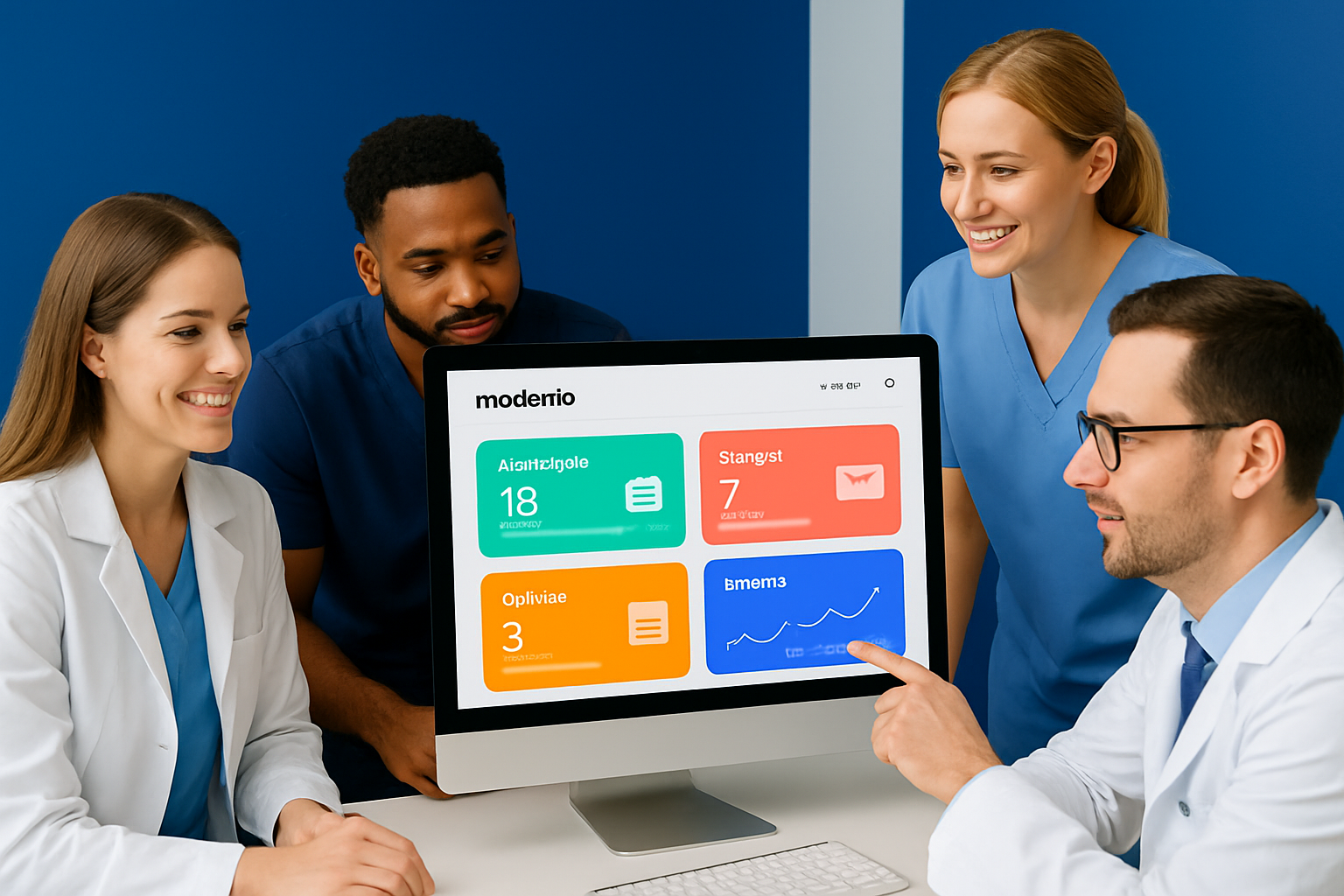
When you log into modento, you’re greeted by a clean, intuitive layout that keeps essential functions front and center. The navigation menu sits on the left, giving you quick access to appointments, patients, messages, and analytics. Notifications appear at the top, alerting you to urgent tasks or new messages.
You can personalize your dashboard with customizable widgets that highlight daily schedules, pending forms, and upcoming recalls. This tailored approach allows each team member to focus on what matters most. Many practices find that modento’s interface reduces training time and helps new staff get up to speed quickly.
Managing Patient Communications
The patient communication center is one of the most frequently used areas in modento. Here, you can view message histories for each patient, send real-time texts or emails, and manage incoming responses—all in one place.
Staff members appreciate how easy it is to track conversations, ensuring nothing slips through the cracks. With modento, automated messages and templates streamline responses to routine questions, while direct texting keeps communication personal and HIPAA-compliant. Practices using the communication center report response times that are 30% faster, leading to happier patients and smoother workflows.
Handling Appointments and Reminders
Scheduling appointments with modento is both simple and efficient. The dashboard lets you view open slots, book appointments, and send automated reminders—all from one screen. You can customize reminder templates and timing to fit your patient base, helping ensure messages are timely and relevant.
Automated reminders have been shown to significantly reduce no-shows. For a deeper dive into strategies that work, check out this insightful Reducing No-Shows with Modento podcast episode. Many offices see an immediate improvement in attendance rates after enabling these features.
Accessing Analytics and Reports
Data-driven decision-making is at your fingertips with modento’s robust analytics. The dashboard offers a variety of reports, from appointment metrics to patient engagement and feedback summaries. These insights help you identify workflow bottlenecks and spot trends before they become issues.
Here’s a quick look at available reports:
| Report Type | Key Metrics Tracked |
|---|---|
| Appointments | Booked, completed, no-show rates |
| Communications | Response times, message volume |
| Patient Feedback | Ratings, comments, satisfaction |
| Engagement | Recall rates, form completion |
By regularly reviewing these analytics, your team can continuously improve practice efficiency and patient experience with modento.
Mastering Key Modento Features
Unlocking the full suite of modento features is the key to transforming your dental practice. By mastering each tool, you streamline daily operations and create a seamless patient journey. Let’s break down the essential features that every beginner should know.

Digital Forms and Paperless Workflows
With modento, you can say goodbye to stacks of paperwork. The platform makes it simple to create, customize, and send digital forms like health histories and consent documents. Patients complete these forms from home, reducing wait times and in-office clutter.
Practices using modento report up to 70% less time spent on manual paperwork. Digital forms are sent via text or email, and responses sync directly into your patient records. This not only saves staff hours each week but also impresses patients who value convenience and efficiency.
Two-Way Texting and Patient Messaging
Effective communication is at the heart of modento. The two-way texting feature lets you connect with patients in real time, whether it's confirming appointments or answering questions. Most patients prefer texting over phone calls for routine inquiries, making this a must-have tool.
With modento, you can send quick updates, reminders, or forms securely. The messaging center keeps all conversations organized and HIPAA-compliant. This personal touch builds trust and ensures patients never feel left in the dark about their care.
Online Reviews and Reputation Management
Online reputation can make or break a dental practice, and modento helps you shine. The platform automates review requests after each appointment, encouraging satisfied patients to share their experiences on popular sites.
By using modento to monitor and respond to feedback, practices see up to a 25% boost in online reviews within just a few months. Timely responses to reviews show you care, helping attract new patients and strengthen your brand in the community.
Payment Processing and Billing Integration
Collecting payments is faster and easier with modento’s digital payment tools. Patients receive secure payment requests via text or email, allowing them to pay from their phones before leaving the office. Integration with your billing software ensures every transaction is tracked accurately.
Practices using modento report that 60% of patients pay faster this way. For a detailed look at all payment features and pricing, you can review the Modento Features and Pricing Details. Going digital reduces billing headaches and improves your cash flow.
Mobile App Experience for Practices and Patients
The modento mobile app takes convenience to the next level. Staff can manage appointments and messages on the go, while patients use the app to schedule visits, fill out forms, and communicate securely.
High adoption rates of the modento mobile app correlate with increased engagement and satisfaction. Patients appreciate having everything they need—reminders, forms, and secure messaging—right at their fingertips, encouraging them to stay active with your practice.
Automating Recalls and Follow-Ups
Keeping patients on track with their care is effortless thanks to modento’s recall automation. You can set up personalized campaigns for hygiene visits or treatment follow-ups, ensuring no one slips through the cracks.
Practices leveraging modento for recalls see a 20% increase in re-care appointments. Automated messages can be tailored by patient segment, making each communication feel relevant and timely. This keeps your schedule full and your patients healthy.
Enhancing Patient Experience with Modento
Personalized communication is a hallmark of modento. You can tailor reminders, greetings, and feedback requests to make every patient feel valued. Collecting and acting on feedback through the platform leads to higher satisfaction scores.
After implementing modento, many practices notice patients are happier and more likely to refer friends and family. When communication is clear and thoughtful, patients become loyal advocates for your dental office.
Best Practices for Success with Modento
Unlocking the full benefits of modento requires more than just setup. Success comes from a blend of staff training, workflow customization, security diligence, performance tracking, and staying current with updates. Let’s explore the best practices that will help your dental practice get the most from modento.
Training Your Team Effectively
A well-trained team is essential for maximizing modento’s capabilities. Start with modento’s built-in training resources and schedule onboarding sessions for all staff roles.
- Use video tutorials and interactive guides.
- Hold Q&A sessions to address specific questions.
- Assign “modento champions” to support peers.
Ongoing training reduces user errors and builds confidence. Practices that invest in regular refresher sessions report smoother workflows and faster adoption. Consider joining Modento’s knowledge base for continuous learning opportunities and updates.
Customizing Workflows for Your Practice
Every dental office has unique needs. Modento allows you to tailor features and automation rules to fit your daily operations.
- Set up custom appointment reminders.
- Automate patient follow-ups.
- Adjust communication templates for your brand voice.
Custom workflows can save your staff hours each week and minimize repetitive manual tasks. By leveraging modento’s flexibility, you create a system that supports your practice’s style and goals.
Ensuring Data Security and HIPAA Compliance
Protecting patient data is non-negotiable. Modento uses industry-standard encryption and access controls to keep information safe.
- Educate your team on HIPAA best practices.
- Assign user roles based on job function.
- Regularly update passwords and review account access.
With modento, you can confidently manage sensitive data and maintain compliance. Top users in 2024 reported zero breaches, demonstrating the platform’s strong security record.
Measuring ROI and Tracking Performance
To understand the impact of modento, set clear KPIs. Track metrics such as appointment adherence, patient engagement, and payment collection rates.
| KPI | Target Value | Benefit |
|---|---|---|
| No-Show Reduction | -40% | More productive schedules |
| Patient Engagement | +20% | Higher satisfaction |
| Payment Collection | +15% | Improved cash flow |
Use modento’s analytics dashboard to monitor these numbers and spot trends. Data-driven insights help you refine processes and demonstrate the platform’s value.
Staying Updated with New Features and Updates
Modento regularly releases updates to enhance performance and introduce new tools. Stay informed by subscribing to release notes and participating in webinars.
- Join the user community for early insights.
- Test new features in a sandbox environment.
- Share feedback to influence future updates.
Early adopters of modento’s latest features often gain a competitive edge. Staying current ensures your practice continues to operate at peak efficiency and delivers top-tier patient experiences.
Troubleshooting and Support Resources
Even with the most intuitive platforms, occasional hiccups can happen. When working with modento, knowing how to resolve issues quickly is crucial for keeping your dental practice running smoothly. This section covers how to troubleshoot common problems, reach customer support, and tap into the modento community for ongoing help.
Common Issues and How to Resolve Them
It’s normal to run into minor issues when using modento, especially during your first few weeks. The most common problems include login errors, integration hiccups with practice management software, and undelivered patient messages.
Here’s a simple troubleshooting checklist:
- Login errors: Double-check credentials, reset your password, and clear browser cache.
- Integration issues: Ensure your practice management software is updated. Reconnect modento using the integration wizard.
- Message delivery: Verify patient contact details and review message logs for errors.
Most users find that 90% of common modento issues are resolved by searching the knowledge base or following step-by-step guides. If a problem persists, escalate it to support for a swift resolution.
Accessing Modento’s Customer Support
When you need direct help, modento offers several support channels. You can reach their team via live chat, email, phone, or by submitting a ticket through the help center. Most practices report an average ticket resolution time of less than 24 hours, ensuring minimal disruption to your workflow.
Support Channels:
- Live chat for quick questions
- Email for detailed issues
- Phone for urgent matters
- Modento Help Center for guides, FAQs, and ticket submission
If your issue is complex, modento’s escalation procedures ensure you’re connected with a specialist quickly. Don’t hesitate to reach out—timely support can make all the difference.
Leveraging the Modento Knowledge Base and Community
Beyond direct support, the modento knowledge base is a goldmine of self-service resources. Here, you’ll find detailed articles, video walkthroughs, and troubleshooting guides on almost every feature.
Joining the modento user community gives you access to peer-led forums and support groups. Many practices share workflow optimizations and creative solutions that aren’t found in manuals. Community-driven advice often leads to faster problem-solving and fresh ideas for maximizing your modento investment.