Are you ready to transform your practice’s patient communication and workflow? In 2025, doctible is rapidly emerging as a must-have solution for dental and medical professionals seeking efficiency and happier patients.
This beginner-friendly guide will walk you through everything you need to know about doctible. You’ll discover its core features, learn how to set it up step by step, and uncover best practices to get the most out of it.
We’ll also break down pricing, compare doctible to top competitors, and share real-world examples that prove its impact. Let’s dive in and unlock your practice’s full potential.
What is Doctible? An Overview for 2025
Curious about how doctible can streamline your practice in 2025? This platform has rapidly become a cornerstone for dental and medical offices seeking modern solutions for patient communication. Let's break down what doctible is, how it's evolved, and why it's shaping the future of healthcare administration.
Doctible’s Purpose and Evolution
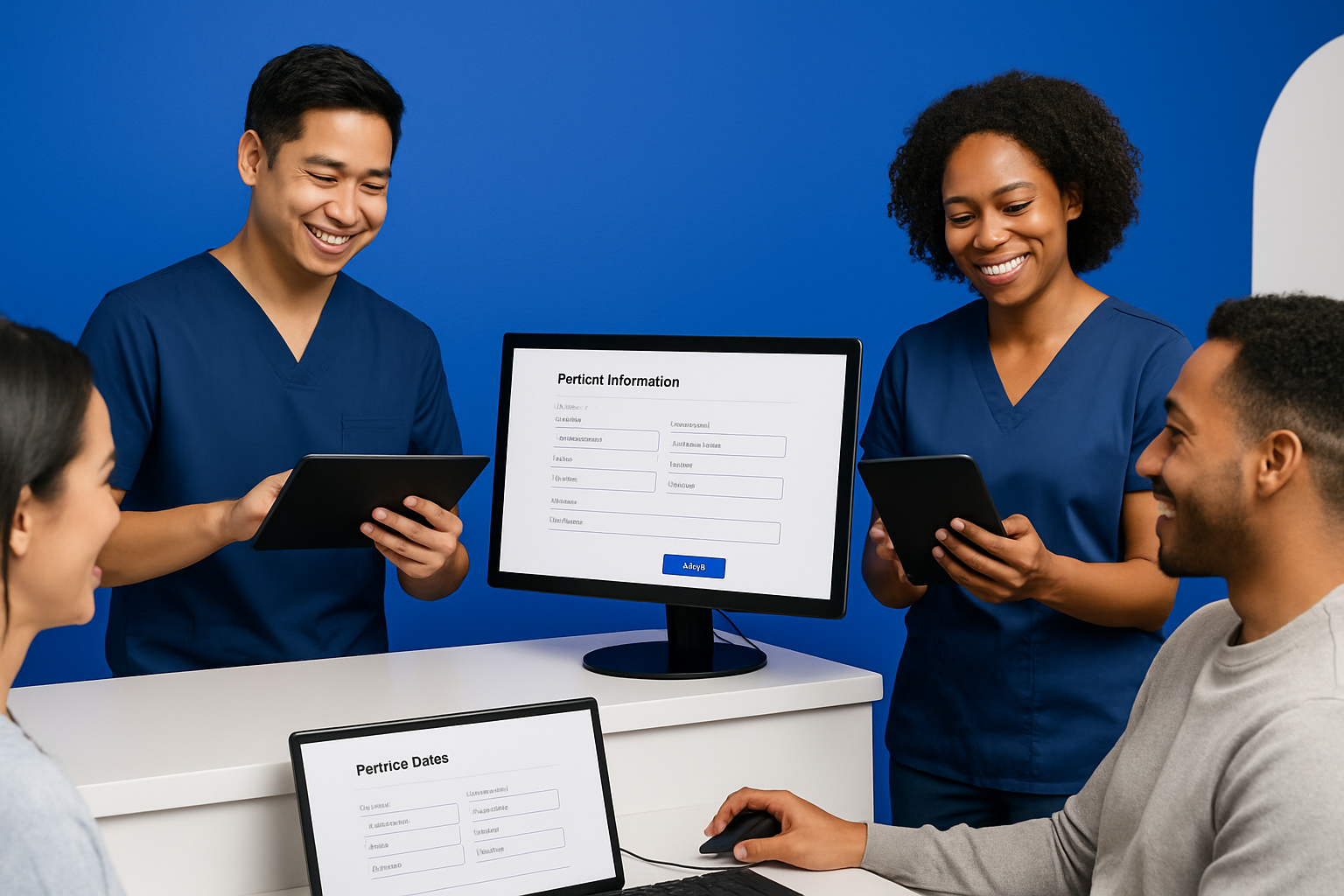
Doctible began as a response to the growing need for better patient communication in small healthcare practices. Its mission has always centered around helping doctors and staff connect with patients in a more efficient, digital-first way.
Over the years, doctible has adapted to changing expectations. The platform introduced paperless intake during the telehealth boom and ramped up automated messaging as practices shifted to hybrid care. Key milestones include its 2023 launch of AI-powered reminders and 2024’s update focusing on integration with top practice management systems.
By 2025, doctible is recognized for its user-friendly interface and commitment to helping practices thrive in a digital world.
Core Features and Functionalities
At its core, doctible offers a suite of features designed to improve patient engagement and office productivity. Automated appointment reminders help reduce no-shows, while two-way texting lets teams respond to patient questions in real time.
The platform stands out with its digital forms—patients can complete paperwork on their phones, speeding up check-in. Offices can also automate review requests, boosting online reputation. Patient recall and reactivation tools ensure no one falls through the cracks.
For a detailed look at benefits and real user feedback, check out Doctible Software Reviews.
Who Uses Doctible?
Doctible is popular among dental, medical, and specialty practices of all sizes. Solo dentists, multi-location clinics, and even specialty offices like orthodontists rely on doctible to manage communication more effectively.
Smaller practices benefit from its easy onboarding, while larger groups appreciate the ability to standardize workflows. For instance, a busy dental office using doctible saw faster patient responses and a notable increase in positive reviews, highlighting its adaptability.
Whether your team is tech-savvy or just starting out, doctible offers practical tools for every practice type.
Market Position and Industry Adoption
Between 2023 and 2025, doctible’s market share has steadily grown. More practices are moving away from manual calls and paper forms, opting for digital platforms like doctible.
Industry surveys show that automated communication tools increase patient satisfaction and reduce administrative workload. Compared to traditional outreach, doctible’s integrated system saves both time and money.
With ongoing updates and strong user adoption, doctible is poised as a leader in the patient communication software market, helping practices stay competitive in a fast-evolving healthcare landscape.
Setting Up Doctible: A Step-by-Step Beginner’s Guide
Ready to make your practice more efficient with doctible? Setting up this powerful platform is straightforward when you break it down step by step. Whether you're a solo practitioner or managing a large team, following this beginner’s guide will ensure a smooth transition into the world of digital patient engagement.

Step 1: Account Creation and Onboarding
Your journey with doctible begins by creating an account tailored to your practice’s needs. Visit the official website and select the appropriate plan for your practice size and specialty. You’ll be asked for essential details such as your practice name, contact information, and preferred features.
Once registered, doctible’s onboarding wizard guides you through initial setup. Expect a series of prompts to help you configure your profile, connect your team members, and set basic preferences. Many users find this process intuitive, with helpful tooltips at every stage.
If you want a deeper look at the onboarding experience and what features you’ll unlock, you can check out the Doctible Features and Pricing review for insights tailored to new users. By the end of onboarding, your doctible dashboard will be ready to customize.
Step 2: Integrating with Your Practice Management Software
For doctible to work seamlessly, integration with your practice management software (PMS) is crucial. Supported integrations include systems like Dentrix, Eaglesoft, and Open Dental, making it easy to sync patient data and appointment schedules.
To connect doctible with your PMS, simply navigate to the integrations section within your dashboard. Here’s a quick checklist:
- Select your PMS from the list.
- Enter your login credentials or API key.
- Follow the connection prompts step by step.
- Verify that patient and appointment data sync correctly.
If you encounter any hiccups, doctible provides troubleshooting tips and a responsive support team to help you resolve integration issues. This ensures your workflow remains uninterrupted and efficient.
Step 3: Customizing Patient Communication Settings
Once integrated, it’s time to personalize how doctible interacts with your patients. Start by setting up automated appointment reminders, confirmations, and follow-up messages. Customizing these notifications helps maintain your brand’s voice and ensures patients feel connected.
Adjust message templates for tone, language, and branding. With doctible, you can also configure automated review requests and recall messages, prompting patients to leave feedback or schedule future visits. Take advantage of the scheduling options to control message timing and frequency.
Regularly reviewing these settings keeps your communication fresh, relevant, and effective. This not only boosts patient satisfaction but also enhances your practice’s reputation.
Step 4: Implementing Digital Forms and Paperless Intake
Switching to digital forms with doctible streamlines your intake process and reduces paperwork. Begin by uploading your existing forms or using doctible’s ready-made templates. Customize each form to match your practice’s workflow and branding.
Enable mobile-friendly check-in so patients can complete paperwork from their devices, reducing wait times and errors. Doctible ensures that all digital intake processes are HIPAA compliant, safeguarding sensitive patient information.
Train your staff on how to access and process completed forms directly from the dashboard. This digital-first approach leads to improved accuracy and a smoother patient experience.
Step 5: Training Your Team for Success
A successful transition to doctible depends on your team’s comfort with the platform. Schedule training sessions to walk staff through key features and daily tasks. Utilize doctible’s support resources, including tutorials, webinars, and a detailed knowledge base.
Encourage staff to ask questions and share feedback during training. Highlight the benefits of doctible, such as reduced manual tasks and more meaningful patient interactions, to foster buy-in. Regular check-ins ensure everyone stays up to date as new features roll out.
By investing in ongoing education, your team will unlock doctible’s full potential, driving better outcomes for both your practice and your patients.
Maximizing Doctible’s Features for Patient Engagement
Unlocking the full potential of doctible requires more than just setup—it’s about using every feature to create seamless, meaningful connections with your patients. By maximizing these tools, you can boost engagement, streamline communication, and set your practice apart in 2025.
Leveraging Automated Reminders and Confirmations
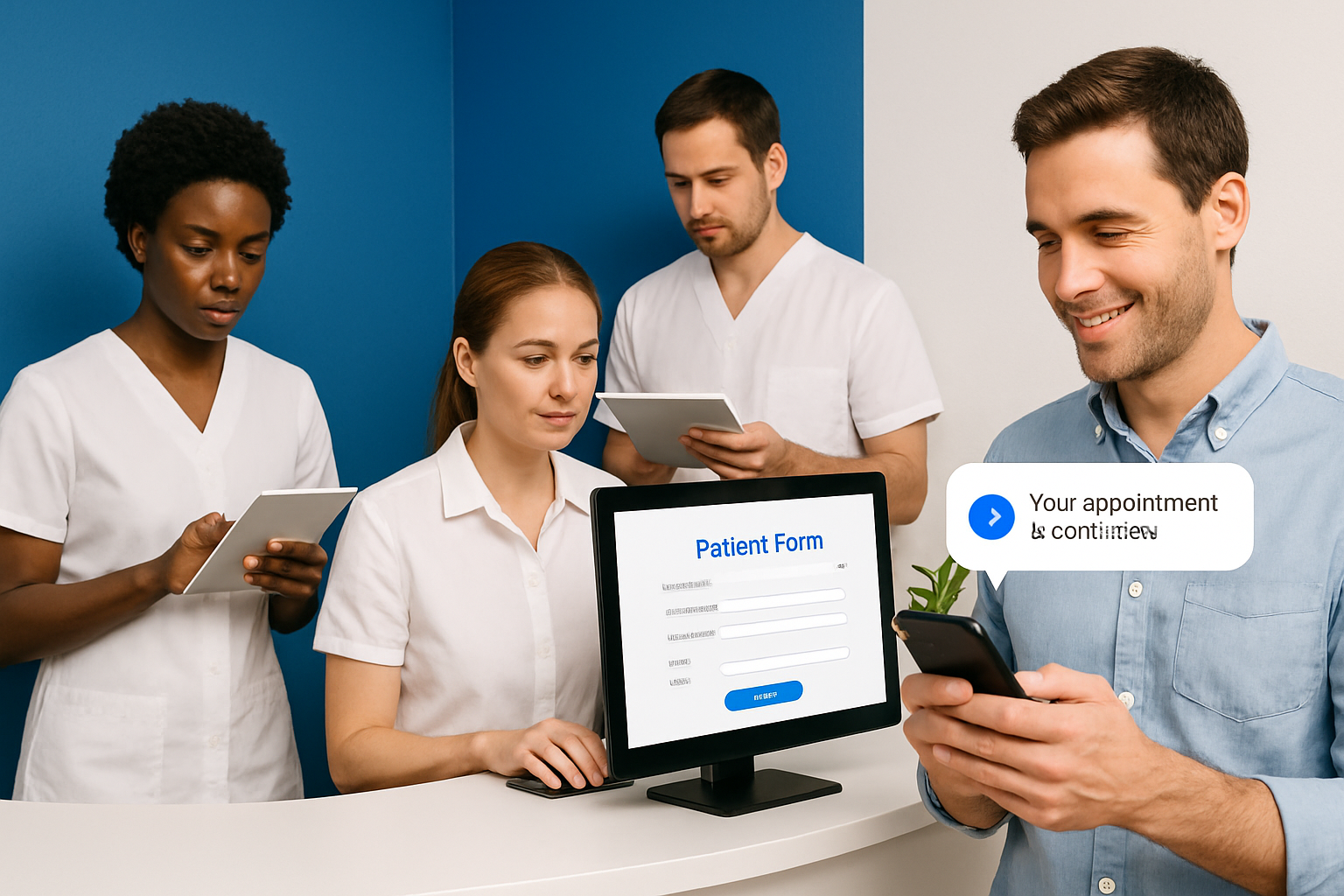
Automated appointment reminders are a cornerstone of doctible’s patient engagement strategy. By sending timely texts and emails, practices can significantly reduce no-show rates and late cancellations.
Best practices include:
- Scheduling reminders 48 and 24 hours before appointments.
- Personalizing messages with the patient’s name and appointment details.
- Offering easy options for confirmation or rescheduling.
Doctible’s automated workflows save staff time and keep schedules full. Studies show that practices using doctible report up to a 30% decrease in no-shows. This not only improves operational flow but also enhances patient satisfaction by demonstrating reliability and organization.
Enhancing Patient Experience with Two-Way Texting
Two-way texting with doctible revolutionizes how practices communicate with patients. Instead of missed calls or voicemail tags, patients can text questions, confirm appointments, or request information at their convenience.
Examples of effective use:
- Confirming appointment times or insurance details.
- Answering pre-visit questions quickly.
- Sending follow-up care instructions after procedures.
This channel is not only convenient for patients but also efficient for staff. However, always ensure messages are compliant with privacy regulations. With doctible, every message is secure, keeping patient data protected while fostering open, friendly dialogue.
Building Your Online Reputation
Doctible’s automated review requests make it simple to encourage feedback after each visit. Positive reviews build trust and attract new patients, while quick responses to concerns show that you value every patient’s experience.
Tips for reputation management:
- Send review requests promptly after appointments.
- Respond professionally to all feedback—positive or negative.
- Monitor your average review score and set improvement goals.
If you want to see how doctible compares to other top-rated platforms for managing your online reputation, check out this Top Patient Communication Software resource for an in-depth comparison.
Utilizing Digital Forms for Efficiency
Digital forms in doctible eliminate paperwork and streamline the patient intake process. Patients can complete forms on their mobile devices before arriving, reducing wait times and administrative work.
Benefits include:
- Fewer data entry errors and improved accuracy.
- Greater patient satisfaction from a modern, hassle-free experience.
- Enhanced staff productivity with less manual processing.
Many practices report smoother check-ins and faster billing cycles after switching to doctible’s digital intake. This efficiency frees up your team to focus on delivering quality care instead of chasing paperwork.
Patient Recall and Reactivation Strategies
Keeping your patient base engaged means reaching out to those who haven’t scheduled follow-ups or are overdue for care. Doctible’s automated recall tools make this process effortless.
Key strategies:
- Set up recall campaigns tailored to your practice’s needs.
- Personalize messages to encourage responses.
- Use built-in analytics to track which campaigns drive the best results.
Regular patient reactivation increases appointment volume and ensures continuity of care. With doctible, you can analyze recall effectiveness, identify trends, and fine-tune your approach for even better engagement in the future.
Doctible Pricing, Plans, and ROI in 2025
Choosing the right patient communication platform can transform your practice’s efficiency and patient satisfaction. Understanding how doctible’s pricing, plan options, and return on investment stack up in 2025 is crucial for making an informed decision.

Overview of Doctible’s Pricing Structure
Doctible offers a flexible pricing structure designed to meet the needs of solo practitioners, group practices, and multi-location healthcare organizations. The platform provides several subscription tiers, each with a different set of features. Core functionalities like automated appointment reminders, two-way texting, and digital forms are included in most plans, while advanced modules such as online reputation management or analytics may be available as add-ons.
Practices can choose a monthly or annual billing cycle, with discounts often available for longer commitments. For the most current breakdown of subscription options, included features, and any available add-ons, you can visit Doctible's Pricing Plans. Transparency in pricing helps practices budget accurately and select the right doctible package for their needs.
Cost vs. Value Analysis
When evaluating doctible, practices should consider both the monthly cost and the value delivered. On average, solo providers can expect a lower monthly rate, while group and multi-location practices may access volume discounts or custom packages.
The return on investment (ROI) often becomes clear within months of implementation. Doctible helps reduce costly no-shows through automated reminders, increases the number of positive online reviews, and streamlines staff workflows. These improvements translate to saved staff hours and higher patient retention.
- Reduced no-show rates
- Increased patient reviews
- Enhanced team efficiency
Ultimately, the right doctible plan can pay for itself through time savings and improved revenue, making it a smart investment for practices focused on growth.
Comparing Doctible to Alternative Solutions
How does doctible stack up against competitors like Weave, Solutionreach, and Lighthouse 360? Each platform offers unique strengths, but doctible is known for its intuitive interface, robust automation, and dedicated customer support.
Here’s a quick feature comparison:
| Feature | Doctible | Weave | Solutionreach | Lighthouse 360 |
|---|---|---|---|---|
| Appointment Reminders | ✅ | ✅ | ✅ | ✅ |
| Two-Way Texting | ✅ | ✅ | ✅ | ✅ |
| Digital Forms | ✅ | ✅ | ✅ | ✅ |
| Online Review Requests | ✅ | ✅ | ✅ | ✅ |
| Customizable Analytics | ✅ | ✅ | ✅ | ✅ |
| Price Transparency | ✅ | ❓ | ❓ | ❓ |
User reviews and third-party ratings consistently highlight doctible’s ease of use and customer support. For clinics prioritizing seamless workflow and strong ROI, doctible remains a top pick in 2025.
Common Challenges and Best Practices for New Doctible Users
Getting started with doctible can be transformative, but it’s normal to face a few bumps along the way. By understanding common challenges and applying best practices, your practice can maximize the platform’s potential right from the start.
Overcoming Implementation Hurdles
Many practices find the initial transition to doctible a bit daunting, especially if staff are used to traditional methods. Resistance to new technology is common, but clear communication and gradual onboarding can ease the shift.
Start by explaining the benefits of doctible to your team, such as reduced no-shows and less paperwork. Assign a tech-savvy staff member as your in-house champion for the rollout. Leverage doctible’s support resources for helpful guides and troubleshooting tips.
Smooth data migration is crucial. Double-check patient contact details and schedules before importing. Test key features like reminders and digital forms with a small group before a full launch.
Ensuring HIPAA Compliance and Data Security
Protecting patient data is a top priority with any digital system. Doctible is built with HIPAA-compliant protocols, but your team must also follow best practices to maintain privacy.
Regularly train your staff on data security measures. Use strong, unique passwords for all doctible accounts. Limit access based on staff roles so only authorized users view sensitive information.
Encourage everyone to log out after each session and report any suspicious activity right away. Periodically review your doctible security settings to ensure they align with your compliance policies.
Optimizing for Maximum Patient Engagement
To get the most from doctible, customize communication workflows to fit your patient base. Tailor message templates to reflect your brand voice and the needs of your community.
Monitor patient responses and adjust reminder timing for optimal engagement. Use doctible’s analytics to identify which messages drive the best results.
Consider segmenting your audience for more personalized outreach. For example, send different recall messages to pediatric versus adult patients. This approach helps foster loyalty and boosts appointment retention.
Measuring Success and Continuous Improvement
Tracking performance is vital to ensure doctible is delivering value. Focus on key metrics such as no-show rates, appointment confirmations, review volume, and patient satisfaction scores.
Set up regular reviews of your doctible analytics dashboard. Compare your current data to pre-implementation benchmarks to spot improvements and areas for growth.
Create a simple table to summarize your KPIs:
| Metric | Before Doctible | After Doctible |
|---|---|---|
| No-Show Rate (%) | 12 | 5 |
| Reviews/Month | 3 | 18 |
| Patient Satisfaction | 4.0 | 4.8 |
Use insights from this data to refine your workflows and celebrate wins with your team.
Real-World Success Stories
Many practices have seen remarkable improvements after adopting doctible. For instance, a small dental office reported a 60% drop in missed appointments within the first three months. Another clinic saw patient reviews triple, boosting their online reputation and attracting new patients.
Staff often mention how doctible’s digital forms and reminders free up their time for higher-value tasks. Patients appreciate the convenience of paperless intake and timely text updates.
By learning from these success stories and adapting their strategies, new users can unlock the full potential of doctible for their own practice.
Doctible in 2025: Trends, Innovations, and What’s Next
The healthcare landscape is rapidly changing, and so is doctible. Practices are looking for ways to stay ahead, and understanding where doctible is heading in 2025 is key. Let’s break down the latest updates, industry trends, future predictions, and how your practice can prepare for what’s next.
Recent Updates and New Features
Over the past year, doctible has rolled out several significant updates tailored for busy practices. In late 2024 and into 2025, the platform introduced smarter AI-driven communication tools. These features analyze patient behavior to optimize message timing, making reminders and confirmations more effective.
Another key innovation is the improved automation engine. Now, doctible can automatically segment patient lists for targeted recall and review campaigns. Practices also benefit from a refreshed, user-friendly dashboard, allowing for easier management of digital forms and appointment workflows.
AI-powered chatbots have started assisting with common patient questions, freeing up front desk staff. Enhanced analytics now provide actionable insights directly within doctible, helping practices track engagement and make data-driven decisions.
Industry Trends Impacting Doctible’s Development
Patient expectations are evolving, and doctible is adapting right alongside industry trends. The rise of telehealth means practices need integrated solutions for both in-person and virtual care. Doctible’s development has prioritized seamless telehealth appointment reminders and digital intake, ensuring patients have a consistent experience.
Hybrid care models are also shaping the roadmap. More patients want digital convenience, from texting their provider to filling forms online. Doctible’s commitment to mobile-friendly communication meets these demands, making it easier for practices to engage with patients wherever they are.
Security and compliance remain top priorities. As digital adoption grows, doctible continues to strengthen its HIPAA-compliant features, ensuring that patient data stays protected.
Predictions for the Future of Patient Communication Platforms
Looking forward, automation and personalization will define the next generation of platforms like doctible. Expect even smarter workflows that adapt to patient preferences in real time. AI will play a bigger role in customizing communication, predicting patient needs, and reducing administrative workload.
Analytics will become more robust, allowing practices to measure the impact of every touchpoint. Doctible is well-positioned to lead in this space, with ongoing investments in machine learning and user experience design.
Competition will remain fierce, but doctible’s focus on innovation and patient-centric features will help it stand out. Practices using doctible can expect continuous enhancements that keep them ahead of industry changes.
Preparing Your Practice for the Next Wave
To stay competitive, it’s vital to embrace the latest doctible features and trends. Start by regularly updating your communication templates and reviewing automation settings. Encourage your staff to participate in ongoing training using doctible’s support resources and knowledge base.
Explore new integrations, such as telehealth modules or advanced analytics dashboards, to maximize the platform’s value. Staying proactive ensures your practice benefits fully from doctible’s innovations.
For more tips and support, consider visiting the Doctible Help Center to keep your team informed and prepared for future updates.