Dental technology is changing faster than ever, reshaping the way dental teams care for patients each day. With the growing complexity of patient records, digital charting has become a must-have for any modern dental practice.
But choosing the right dental charting programs can feel overwhelming. Many teams struggle with outdated systems, inefficiency, or compliance headaches. What if you could find a software solution that streamlines your workflow and keeps your focus on patient care?
This article breaks down the top 7 dental charting programs every practice should consider for 2025. We will cover features, pricing, unique benefits, and tips for picking the perfect fit, so your practice stays efficient, compliant, and truly patient-centered.
Why Dental Charting Software Matters in 2025
Dental practices face a rapidly evolving landscape in 2025. Patient records are more detailed than ever, and compliance standards are stricter. This complexity makes manual recordkeeping risky and inefficient. Dental charting programs have become essential tools, helping practices manage vast amounts of patient data with accuracy. With digital charting, teams can quickly retrieve histories, update notes, and track treatments, ensuring nothing slips through the cracks. Practices that rely on outdated systems often struggle to keep up with regulatory changes, highlighting the need for modern digital solutions.
Workflow efficiency is a top priority for dental professionals. Dental charting programs streamline daily operations by reducing repetitive tasks and minimizing the risk of errors. These platforms integrate with practice management, billing, and patient communication systems, creating a seamless experience for both staff and patients. For example, a mid-sized practice reported a 30% boost in productivity after switching to advanced dental charting programs. This efficiency not only saves time but also enhances the quality of care delivered.
Patients today expect a modern, interactive experience when they visit the dentist. Dental charting programs offer visual tools like digital odontograms and real-time treatment plans that improve patient understanding and engagement. The latest trends include cloud-based software and AI-powered features that automate tasks, predict treatment needs, and provide actionable analytics. For a deeper dive into these innovations, see the Dental Charting Software Market Trends analysis, which highlights how these technologies are shaping the future of dental care.
Security and compliance are non-negotiable in today’s dental environment. Dental charting programs prioritize data encryption, regular backups, and adherence to HIPAA standards. This focus on security gives both practitioners and patients peace of mind. Recent industry reports reveal that over 85% of dental practices will use digital charting by 2025. As practices continue to grow and patient expectations rise, choosing the right software will be more important than ever.
7 Essential Dental Charting Programs for 2025 Practices
Selecting the right dental charting programs is crucial for modern dental practices aiming to deliver efficient, compliant, and patient-centered care. With so many options available, knowing which solutions offer the best value, features, and support can feel overwhelming.
To simplify your decision, we’ve evaluated the top dental charting programs for 2025 using criteria like usability, feature depth, integration capabilities, customer support, and overall value. Each program has unique strengths, making certain solutions better suited for specific practice types or growth stages.
Below, you’ll find concise, expert-driven reviews of the seven most essential dental charting programs—complete with pricing highlights, standout features, major benefits, and practical examples for real-world context.
Dentrix Ascend
Dentrix Ascend stands out among dental charting programs for its cloud-based flexibility and comprehensive clinical tools. Subscription pricing starts at a premium tier, with scalable options for growing practices.
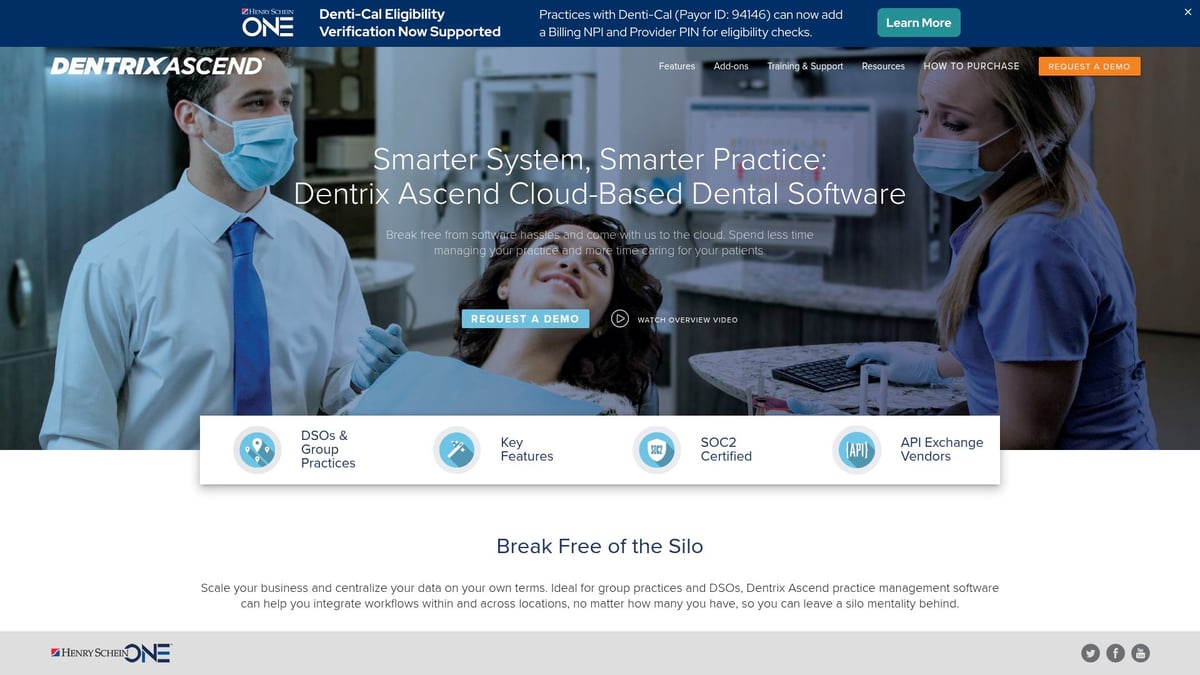
Key features include customizable charting templates, detailed clinical notes, intuitive treatment planning, and seamless imaging integration. The platform’s robust reporting and analytics help practices track productivity, compliance, and patient outcomes effectively.
Unique Benefits:
- Seamless integration with imaging and practice management
- Frequent updates and excellent customer support
- Intuitive, modern user interface
Ideal For: Multi-location practices, dental service organizations (DSOs), and mid-to-large clinics seeking a unified, cloud-based solution.
Pros:
- Comprehensive feature set
- Scalable for growth
- Strong support network
Cons:
- Higher learning curve for new users
- Premium pricing compared to other dental charting programs
One DSO reported streamlined multi-site operations and improved data consistency after implementing Dentrix Ascend. For a deeper dive, check out the Dentrix Ascend reviews and analysis.
Curve Dental
Curve Dental has carved out a niche in dental charting programs with its web-based platform and user-friendly design. Pricing is subscription-based, with a free trial available for new users.
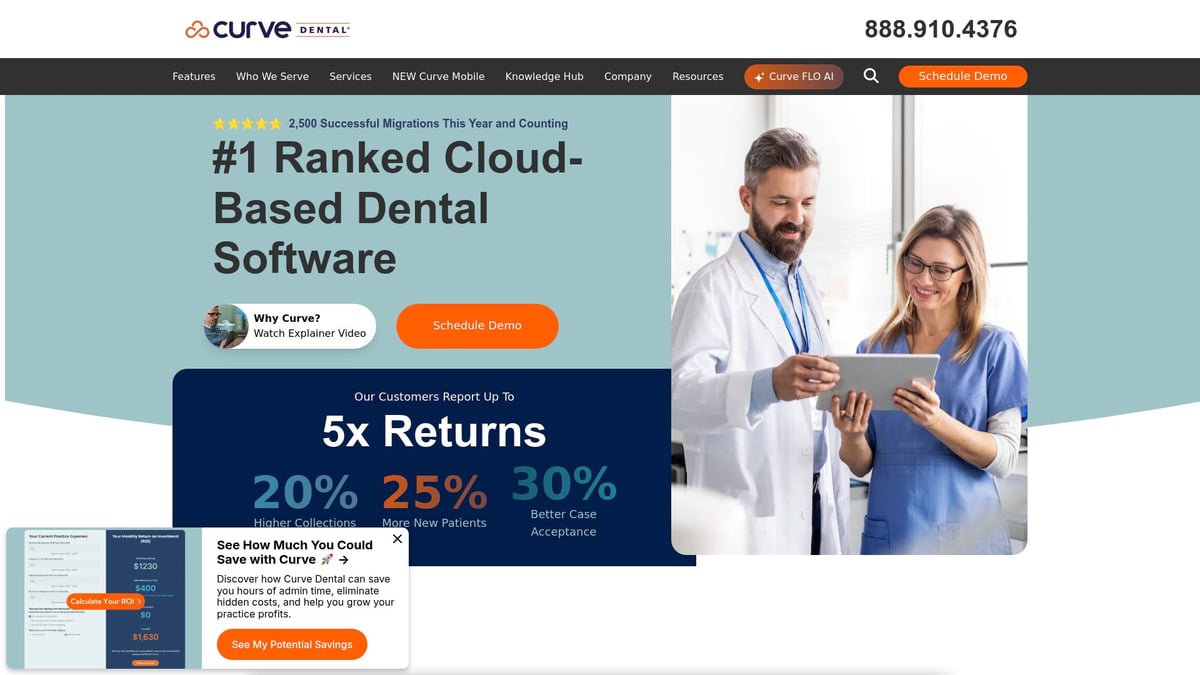
Core features include interactive odontograms, real-time collaboration, and visual clinical notes that enhance patient communication. Curve Dental’s mobile-friendly interface makes it easy for teams to access charts from anywhere.
Key Benefits:
- Remote access for flexible work arrangements
- Regular feature enhancements
- Strong customer service
Target Audience: Small to mid-sized practices and clinics anticipating steady growth.
Pros:
- Easy to use, minimal training required
- Scalable as your practice grows
- Excellent support team
Cons:
- Limited third-party integrations
- Some advanced features require add-ons
A solo practitioner improved patient communication and treatment acceptance using Curve Dental’s interactive charting. This ease of use is a major advantage for practices adopting new dental charting programs.
Open Dental
Open Dental is known for its transparent pricing and open-source flexibility, making it a favorite among dental charting programs for tech-savvy clinics. Practices pay a modest monthly fee, with no hidden costs.
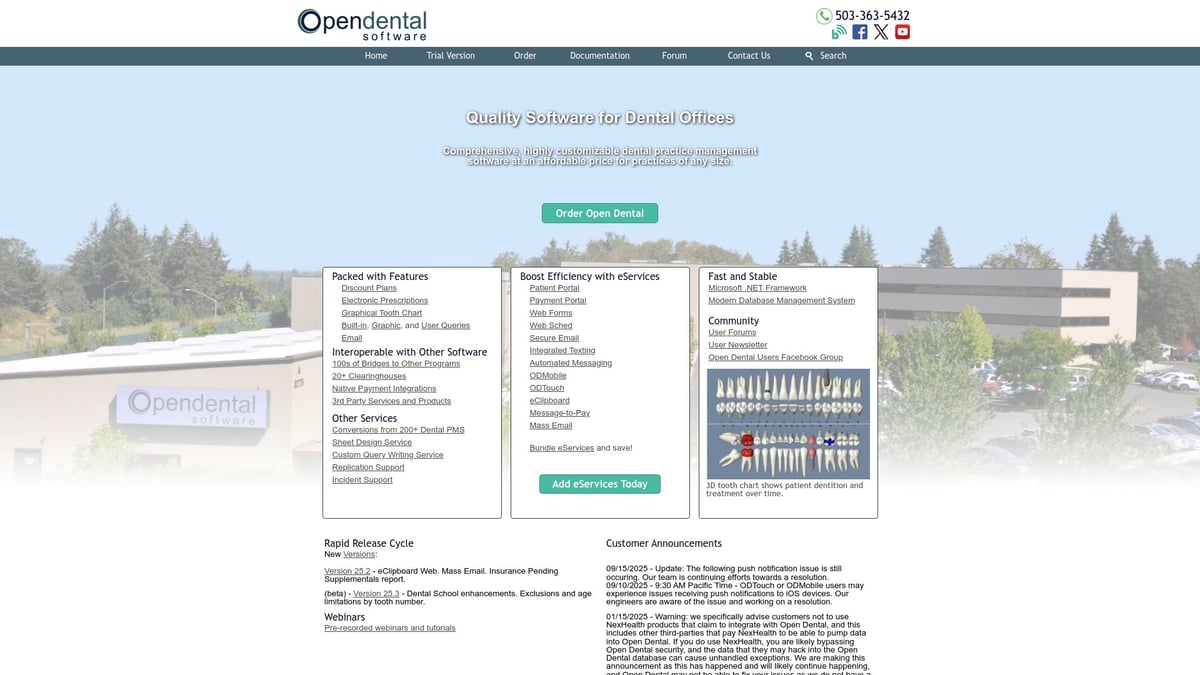
Key features include robust charting tools, customizable forms, and an open API for seamless integration with other platforms. Its adaptability allows clinics to tailor workflows and chart layouts to their unique needs.
Benefits:
- Highly customizable and affordable
- Strong community and documentation support
- Open API for deep integrations
Ideal For: Practices with in-house IT support or those seeking maximum flexibility.
Pros:
- Low total cost of ownership
- Adaptable to any workflow
- Transparent pricing
Cons:
- Requires more IT involvement
- Interface is less modern compared to newer dental charting programs
One community clinic customized Open Dental to match their unique workflows, greatly improving efficiency and staff satisfaction.
Eaglesoft
Eaglesoft, from Patterson Dental, is a veteran in the world of dental charting programs. It uses a licensing model with several pricing tiers to fit different practice sizes.
The platform offers comprehensive clinical charting, imaging integration, perio charting, and patient education resources. Deep integration with the Patterson Dental ecosystem streamlines supply ordering and inventory management.
Unique Selling Points:
- Robust charting tools for general and specialty care
- Reliable support and training resources
Target Audience: Established practices and those already using Patterson Dental products.
Pros:
- Reliable and proven track record
- Deeply integrated with other Patterson solutions
- Comprehensive feature set
Cons:
- Windows-only deployment
- Some modules have an older user interface
A multi-specialty clinic reported enhanced interdisciplinary care and easier case collaboration after switching to Eaglesoft as their primary dental charting program.
Carestream Dental (CS PracticeWorks)
Carestream Dental’s CS PracticeWorks stands out for practices with intensive imaging needs. Pricing is tiered, with both cloud and on-premises deployment options.
Key features include advanced charting, high-quality digital imaging, and voice-activated clinical notes. The voice dictation feature accelerates documentation, saving valuable chairside time.
Key Benefits:
- Imaging excellence with seamless integration
- Efficient workflows and voice dictation
- Flexible deployment options
Ideal For: Tech-forward clinics and those with a focus on digital imaging.
Pros:
- Superior imaging capabilities
- Time-saving workflow features
- Flexible for different practice setups
Cons:
- Higher cost than many dental charting programs
- Steeper learning curve for new users
An imaging-focused dental practice reduced charting time by 40% after implementing Carestream Dental’s advanced features.
ABELDent
ABELDent is a leader in dental charting programs across North America, especially in compliance-driven markets. Practices can choose between subscription and on-premises pricing.
Core features include clinical charting, robust patient scheduling, and tools for compliance management. Bilingual support and reliable uptime make it a favorite for Canadian clinics.
Unique Benefits:
- Strong focus on regulatory compliance
- Bilingual support for diverse teams
Target Audience: North American practices and clinics where audit readiness is a priority.
Pros:
- Excellent compliance and audit tools
- Reliable uptime and support
- Bilingual interface
Cons:
- Some features are region-specific
- Steeper learning curve for new users
A Canadian clinic improved audit readiness and reduced compliance risks by adopting ABELDent as their dental charting program.
tab32
tab32 represents the next generation of cloud-native dental charting programs. Pricing is subscription-based, with true cloud scalability for practices of any size.
Core features include mobile-friendly charting, built-in teledentistry, and robust patient engagement tools. The modern interface makes onboarding easy for staff and providers alike.
Benefits:
- True cloud mobility for on-the-go access
- Built-in teledentistry for virtual care
- Modern, user-friendly design
Ideal For: Growing practices, multi-location offices, and mobile dental services.
Pros:
- Modern and scalable
- Strong patient engagement features
- Flexible access from any device
Cons:
- Newer to the market, so some features are still being developed
- May require adaptation for highly specialized workflows
A mobile dental service expanded its reach and improved care coordination using tab32’s cloud platform, highlighting its value among innovative dental charting programs.
Dental Charting Programs Comparison Table
| Program | Pricing Model | Key Features | Ideal For | Notable Benefit |
|---|---|---|---|---|
| Dentrix Ascend | Premium, Cloud | Imaging, Templates, Reporting | Multi-location, DSOs | Seamless integration |
| Curve Dental | Subscription | Odontograms, Collaboration | Small-mid practices | Mobile-friendly |
| Open Dental | Transparent, Open | Customizable, Open API | Tech-savvy clinics | High flexibility |
| Eaglesoft | Licensed | Charting, Imaging, Perio | Established practices | Patterson integration |
| CS PracticeWorks | Tiered, Flexible | Imaging, Voice Notes | Imaging-focused clinics | Imaging excellence |
| ABELDent | Sub/On-premises | Compliance, Scheduling | North American clinics | Compliance tools |
| tab32 | Subscription | Cloud charting, Teledentistry | Growing, mobile | Cloud mobility |
Choosing among these dental charting programs comes down to your unique needs, team preferences, and future growth plans. Each program delivers core charting features, but their differences in flexibility, integrations, and support will determine which is the best fit for your practice.
Key Features to Look for in Dental Charting Programs
Choosing the right dental charting programs can transform your practice’s efficiency, accuracy, and compliance. With so many options available, knowing which features matter most is essential. Let’s explore what to prioritize when evaluating your next dental charting solution.
Essential Charting Features
At the heart of dental charting programs are robust clinical tools. Look for solutions that offer dynamic odontograms, detailed perio charting, and integrated clinical notes. Imaging integration is also vital, allowing seamless access to X-rays and intraoral photos within the patient chart. Programs with customizable templates empower teams to document findings quickly and consistently.
For a deeper dive into the most important capabilities, check out this overview of Key Features in Dental Charting Software. Visual charting and interactive diagrams not only enhance clinical documentation but also improve patient communication and education.
Usability, Integration, and Workflow
Usability can make or break the adoption of dental charting programs. An intuitive interface, easy navigation, and time-saving features like voice dictation or drag-and-drop charting help teams work more efficiently. In fact, 68% of practices say ease of use is their top priority when selecting charting software.
Interoperability is equally important. The best dental charting programs integrate smoothly with practice management, billing, and scheduling tools. When systems connect, practices eliminate double entry, reduce errors, and streamline daily operations. For example, linking charting with billing can cut administrative time and simplify insurance claims.
Security, Compliance, and Scalability
Security and compliance are non-negotiable in today’s digital landscape. Dental charting programs must adhere to HIPAA, GDPR, and any local regulations to protect patient data. Features like role-based access, audit trails, and encrypted backups are essential safeguards.
Consider whether cloud-based or on-premises deployment fits your practice. Cloud solutions offer flexibility, automatic updates, and easy access from multiple locations, making them ideal for growing practices. On-premises systems can provide more control over data and may suit clinics with specialized IT needs. Scalability ensures that, as your practice expands, your charting software grows with you.
| Feature | Why It Matters | Must-Have for 2025? |
|---|---|---|
| Odontogram | Visualizes dental conditions | Yes |
| Perio Charting | Tracks periodontal health | Yes |
| Imaging Integration | Links X-rays and photos | Yes |
| Customizable Templates | Speeds up documentation | Yes |
| Voice Dictation | Streamlines note-taking | Recommended |
| Interoperability | Connects with other systems | Yes |
| Security & Compliance | Protects patient data | Yes |
| Cloud or On-Premises | Fits practice needs | Depends |
| Scalability | Grows with your practice | Yes |
Evaluating dental charting programs with these features in mind will help ensure your investment supports both quality care and operational efficiency. For unbiased reviews and comparisons, explore resources like the Dental software reviews hub to make a confident decision.
How to Choose the Right Dental Charting Program for Your Practice
Selecting the best dental charting programs is a pivotal decision for any dental practice in 2025. With so many options available, the right choice can be the difference between smooth workflows and daily frustration. How do you navigate this crowded market and find the perfect fit?
Assess Your Practice’s Unique Needs
Start by analyzing your practice size and style. Are you a solo dentist, part of a growing group, or running a multi-location DSO? Each practice type has different demands for dental charting programs. Consider your specialty areas, patient volume, and future growth plans.
Think about integrations you need. Do you require seamless links with imaging, billing, or scheduling tools? Defining your must-haves early narrows your search.
Evaluate Features, Support, and Total Costs
Next, create a list of essential features. Look for usability, charting tools, security, and compliance. Assess how well each solution supports your team with onboarding and technical help. Frequent updates and responsive support can make a world of difference.
Don’t forget the full cost picture. Factor in software subscriptions, hardware needs, staff training, and ongoing support. For a deeper dive into what to look for, check the Dental Software Requirements for 2025, which outlines critical features and compliance essentials.
| Must-Have Features | Nice-to-Have Features |
|---|---|
| Odontograms | Mobile access |
| Perio charting | AI-powered suggestions |
| Imaging integration | Voice dictation |
| HIPAA compliance | Patient education tools |
| Customizable templates | Advanced analytics |
Leverage Trials and Real-World Feedback
Always take advantage of free trials or demo periods. They let you see firsthand how dental charting programs fit your workflow. Gather feedback from your team—front desk to clinicians—to spot pain points early.
Researching real-world experiences, such as reading the Open Dental software complete overview, can help you anticipate implementation challenges and benefits.
A recent switch by a mid-sized practice showed that involving staff in the decision and piloting two options before committing led to a smoother transition and higher team satisfaction.
Implementation Tips and Lessons Learned
Prepare for a learning curve. Schedule training sessions, assign super-users, and roll out the new system in phases if possible. Encourage open feedback during the first weeks.
Remember, successful adoption of dental charting programs happens when leadership supports the change and staff feel heard. Keep your goals clear—better efficiency, compliance, and patient care—and you’ll set your practice up for long-term success.