Orthodontics is undergoing a digital revolution as we move into 2025, with technology transforming how practices operate and connect with patients. Staying competitive means embracing smart solutions that streamline workflows and elevate care.
That’s where dolphin orthodontic software steps in, setting the standard for modern orthodontic practice management. In this guide, you’ll discover a clear, actionable roadmap to unlocking the full power of dolphin orthodontic software and positioning your practice for success in the year ahead.
We’ll explore its core capabilities, walk through step-by-step implementation, dive deep into essential features, and share proven strategies for optimization and future readiness. Ready to lead your team into a new era of growth and efficiency? Let’s begin your journey with dolphin orthodontic software.
Understanding Dolphin Orthodontic Software: Core Capabilities for 2025
Dolphin orthodontic software has become a cornerstone for modern orthodontic practices. Since its launch, the platform has evolved from simple imaging tools to a comprehensive solution that powers daily operations for thousands of clinics. As 2025 approaches, the need for robust, integrated practice management has never been greater. Dolphin orthodontic software stands out by offering features that streamline every aspect of patient care and office workflow.
Dolphin’s Evolution and Significance
Over the years, dolphin orthodontic software has grown into a trusted solution for orthodontists seeking efficiency and precision. Its early focus on digital imaging set a new standard, but today’s version is a full practice management powerhouse. Many practices find that adopting a unified platform like Dolphin is essential for adapting to digital transformation and meeting patient expectations in 2025.
Core Modules and Integrations
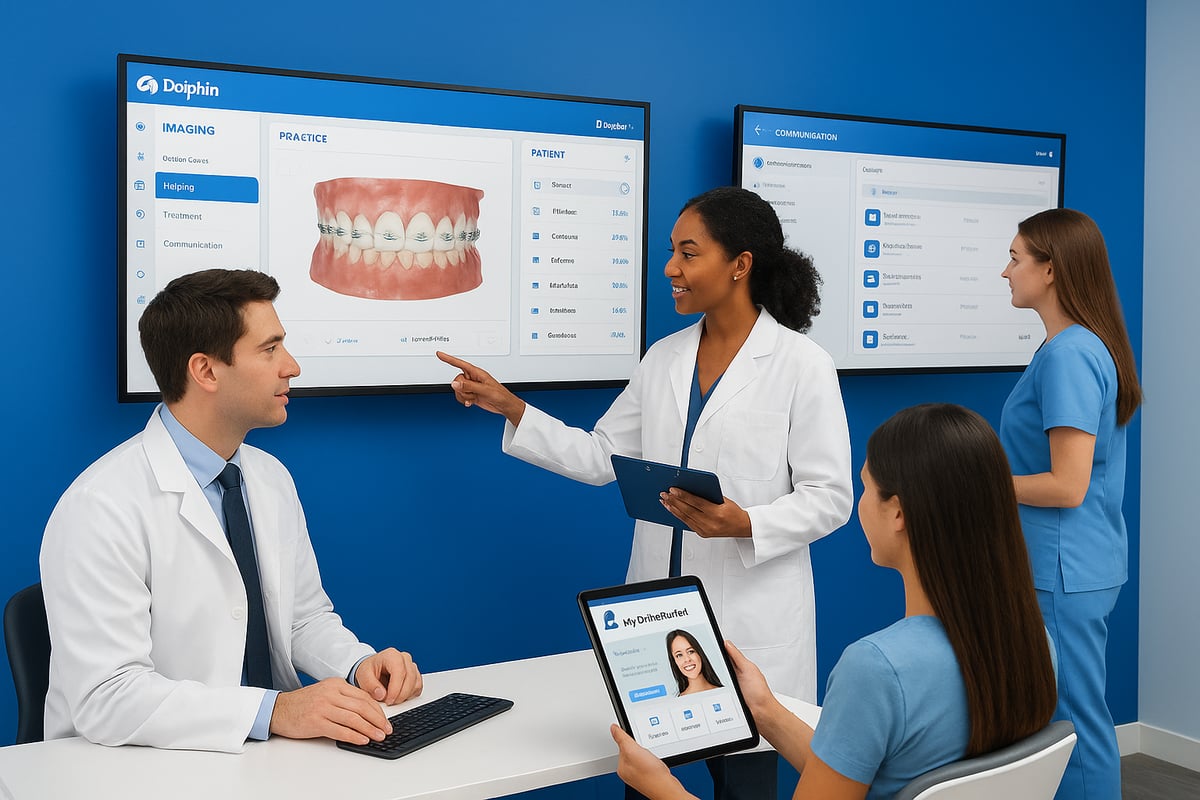
The platform’s all-in-one design covers key areas: practice management, imaging, patient communication, and analytics. The practice management module simplifies scheduling, billing, and insurance tracking. Advanced imaging tools enable accurate diagnostics and seamless integration with other imaging systems. Dolphin orthodontic software also connects with Microsoft Word, allowing clinics to create custom letters, financial agreements, and documentation tailored to each patient.
For clinics seeking a deeper dive into practice management features and industry comparisons, the practice management software guide offers valuable insights into how Dolphin stacks up against other leading solutions.
Patient Engagement Hub: MyOrthodontist App
Patient experience is at the heart of dolphin orthodontic software. The MyOrthodontist app serves as a central hub for communication, empowering patients to access treatment plans, appointment reminders, and educational resources. This focus on engagement not only improves satisfaction but also supports better treatment outcomes by keeping patients informed and connected throughout their care journey.
Security, Compliance, and Real-World Use
In 2025, data security and HIPAA compliance are more critical than ever. Dolphin orthodontic software includes advanced safeguards to protect patient information, ensuring practices meet regulatory requirements. According to industry data, Dolphin is adopted by a significant portion of US orthodontic practices, reflecting its reputation for reliability and support.
A prime example is Pickett Orthodontics, where Dolphin is at the core of daily operations. Their team uses the software for everything from scheduling and imaging to communication and analytics, demonstrating the platform’s versatility in real-world settings.
All-in-One Advantage
Compared to fragmented solutions that require multiple vendors and integrations, dolphin orthodontic software delivers a unified experience. This reduces manual errors, saves time, and increases staff productivity. The result is a smoother workflow and a superior patient journey, positioning practices for long-term success in the rapidly changing orthodontic landscape.
Step-by-Step Implementation Roadmap: Getting Started with Dolphin
Embarking on the journey to implement dolphin orthodontic software can feel overwhelming, but with the right approach, your transition can be seamless and rewarding. Whether you are opening a new orthodontic practice or upgrading from another system, a well-structured roadmap ensures you get the full value from dolphin orthodontic software and set your team up for long-term success.
This step-by-step guide will walk you through every phase, from evaluating your current workflows to onboarding your staff and integrating essential tools. With careful planning, you can avoid common missteps and unlock the transformative potential of dolphin orthodontic software for your practice in 2025.
Getting Ready for Dolphin Orthodontic Software
The first step in adopting dolphin orthodontic software is a thorough pre-implementation assessment. Take stock of your current workflows, from scheduling to billing. Identify inefficiencies and decide which processes you want to improve with the new system.
List your must-have features, such as advanced imaging, patient communication, or analytics. This clarity will help tailor dolphin orthodontic software to your unique needs. Also, assess your team’s readiness for change and anticipate areas where additional training or support may be necessary.
Assessing Your Practice Needs
Before installing dolphin orthodontic software, confirm your hardware and software meet the recommended specifications. Check that your computers, network, and imaging devices are compatible with the latest Dolphin version. Cloud backup solutions and secure internet connections are critical for data safety.
Plan your data migration early. Gather all patient records, treatment histories, and financial information. Decide which data sets are essential for a smooth transition and which can be archived. Document your existing third-party integrations to ensure nothing is lost during the switch.
Setting Up: Installation and Data Migration
Installation of dolphin orthodontic software should follow best practices for both security and efficiency. Work with your IT provider or Dolphin’s technical team to set up the core system, configure user accounts, and test connectivity with your imaging devices.
For data migration, map out each step—importing patient records, transferring appointments, and reconciling financial data. Always back up your old system before starting. If you encounter issues, Dolphin’s customer support is renowned for its responsiveness and expertise. Learn more about their approach in Dolphin's Customer Service Excellence.
Training Your Team for Success
User setup is vital for security and workflow optimization. Assign roles and permissions to each team member based on their responsibilities within dolphin orthodontic software. Create a training schedule that includes both initial onboarding and ongoing education.
Leverage Dolphin’s webinars, documentation, and user community to accelerate learning. Encourage your staff to ask questions and share tips. Practices that dedicate time to comprehensive training report smoother transitions and higher satisfaction with dolphin orthodontic software.
Integrating and Avoiding Common Pitfalls
Integrate dolphin orthodontic software with your imaging devices, billing platforms, and any third-party patient engagement tools. Test each integration to ensure data flows correctly and securely between systems.
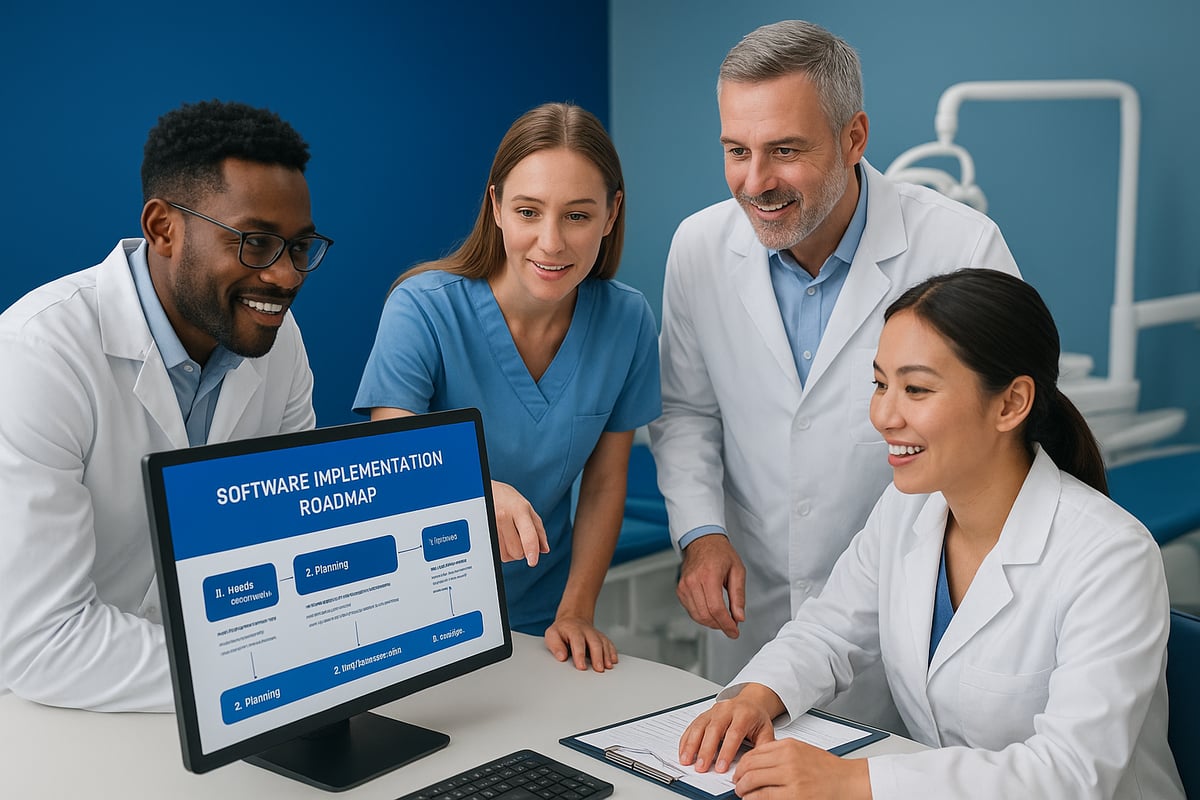
A typical onboarding timeline for a mid-sized practice might look like this:
| Week | Milestone |
|---|---|
| 1 | Pre-assessment & hardware prep |
| 2-3 | Installation & data migration |
| 4 | User setup & initial training |
| 5-6 | Integration & workflow testing |
| 7-8 | Go-live & performance review |
Common pitfalls include skipping the pre-assessment, underestimating training needs, and neglecting to test integrations. Avoid these by following your roadmap closely, involving your team at every stage, and making use of Dolphin’s expert support resources.
With careful planning, open communication, and a focus on continuous improvement, your practice can harness the full power of dolphin orthodontic software and thrive in the digital landscape of 2025.
Deep Dive: Essential Dolphin Features Every Practice Should Master
The digital age has transformed orthodontic care, and dolphin orthodontic software stands at the center of this evolution. In 2025, this platform is more than just a practice management tool—it’s a comprehensive digital ecosystem designed to streamline every aspect of the orthodontic journey. Let’s explore the essential features that every modern practice should master to maximize efficiency, deliver exceptional patient experiences, and stay ahead of the curve.
Automated Letter System: Personalized Patient Communication
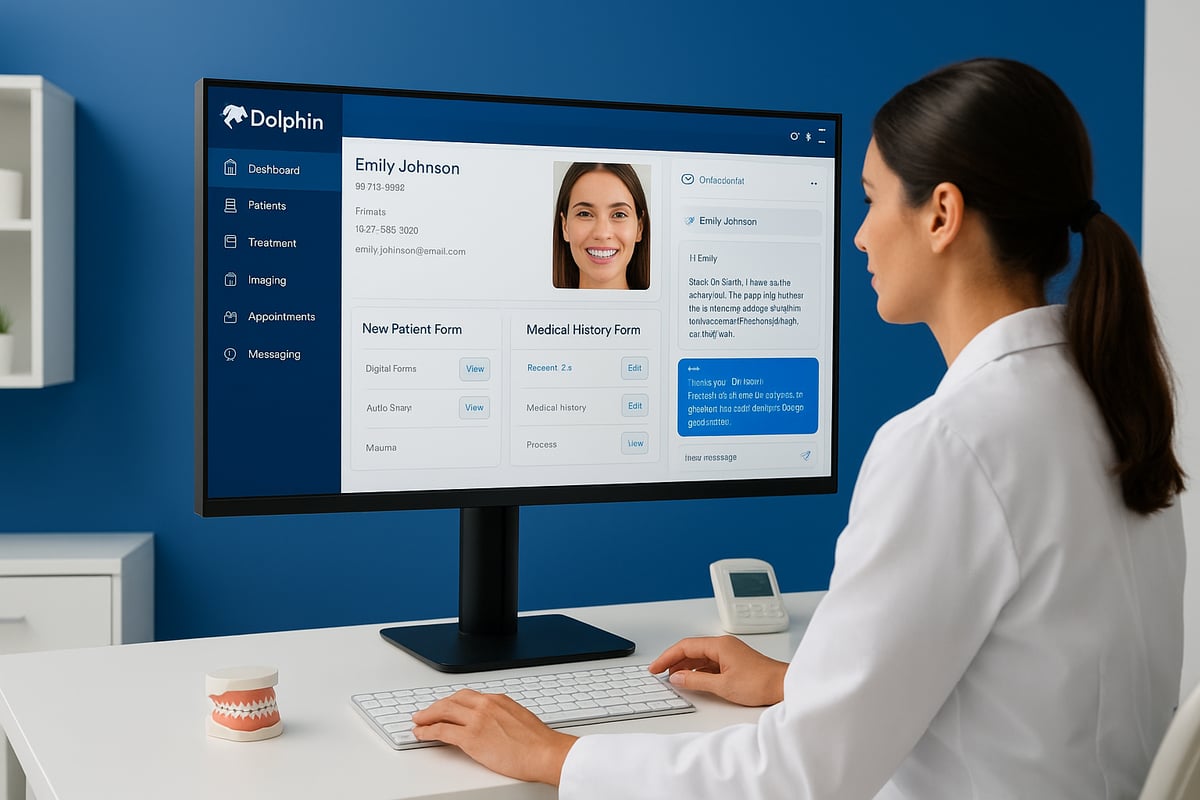
One of the standout features of dolphin orthodontic software is its robust letter system. This module lets you automate the generation of patient-specific documents—think appointment reminders, financial agreements, and treatment summaries. By integrating with Microsoft Word, you can craft custom templates that reflect your brand and clinical voice.
The real power lies in automation. When a patient’s status changes, the right letter goes out instantly, reducing manual errors and ensuring compliance. For example, Pickett Orthodontics uses this feature to send tailored financial agreements and follow-up instructions, making communication smoother for both staff and patients.
Proposals Module: Interactive Treatment and Financial Planning
Dolphin orthodontic software’s proposals module takes case presentation to the next level. Practices can build interactive, multimedia proposals that walk families through treatment options, costs, and timelines. This visual approach makes complex information easy to understand and supports informed decision-making.
Customizable layouts help you spotlight your unique offerings. With digital signatures and instant updates, patients can review and accept plans from home. Pickett Orthodontics reports higher case acceptance rates since adopting this module, as families feel empowered and engaged throughout the process.
Questionnaire Builder: Streamlined Onboarding and Health Histories
Onboarding new patients is seamless with the questionnaire builder in dolphin orthodontic software. Create custom digital forms for health histories, consent, and insurance—collecting all essential information before the first appointment.
Patients fill out forms online, and data flows directly into their records, minimizing data entry and reducing errors. Practices can update questionnaires as protocols change or new regulations emerge. This flexibility ensures compliance and saves countless hours for front-desk staff.
Messaging Center & MyOrthodontist App: Real-Time Engagement
Effective communication drives loyalty and satisfaction. Dolphin orthodontic software’s messaging center enables secure, two-way texting with patients—perfect for appointment reminders, follow-ups, or quick questions. Automated messages reduce no-shows and keep schedules running smoothly.
The MyOrthodontist app puts power in the patient’s hands. Patients can view treatment updates, request appointments, and access educational content anytime. Push notifications keep families engaged, while secure messaging ensures privacy and HIPAA compliance.
For practices, this central hub means less time on the phone and more time focused on care. Pickett Orthodontics leverages the app to share progress photos, answer questions, and gather feedback—building stronger relationships with patients and families.
Customization, Automation, and Workflow Optimization
Dolphin orthodontic software stands out for its extensive customization options. Practices can map data fields, automate routine communications, and tailor workflows to their specific protocols. This ensures every team member has access to the right information at the right time.
Automation goes beyond reminders and letters. For example, treatment milestones can trigger specific follow-ups or billing events, keeping the entire team aligned. Workflow automation reduces administrative workload and helps practices scale without sacrificing quality.
Here’s how these efficiencies stack up:
| Feature | Manual Time/Week | With Dolphin | Error Reduction |
|---|---|---|---|
| Letters & Documents | 5 hours | 1 hour | 80% |
| Onboarding Forms | 4 hours | 30 min | 90% |
| Appointment Reminders | 3 hours | 20 min | 85% |
Industry studies report that digital platforms like dolphin orthodontic software can reduce manual data entry errors by up to 90%, freeing staff to focus on patient care and strategy.
Dolphin orthodontic software’s all-in-one design means you spend less time juggling multiple tools and more time growing your practice. Mastering these core features ensures you deliver a seamless, modern experience for every patient, every day.
Overcoming Common Challenges: Maximizing Dolphin’s Value
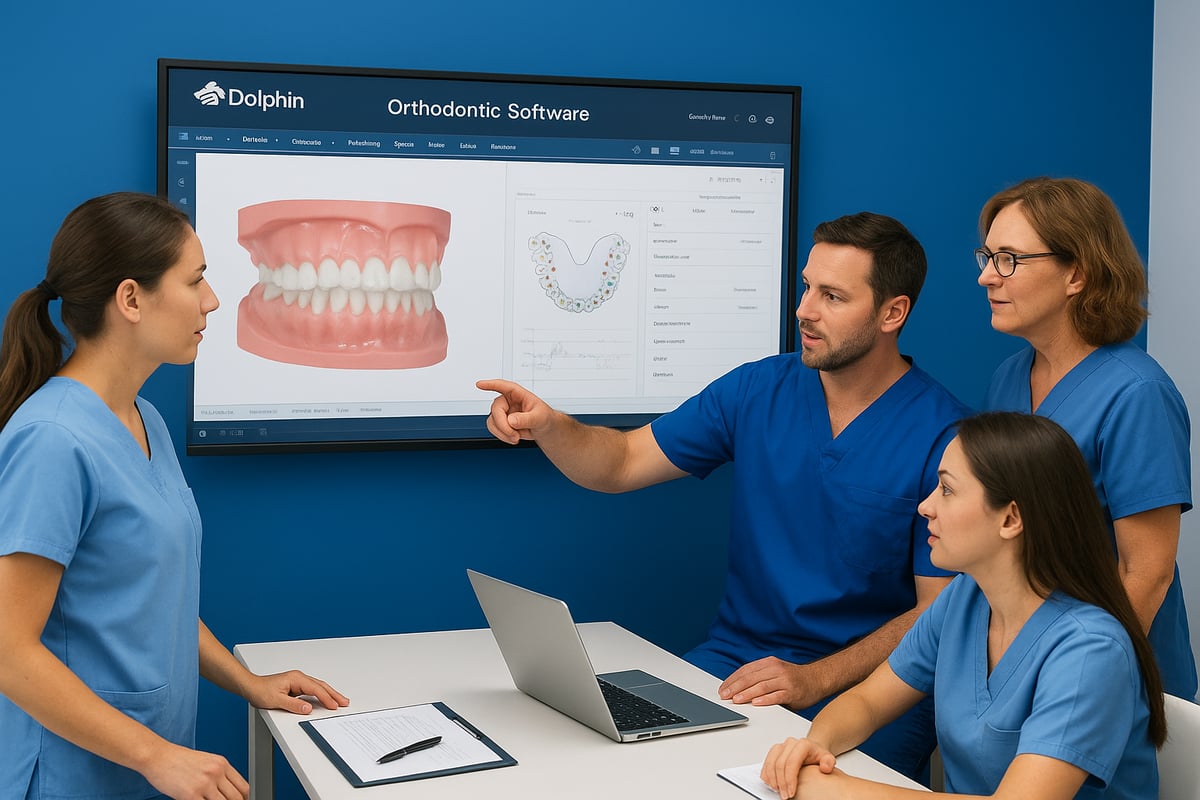
Adopting dolphin orthodontic software can be transformative, but many practices face hurdles that prevent them from realizing its full potential. Understanding these challenges—and how to overcome them—is essential for maximizing your investment and driving practice success.
Common Barriers to Full Adoption
Many orthodontic teams encounter obstacles when implementing dolphin orthodontic software. The most common include:
- Fear of complexity: Staff may feel overwhelmed by the breadth of features and customization options.
- Time constraints: Busy schedules can limit the ability to explore new tools or workflows.
- Underutilization: Industry data suggests that a significant percentage of practices use less than 50% of their practice management software's capabilities.
These barriers often lead to missed opportunities for efficiency and growth. For example, Pickett Orthodontics initially struggled to incorporate advanced modules, finding that staff relied on old manual processes despite having access to powerful digital tools.
| Challenge | Impact | Example Solution |
|---|---|---|
| Complexity | Feature avoidance, slow adoption | Incremental onboarding |
| Time constraints | Incomplete setup, skipped training | Scheduled learning |
| Underutilization | ROI loss, workflow inefficiency | Peer mentoring, reviews |
Strategies for Mastering Dolphin
Overcoming the learning curve with dolphin orthodontic software requires a proactive approach. Here are proven strategies:
- Incremental adoption: Roll out new features gradually, allowing staff to master one module before introducing another.
- Peer mentoring: Assign team champions to support colleagues and share best practices.
- Tap into support resources: Attend Dolphin’s webinars, participate in user meetings, and explore the software's robust help center.
- Engage with the user community: Peer forums offer real-world insights and troubleshooting tips.
- Leverage downtime: Like Pickett Orthodontics, use slower periods to optimize workflows and explore features you may have overlooked.
For those seeking objective guidance, consulting resources such as the dental software reviews hub can help practices compare modules, discover new features, and make informed decisions about utilizing dolphin orthodontic software effectively.
Fostering a Culture of Digital Innovation
Long-term success with dolphin orthodontic software depends on more than just initial training—it requires a culture that embraces continuous improvement. Practice owners and managers can:
- Encourage ongoing education: Schedule regular training sessions to keep staff updated on new features.
- Celebrate digital wins: Recognize team members who find creative ways to use the software for better patient care or efficiency.
- Stay current with updates: Assign a team member to monitor software releases and share relevant enhancements.
- Promote open feedback: Invite staff to suggest improvements or identify bottlenecks in digital workflows.
By prioritizing a digital-first mindset, your practice can harness the full power of dolphin orthodontic software, stay ahead of industry trends, and deliver an exceptional patient experience.
Optimizing Dolphin for Patient Engagement and Practice Growth
In today’s competitive orthodontic landscape, patient engagement is the heartbeat of sustainable practice growth. With digital expectations at an all-time high, leveraging dolphin orthodontic software is key to meeting patients where they are and exceeding their expectations. Seamless communication, personalized experiences, and data-driven strategies are no longer optional—they are essential.
Elevating Patient Engagement with Dolphin Orthodontic Software
Dolphin orthodontic software empowers practices to foster lasting patient relationships through a robust suite of communication tools. Secure two-way messaging, automated appointment reminders, and real-time treatment updates keep patients informed and involved at every step.
Automated reminders help reduce no-shows while personalized follow-ups reinforce trust. Educational content delivered through the system can demystify treatment plans, making complex orthodontic journeys more approachable. For practices seeking even more patient-centric features, exploring patient communication software tools can offer additional insights and comparisons.
Harnessing the MyOrthodontist App for Seamless Connections
The MyOrthodontist app serves as a central hub for patients, enabling them to schedule appointments, access treatment updates, and communicate securely with their care team. Integrating the app into daily workflows is simple with dolphin orthodontic software, ensuring both staff and patients benefit from streamlined processes.
Promoting the app effectively is crucial. Display QR codes at your front desk, include download instructions in welcome emails, and train staff to highlight the app’s advantages during consultations. Encourage patients to use the app for appointment management and quick questions, building a direct digital bridge that enhances satisfaction and retention.
Personalizing Experiences and Boosting Case Acceptance
Personalization is where dolphin orthodontic software truly shines. Automated yet customized appointment reminders, tailored follow-ups, and targeted educational messages create a sense of individualized care for every patient.
The proposals feature is particularly powerful for supporting family decision-making. By presenting interactive, easy-to-understand treatment and financial plans, practices can demystify options and improve case acceptance rates. For practices interested in visualizing treatment outcomes, the Dolphin Treatment Simulation Features provide a compelling way to help patients see potential results, further increasing engagement and confidence.
Measuring Impact and Driving Growth
Tracking key metrics is essential for continuous improvement. Dolphin orthodontic software offers analytics that reveal trends in appointment no-shows, patient response rates, and case acceptance. Regularly reviewing this data helps practices refine outreach strategies and identify workflow bottlenecks.
Consider the following engagement metrics:
| KPI | Why It Matters | How Dolphin Helps |
|---|---|---|
| Appointment No-Show Rate | Indicates scheduling efficiency | Automated reminders |
| Treatment Acceptance | Drives revenue growth | Interactive proposals |
| Patient Portal Logins | Measures app adoption | MyOrthodontist app stats |
| Feedback Response Rate | Gauges satisfaction, loyalty | Built-in surveys |
Integrating feedback mechanisms, such as post-visit surveys and quick polls, allows practices to act on patient insights quickly. Studies show that practices using digital engagement tools like dolphin orthodontic software see increased patient loyalty and more frequent referrals, directly impacting long-term growth.
Future-Proofing Your Practice: Dolphin and the Next Wave of Orthodontic Innovation
The pace of digital transformation in orthodontics is accelerating. Practices that want to thrive in 2025 and beyond must not only keep up, but lead. That’s where dolphin orthodontic software comes in, helping orthodontists adapt to emerging technology with confidence.
Embracing the Next Generation of Orthodontic Software
Several trends are reshaping practice management. Artificial intelligence is making diagnostics and treatment planning smarter and more efficient. Cloud integration allows teams to work from anywhere, with secure access to patient data and treatment histories. Teledentistry is now a standard part of many practices, letting orthodontists consult and follow up with patients remotely.
Dolphin orthodontic software is evolving to support these advances. The platform’s recent updates include enhanced AI-driven analytics and seamless cloud compatibility. These features ensure that practices can quickly adopt new workflows and stay ahead of regulatory requirements. The integration of advanced imaging and management tools, as described in the Evolution of Orthodontic Imaging Systems, highlights how Dolphin combines cutting-edge imaging with robust practice management.
Preparing Your Team for Continuous Digital Transformation
It’s not just about the technology, but also about people. Practices that succeed with dolphin orthodontic software invest in ongoing team training and encourage a culture of digital curiosity. Regular webinars, in-person workshops, and peer forums help staff stay confident with new features.
Forward-thinking practices, like those who have leveraged Dolphin’s latest updates, report faster adoption of new modules and higher patient satisfaction. By staying adaptable, these offices maintain a competitive edge in a crowded market.
Checklist: Keeping Dolphin Orthodontic Software Future-Ready
Use this checklist to ensure your practice is always ready for what’s next:
- Schedule regular software updates and review new release notes.
- Train staff on emerging features and best practices.
- Evaluate your hardware for compatibility with the latest digital tools.
- Integrate new modules, such as AI analytics or cloud-based imaging.
- Gather feedback from your team and patients about usability.
A proactive approach with dolphin orthodontic software ensures you can pivot quickly as trends shift.
Stay Informed and Compare Your Options
Keeping up with innovation means being open to new ideas and solutions. Exploring orthodontic software alternatives can help you benchmark Dolphin’s capabilities and ensure your investment remains the best fit for your evolving needs.
By focusing on continuous improvement, leveraging community resources, and prioritizing patient-centric technology, your practice will remain resilient and competitive with dolphin orthodontic software at its core.