In 2026, dental practices face new pressures to deliver digital efficiency, engage patients, and harness data for better care. Carestream dental software is leading this shift, empowering clinics to work smarter and achieve stronger results.
This guide offers a current, in-depth look at carestream dental software, giving dental professionals the tools and knowledge needed to boost clinical, operational, and financial outcomes.
You will find an overview of the software suite, its standout features, integration strengths, workflow benefits, cutting-edge innovations, practical adoption steps, and insights from real experts.
Curious how technology can future-proof your practice? Read on for actionable strategies that will keep your team ahead of the curve.
The Carestream Dental Software Ecosystem in 2026
Dental practices in 2026 require technology that keeps pace with complex clinical demands and ever-evolving patient expectations. The carestream dental software ecosystem brings together a comprehensive suite of solutions designed to simplify workflows, improve diagnostics, and unify operations for practices of all sizes.
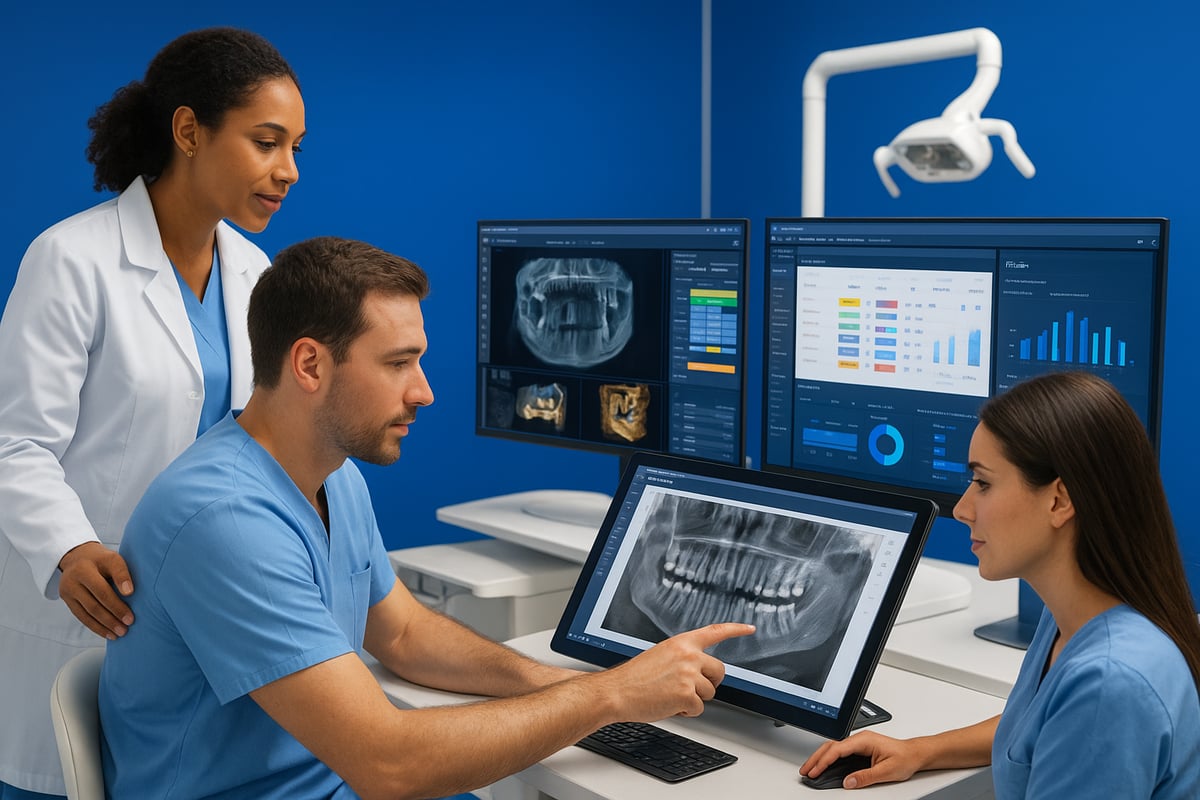
At the heart of the carestream dental software ecosystem is a unified platform that seamlessly integrates imaging, diagnostics, and practice management. In 2026, Carestream’s portfolio covers everything from high-resolution 2D and 3D imaging to advanced CBCT, airway analysis, and robust administrative modules. New updates enable direct access to 2D, 3D, and CAD/CAM data through a single interface, eliminating the need to juggle multiple programs. Enhanced dashboards and workflow tools let teams move from patient check-in to treatment planning and billing without missing a step.
Carestream dental software stands out for its clear distinction between clinical, imaging, and administrative modules. Clinical modules focus on diagnostics and treatment planning, while imaging modules like CS Imaging 8 and CS 3D Imaging deliver powerful visualization and analysis. Administrative modules, including Sensei Cloud and R4+, streamline scheduling, billing, and patient communications.
Here’s a quick comparison of core modules and their primary functions:
| Module | Main Function |
|---|---|
| CS Imaging 8 | Unified image management (2D, 3D, CAD/CAM) |
| CS 3D Imaging | Advanced 3D/CBCT visualization and analysis |
| CS Airway Module | Automated airway segmentation/measurement |
| Prosthetic-Driven Implant Planning | Implant workflow and case planning |
| Sensei Cloud | Practice management, scheduling, analytics |
Carestream dental software is trusted by thousands of practices worldwide, from solo clinics to large multi-location groups. Its global reach and reputation for reliability make it a top choice for dental organizations seeking scalable solutions. For example, imagine a dental group with several locations: by deploying Carestream’s integrated platform, they achieve consistent imaging protocols, centralized data access, and streamlined workflows across all sites.
One of the most impactful updates in 2026 is the ability of CS Imaging version 8 to provide one-stop access to all images, streamlining digital workflow. Practices no longer waste time searching for files or resizing images manually. Instead, clinical and administrative teams use a single dashboard to review patient history, compare scans, and coordinate care.
The strength of carestream dental software lies in its unified ecosystem. By consolidating imaging, diagnostics, and administrative tools, it reduces IT complexity, lowers training requirements, and supports better continuity of care. This approach not only saves time but also improves patient outcomes and team collaboration.
For dental professionals evaluating their options, independent resources such as the Dental Software Reviews Hub offer in-depth comparisons and user insights, helping you see how Carestream’s ecosystem stacks up in real-world practice.
Ultimately, carestream dental software delivers a powerful, future-ready platform that empowers practices to adapt, innovate, and thrive in the digital age.
Key Features and Capabilities of Carestream Dental Software
The power of carestream dental software lies in its ability to unify clinical imaging, practice management, and workflow collaboration. In 2026, dental teams expect seamless integration, intuitive dashboards, and advanced diagnostics—exactly what Carestream delivers. Let’s explore how these features elevate the modern dental practice.
Imaging and Diagnostic Tools
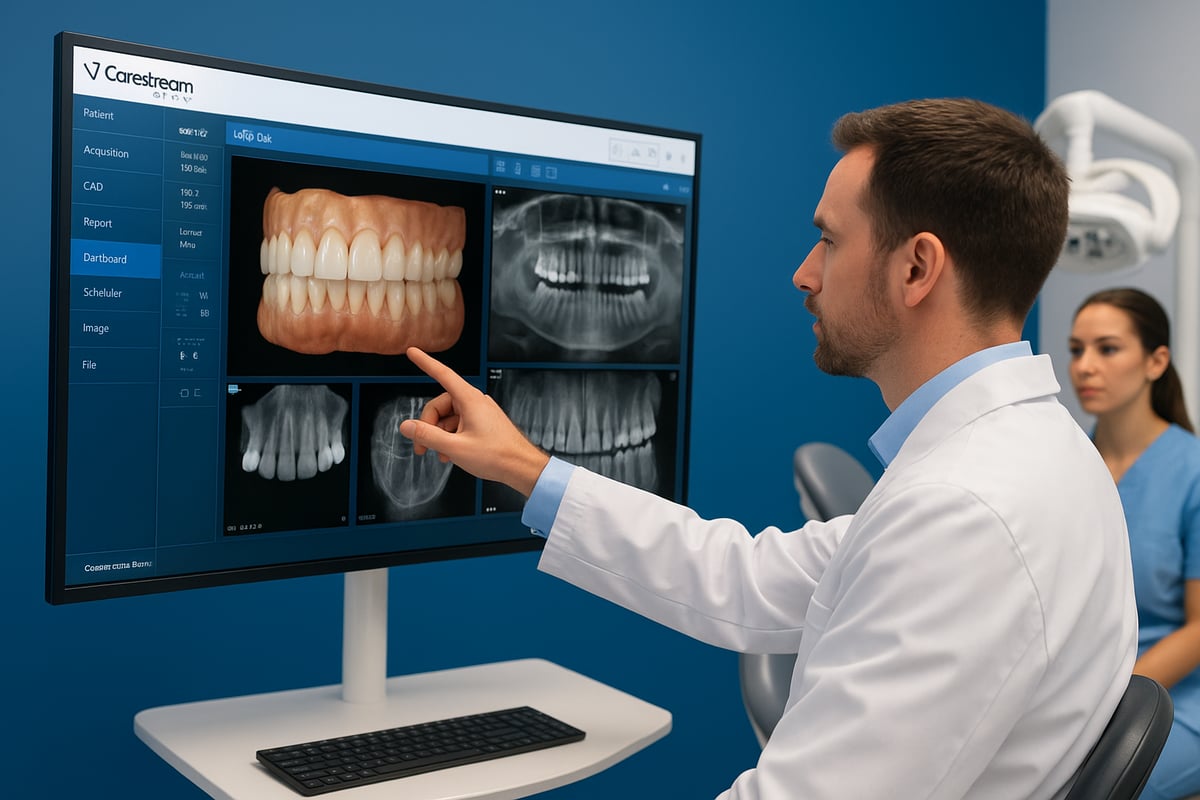
Carestream dental software stands out for its robust imaging suite. Dentists can review 2D and 3D images side by side, which streamlines diagnostics and accelerates treatment planning. With CS Imaging 8, CBCT data, panoramic, cephalometric, and intraoral images are all accessible from a single dashboard.
Here’s a quick comparison of key imaging features:
| Feature | Benefit | Time Saved |
|---|---|---|
| Simultaneous 2D/3D Display | Rapid, comprehensive diagnosis | Minutes/case |
| CS Airway Module | Automated airway segmentation | Seconds/scan |
| Batch Enhancements | One-click image optimization | 10+ mins/day |
| Drag-and-Drop Sharing | Easy referral collaboration | Immediate |
The CS Airway Module, for example, segments and measures the upper airway in seconds, empowering clinicians to identify issues quickly. A practice using CS Imaging 8’s dashboard can review a patient’s entire image history in moments, improving both efficiency and case acceptance.
Interested in how AI and imaging tools can further enhance your diagnostics? Check out this Imaging and Clinical AI Tools Guide for a deeper dive into the latest innovations.
By integrating all imaging types, carestream dental software helps teams make faster, more confident clinical decisions. Enhanced diagnostics not only boost treatment accuracy but also increase patient trust and satisfaction.
Practice Management and Administrative Functions
Beyond imaging, carestream dental software transforms how practices handle scheduling, billing, and patient data. The Sensei Cloud and R4+ modules centralize appointment calendars, billing workflows, and analytics, while supporting DICOM, JPEG, and STL formats for interoperability.
Key administrative benefits include:
- Automated appointment reminders via Sensei Cloud
- Streamlined insurance processing and billing
- Secure patient record management with compliance features
For example, a dental office can automate patient communications and billing, freeing up front desk staff to focus on patient experience. By reducing manual tasks, carestream dental software gives clinicians more time for care delivery.
The software’s interoperability with other practice management systems means that migrating or integrating existing data is hassle-free. Practices benefit from workflow automation, reducing errors and administrative overhead. Ultimately, streamlined administration through carestream dental software leads to smoother operations and improved financial performance.
Workflow and Collaboration Enhancements
Efficiency and teamwork are at the core of carestream dental software’s workflow tools. The dashboard image gallery offers an instant overview, making case presentations more compelling for both patients and colleagues. Clinicians can compare pre- and post-op 3D images side by side, simplifying case review and documentation.
Collaboration is effortless with features such as:
- Secure sharing tools for interdisciplinary treatment teams
- Darkroom mode for distraction-free image review
- Customizable workspaces for each user’s preferences
Consider a practice using the Prosthetic-Driven Implant Planning Module: the team can plan implants collaboratively, share annotated images, and present options to patients with clarity. The well-organized workspace eliminates the need to manually resize or move images, saving valuable time.
By improving communication and workflow, carestream dental software helps dental teams deliver higher quality care and achieve greater patient satisfaction. Efficient collaboration, powered by intuitive tools, ensures every member of the practice is aligned and productive.
Integration, Compatibility, and Interoperability
In 2026, dental practices demand technology that connects seamlessly across every aspect of patient care and administration. Carestream dental software stands out by offering a robust framework for integration, compatibility, and interoperability, essential for modern clinics seeking to streamline workflows and reduce IT headaches.
Connecting to Existing Hardware
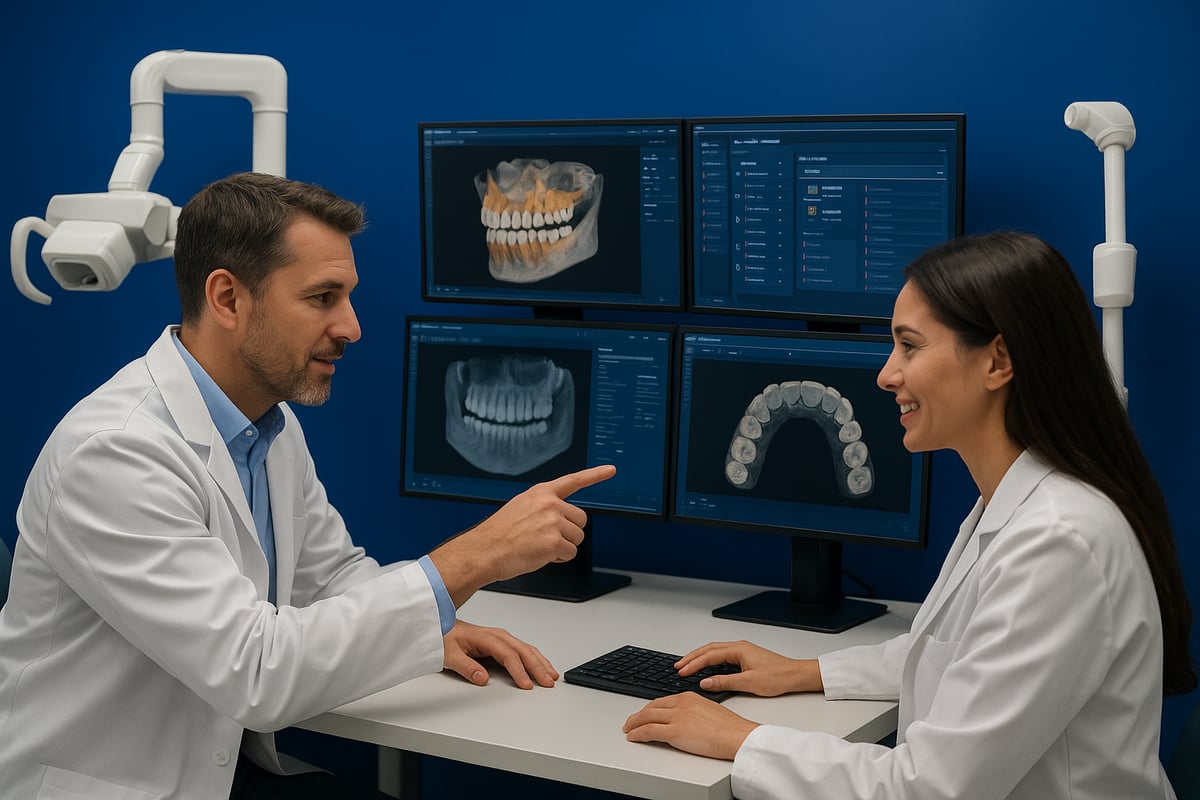
Carestream dental software is designed to integrate easily with a wide variety of dental hardware. Whether your practice uses digital sensors, intraoral cameras, X-ray generators, or CR systems, Carestream dental software provides unified access and control from a single platform.
This integration means that images and data from different devices can be captured, stored, and accessed instantly within the same interface. Practices upgrading their hardware or adding new imaging modalities find that Carestream dental software minimizes disruptions and keeps all clinical data connected.
Compatibility with Third-Party Software
Another strength of Carestream dental software is its ability to work alongside third-party software solutions. Most dental clinics use a blend of practice management, imaging, and billing applications. Carestream dental software supports industry-standard formats like DICOM, JPEG, and STL, making it easy to import and export data between systems.
For example, CS Imaging integrates with most practice management software, allowing for smooth image sharing and record keeping. This compatibility is crucial for multi-location clinics or those transitioning from legacy solutions. For a comprehensive look at how these integrations support practice growth, check out the Practice Management Software Overview.
DICOM Interoperability and Data Migration
DICOM interoperability is at the heart of Carestream dental software’s integration capabilities. By supporting DICOM standards, the platform ensures that dental images and diagnostic data can be shared with other medical imaging systems, supporting collaborative care and referrals.
Migrating data from older systems to Carestream dental software is streamlined through support for industry-standard import and export functions. Practices can securely transfer patient records, images, and treatment histories without data loss or downtime, making upgrades or system changes far less stressful.
The Value of Interoperability and Future-Proofing
Interoperability is more than just a technical feature—it’s a strategic advantage. Carestream dental software’s open architecture reduces training time for new staff and simplifies IT management. With modular upgrades and support for open standards, practices can adapt to new technology without major overhauls.
This future-proof approach means clinics are ready for advances in imaging, AI diagnostics, and digital workflows as they emerge. Ultimately, investing in Carestream dental software’s interoperable ecosystem positions practices for long-term clinical and operational success.
Innovations and Updates: What’s New for 2026
The pace of innovation in carestream dental software is accelerating as 2026 approaches. Dental practices now expect seamless integration, smarter diagnostics, and tools that drive productivity. Carestream has delivered, introducing new modules and enhancements that redefine what’s possible in modern dentistry. Let’s explore the standout updates, future trends, and the vital support resources available this year.
Latest Software Releases and Modules
Carestream dental software has rolled out significant upgrades to its core platforms for 2026. CS Imaging 8 now features a redesigned dashboard, making it easier for both clinicians and front desk teams to retrieve and review images instantly. The new client-server architecture ensures faster access across multiple operatories, supporting the needs of growing practices.
The CS 3D Imaging and Airway modules have also received major enhancements. Automated batch image enhancements, drag-and-drop sharing, and advanced measurement tools streamline the diagnostic process. The Prosthetic-Driven Implant Planning module now offers precision planning tools, supporting more predictable implant outcomes.
A real-world example: a busy multi-location group practice reports that the latest CS Imaging 8 interface allows staff to locate and present patient images in seconds, improving patient consultations and reducing wait times. Continuous updates to carestream dental software help practices stay compliant with evolving clinical and regulatory standards, ensuring long-term value.
AI, Automation, and Future Trends
Artificial intelligence is reshaping the landscape of carestream dental software. The latest AI-driven modules can detect early signs of caries, pathology, and airway constrictions with remarkable speed and accuracy. Automated workflow suggestions and predictive analytics help teams anticipate patient needs and optimize scheduling.
Cloud-based access now enables remote image review and collaboration between multiple practice locations. For example, the AI module can flag potential airway obstructions in a CBCT scan, alerting clinicians for follow-up. Industry data shows a rapid rise in the adoption of AI-powered imaging tools, reflecting the growing trend toward smarter, more efficient practices.
For a broader perspective on these trends, see AI in Dental Market Growth. Practices that leverage AI within carestream dental software are already reporting measurable gains in diagnostic confidence, workflow efficiency, and patient outcomes.
Training, Support, and Resources
Maximizing the benefits of carestream dental software requires ongoing training and accessible support. The Carestream Dental Institute offers comprehensive online help, webinars, and detailed product documentation. Staff can access a robust resource library with tutorials, case studies, and troubleshooting guides tailored to their daily workflows.
Dedicated support teams assist with installations, updates, and seamless integrations, minimizing downtime for practices. One example: a practice recently used recorded webinars for onboarding new team members, reducing training time and ensuring consistency.
Ongoing support and fresh resources mean practices can quickly adapt to new features in carestream dental software, continuously improving their clinical and operational performance.
Practical Guide: Adopting and Optimizing Carestream Dental Software
Successfully adopting carestream dental software requires a thoughtful, step-by-step approach. Whether you are migrating from legacy systems or upgrading to the latest digital tools, following a practical roadmap will help your team maximize clinical, administrative, and financial outcomes.
Step 1: Assessing Practice Needs and Readiness
Begin by evaluating your current hardware, software, and clinical workflows. Identify gaps in patient care, bottlenecks in administration, and areas for digital improvement. Consider staff digital literacy and willingness to embrace new technology.
Make a checklist of must-have features and integration needs. Setting clear goals for adopting carestream dental software keeps your project focused and measurable. For support in comparing options and mapping requirements, consult resources like How to Choose the Right Dental Software. Mapping your workflows to Carestream modules ensures a smoother transition.
Step 2: Planning Implementation and Integration
With goals set, design a phased rollout plan for carestream dental software. Confirm compatibility with existing sensors, cameras, and IT infrastructure. Schedule staff training and onboarding sessions to build confidence and reduce disruption.
Data migration deserves special attention. Work with your IT team to securely transfer patient records and images. For multi-location practices, coordinate a unified go-live date so every site benefits from the same digital foundation. A clear plan minimizes downtime and maximizes early wins.
Step 3: Customizing Workflows and User Roles
After installation, personalize carestream dental software to fit your team’s needs. Configure dashboards and set user permissions to ensure clinicians and administrators see what matters most. Tailor imaging protocols and reporting templates to match your clinical standards.
Automate routine administrative tasks, such as appointment reminders and billing codes. Customization streamlines daily operations. For example, offices can set up automated communications to reduce no-shows and improve cash flow.
Step 4: Leveraging Advanced Features for Clinical Excellence
Unlock the full power of carestream dental software by using advanced imaging and diagnostic tools. Take advantage of 3D imaging, AI-powered suggestions, and comprehensive case reviews for better treatment planning.
Share images and data with interdisciplinary teams to improve collaboration. Use features like Darkroom mode for more effective patient education and case presentation. These tools not only enhance diagnostics but also boost patient satisfaction and trust.
Step 5: Continuous Improvement and Staying Current
Optimization is ongoing. Regularly monitor carestream dental software updates and explore new modules as they are released. Collect feedback from staff and patients to identify opportunities for refinement.
Engage with Carestream’s training and support resources, such as webinars and documentation, to keep your team sharp. Review workflow analytics to spot bottlenecks and drive continuous improvement. Staying current ensures your practice remains efficient and competitive.
Expert Insights and Real-World Case Examples
Dental professionals worldwide are turning to carestream dental software to transform their clinical workflows and patient experiences. By combining advanced imaging, intuitive dashboards, and seamless practice management, the platform is reshaping how dentistry is practiced in 2026.
One standout example is Dr. Jose Antonio Benito Aguilar, who implemented carestream dental software across his multi-site practice. Leveraging the latest CS Imaging 8 dashboard, Dr. Aguilar’s team can instantly view all patient images—panoramic, CBCT, and intraoral—side by side. According to Dr. Aguilar, the AI-powered imaging tools and automated enhancements have dramatically reduced time spent on manual tasks. The recent CS 3D Imaging Premium Launch further amplifies these efficiencies, enabling smarter, faster diagnostics for every patient visit.
Dr. Robert Pauley, DMD, offers another compelling perspective. He credits carestream dental software’s dashboard with transforming case presentations. By using the comprehensive image gallery and Darkroom mode, Dr. Pauley’s team presents complex treatment plans in a way that patients can easily understand. This visual clarity has led to higher case acceptance rates and more informed consent, strengthening trust between provider and patient.
Peer-reported data backs up these experiences. Many practices using carestream dental software have documented significant time savings and improved diagnostic accuracy, especially with the integration of AI for image analysis. A recent AI in Panoramic Radiographs Study supports these findings, showing that AI-driven tools can identify dental pathologies with greater speed and consistency, helping clinicians make better decisions.
The versatility of carestream dental software shines in both solo and group practice settings. For larger clinics, the unified platform streamlines collaboration among dentists, hygienists, and administrative staff. Smaller practices benefit from intuitive workflows and reduced IT complexity. Across the board, peer insights highlight best practices such as regular staff training, workflow customization, and leveraging analytics for continuous improvement. The result is a more productive, patient-centered practice environment.
How to Choose the Right Dental Software: Expert Tips from Smart Molars
Choosing the right dental software is a major decision for any modern practice. Smart Molars was created to help dental professionals confidently evaluate solutions like carestream dental software, ensuring every choice matches real-world needs, not just marketing claims.
When comparing carestream dental software to other platforms, it is essential to look beyond feature lists. What matters most is how the software performs in daily workflows, how easily it integrates with your current systems, and the level of support you receive.
Here are the top criteria Smart Molars recommends for dental software selection:
| Criteria | Why It Matters |
|---|---|
| Integration Capabilities | Ensures seamless data and workflow |
| User Experience | Reduces training time and frustration |
| Support and Training | Keeps your team productive |
| Cost Transparency | Avoids hidden fees or surprises |
| Ongoing Updates | Future-proofs your investment |
Smart Molars’ in-depth reviews and side-by-side comparison guides empower you to evaluate carestream dental software alongside other leading solutions. Practice managers often use these tools to quickly shortlist platforms that fit their unique practice requirements.
Relying on independent, expert-led resources like Smart Molars reduces risk and accelerates ROI for dental software investments. If you want unbiased insights and the latest buyer’s guides tailored to your practice, explore Smart Molars to make your next carestream dental software decision with confidence.