In 2026, dental clinics are competing in a fast-changing digital landscape where streamlining operations is critical. Cloud 9 dental software is at the forefront, offering new ways to boost productivity, ensure compliance, and delight patients.
This guide is your complete resource for mastering cloud 9 dental software. You will discover its essential features, learn how to set up and customize it for your practice, and uncover expert strategies to make the most of every tool.
Ready to transform your workflows and lead your team into the future? Dive in and unlock the full power of cloud 9 dental software.
Understanding Cloud 9 Dental Software: An Overview for 2026
In 2026, cloud 9 dental software is at the forefront of dental practice management, serving as a catalyst for efficiency and growth. As the dental industry rapidly shifts to digital solutions, understanding what sets cloud 9 dental software apart is crucial for modern practices aiming to thrive.
What Is Cloud 9 Dental Software?
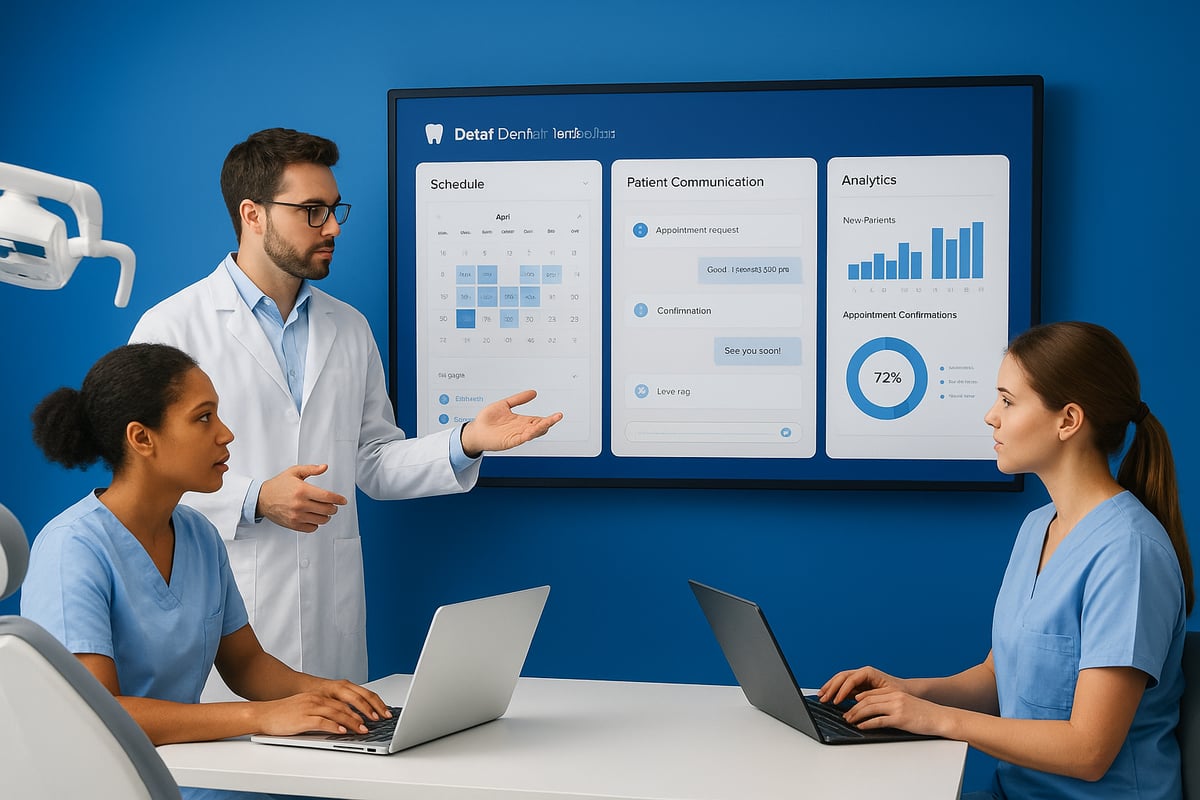
Cloud 9 dental software is a comprehensive, cloud-based practice management system that has evolved to meet the needs of orthodontic, pediatric, group, and multi-location dental practices. Unlike legacy solutions, cloud 9 dental software provides secure, anywhere access to patient data, scheduling, and financials. This flexibility is especially valuable in 2026, as cloud adoption in healthcare continues to accelerate.
The core value of cloud 9 dental software lies in its robust security protocols, streamlined workflows, and ability to support multi-office practices. With over 28,000 users across more than 2,300 locations, cloud 9 dental software has become a trusted choice for dental support organizations and growing practices.
Why does it stand out? Cloud 9 dental software enables teams to collaborate in real time, eliminates the need for costly on-site servers, and ensures compliance with regulatory standards. In a landscape where remote work and telehealth are becoming norms, cloud 9 dental software empowers clinicians to manage patient care from any device, whether in the office or on the go.
To illustrate its position in the market, consider this table:
| Feature | Cloud 9 Dental Software | Traditional PMS | Other Cloud PMS |
|---|---|---|---|
| Access | Anywhere, any device | On-site only | Anywhere, any device |
| Updates | Automatic | Manual, scheduled | Automatic |
| Security | HIPAA, PCI compliant | Varies | Varies |
| Multi-location Support | Native, robust | Limited | Varies |
| User Base | 28,000+ in 2,300+ sites | Declining | Growing |
Cloud 9 dental software is especially advantageous for practices operating multiple offices, as it centralizes patient records and streamlines communications. For a broader perspective on how cloud 9 dental software compares with other leading solutions, check out this Practice Management Software Guide.
Core Features at a Glance
Cloud 9 dental software packs a suite of advanced features designed to manage every aspect of a dental practice. At the heart of the system is an intelligent scheduling engine that enables real-time updates across single or multiple locations, reducing double bookings and improving patient flow.
The patient portal is another standout, empowering patients to book appointments, complete forms, and track treatment progress online. This boosts engagement and satisfaction.
Financial management is seamless with built-in tools for billing, invoicing, auto-pay, and insurance claims processing. Practices can automate repetitive tasks, freeing up staff to focus on patient care.
Effective communication is vital, and cloud 9 dental software delivers with integrated SMS, email, and reminder tools. These ensure patients are informed and reduce no-shows.
Imaging and charting are fully integrated, supporting direct capture and storage of diagnostic images. The platform’s compliance with HIPAA and PCI standards ensures that sensitive data stays protected at every step.
Mobile optimization means dental teams can access cloud 9 dental software from smartphones or tablets, whether at chairside or remotely. This flexibility is key for busy providers managing on-the-go.
In summary, cloud 9 dental software offers a powerful, secure, and user-friendly platform tailored for the evolving needs of modern dental practices. Its comprehensive feature set, coupled with industry-leading security and accessibility, positions it as a top choice for practice management in 2026.
Step-By-Step: Setting Up Cloud 9 for Your Dental Practice
Getting started with cloud 9 dental software can feel like a big leap, but a methodical approach ensures a smooth transition. Whether you are moving from paper or another system, setting up the platform correctly from day one will help your dental practice maximize efficiency and compliance.

Preparing for Implementation
Before diving into cloud 9 dental software, take time to evaluate your practice’s unique needs and long-term goals. Start by listing the essential features your team relies on, such as scheduling, billing, and patient communication. This assessment guides your customization and onboarding steps.
Next, plan your data migration. Gather all patient records, appointment histories, and financial data that need to be imported. Many practices work closely with Cloud 9’s support team to ensure data accuracy and minimize downtime. Confirm your internet speed and reliability, as a cloud-based solution depends on stable connectivity. Also, verify that your hardware—laptops, tablets, scanners—meets minimum requirements for optimal performance.
Set up staff roles and permissions early. Assign administrators, front desk staff, and clinical users the right access levels to maintain security and streamline workflow. It’s also wise to establish a backup routine and disaster recovery protocol, ensuring your data is protected at all times. For more details on orthodontic-specific setup and unique capabilities, check out this Cloud 9 Orthodontic Software Overview.
Customizing Cloud 9 for Your Workflow
Once the foundation is set, tailor cloud 9 dental software to fit your daily operations. Begin by configuring scheduling templates for each provider and location. This step reduces appointment conflicts and supports efficient patient flow.
Set patient communication preferences, including automated email and SMS reminders. This keeps patients engaged and reduces no-shows. Customize billing codes, add insurance plans, and enable auto-pay features to simplify your financial processes. Integrate imaging devices and diagnostic tools so clinical workflows are seamless and data is always accessible.
Personalize digital forms and patient intake processes to reflect your practice’s branding and information needs. This not only saves administrative time but also improves the patient experience. By aligning these elements, cloud 9 dental software becomes a true extension of your practice, supporting both clinical and administrative staff.
Training and Go-Live
Proper training is crucial for a successful cloud 9 dental software launch. Organize interactive training sessions for each staff role, focusing on core tasks like scheduling, billing, and patient communication. Cloud 9 offers a range of support resources, including help articles, webinars, and a user community, that can accelerate learning.
A typical onboarding timeline spans two to four weeks, depending on practice size and complexity. Conduct thorough workflow tests before going live to identify and resolve any issues. Encourage staff to share feedback and ask questions during this phase.
Many practices report a smooth transition and quick productivity boost after adopting cloud 9 dental software. One pediatric group, for example, saw a 30% reduction in missed appointments within the first month, thanks to automated reminders and streamlined scheduling. With the right preparation, your team can confidently embrace this digital transformation.
Mastering Daily Operations: Key Cloud 9 Features in Action
Efficiency in daily operations is the heartbeat of every modern dental clinic. With cloud 9 dental software, practices can streamline complex workflows, boost patient satisfaction, and ensure data security. Let’s break down how these features work in real-world settings and why they matter in 2026.
Scheduling, Appointments, and Patient Flow
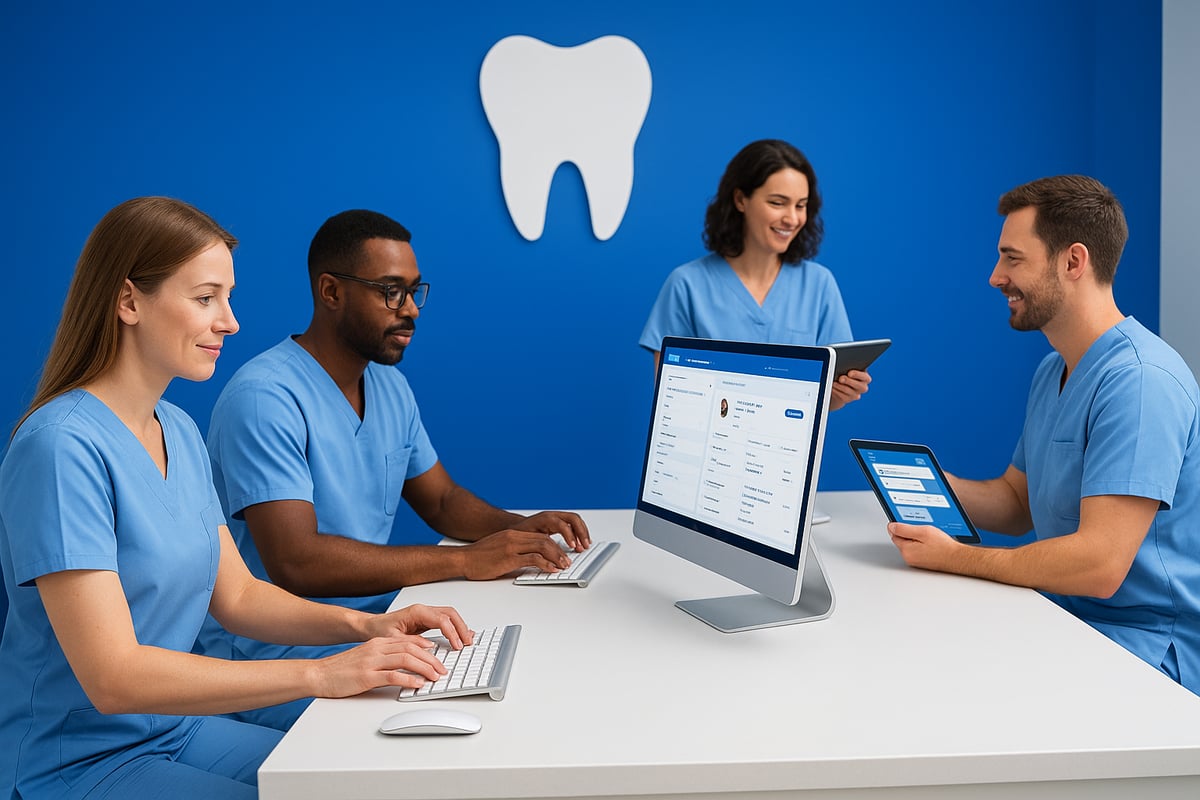
Managing appointments across multiple providers and locations is seamless with cloud 9 dental software. The advanced scheduling engine allows real-time updates, preventing double bookings and optimizing chair time. For multi-location practices, unified calendars and provider-specific templates keep every schedule in check.
Consider an orthodontic clinic juggling dozens of appointments daily. With cloud 9 dental software, staff can instantly view openings, add patients to waitlists, and fill cancellations in seconds. This agility reduces downtime and maximizes productivity. Real-time notifications help everyone stay coordinated, even when schedules change unexpectedly.
Key scheduling benefits:
- Single or multi-location management
- Automated waitlist and cancellation handling
- Custom templates for providers
By integrating all scheduling data, cloud 9 dental software ensures that daily patient flow stays smooth and efficient.
Patient Communication and Engagement
Effective communication is the backbone of patient-centered care. Cloud 9 dental software includes automated appointment reminders via email or SMS, reducing no-shows and keeping patients informed. Two-way texting and dynamic campaigns (with add-ons like Cloud 9 Connect) enable real-time engagement with patients.
The patient portal empowers patients to book appointments, complete forms, and track treatment updates anytime. These features directly impact satisfaction and loyalty, with cloud 9 dental software earning a 4.6/5 rating on major review platforms.
For practices seeking to deepen engagement, exploring Patient Communication and Engagement Tools can further enhance their strategies. By making communication effortless and interactive, clinics foster trust and long-term relationships.
Financial and Insurance Management
Financial workflows are often a bottleneck for dental clinics. Cloud 9 dental software streamlines billing, invoicing, and online payments, allowing staff to process transactions quickly and accurately. Automated insurance claims reduce administrative burden and speed up reimbursements.
With robust financial reporting and analytics, practices can track revenue trends, outstanding balances, and collection rates. For example, auto-pay features help reduce collection time and improve cash flow. All financial data is centralized, making audits and compliance checks straightforward.
Key financial advantages:
- Automated claims and payments
- Detailed reporting dashboards
- Integrated billing with patient records
Cloud 9 dental software supports financial transparency and efficiency, helping clinics stay profitable and compliant.
Imaging, Charting, and Clinical Documentation
Clinical documentation is more efficient with cloud 9 dental software. Direct image capture, storage, and categorization allow providers to access patient images instantly. The charting tools are tailored for both orthodontic and general dental workflows, making it easy to document treatments and progress.
Integration with third-party imaging software ensures seamless access to diagnostic tools. All clinical data is protected with HIPAA-compliant security measures. This combination of accessibility and security empowers clinicians to deliver high-quality care without paperwork delays.
For example, digital charting reduces errors and speeds up clinical workflows. Instant image retrieval supports better diagnostics and patient education.
Security, Compliance, and Data Integrity
Protecting patient information is non-negotiable. Cloud 9 dental software uses end-to-end encryption and complies with HIPAA and PCI standards, ensuring sensitive data stays safe. Regular backups and disaster recovery protocols minimize risks from outages or cyber threats.
User access controls and audit trails allow practices to monitor activity and maintain accountability. Multi-location groups benefit from centralized security management, making it easier to enforce policies across all sites.
By prioritizing data integrity and compliance, cloud 9 dental software helps dental clinics build trust with patients and regulators alike. Daily operations become not only efficient but also secure and reliable.
Integrations, Add-Ons, and Customization: Extending Cloud 9’s Power
Cloud 9 Dental Software is designed to be the backbone of a modern dental practice, adapting to a wide range of needs. Integrations, add-ons, and customization options are essential to help practices streamline operations and keep pace with 2026’s evolving demands.
Built-In and Third-Party Integrations
One of the greatest strengths of cloud 9 dental software is its robust integration ecosystem. Practices can connect a variety of diagnostic and imaging tools such as EasyRx, making it easier for teams to manage treatment planning and records from a single interface. Payment processing integrations, including Worldpay and Global Payments Integrated, allow for secure, efficient financial transactions without leaving the platform.
Communication is also streamlined. Popular platforms like Rhinogram, Legwork, and Birdeye can be linked, enhancing patient communication and marketing. These integrations help automate reminders, collect feedback, and manage online reputation, all within cloud 9 dental software.
Wondering how these integrations compare to other dental platforms? Resources like Dental Software Reviews and Comparisons provide side-by-side breakdowns so you can see how cloud 9 dental software stacks up for multi-tool workflows.
Optional Add-Ons and Advanced Features
Cloud 9 dental software offers powerful optional add-ons to further enhance practice management. Cloud 9 Connect is a standout, enabling advanced patient communication with automated reminders, bulk campaigns, and two-way texting. This helps practices reduce no-shows and stay connected with patients in real time.
Cloud 9 Signature is ideal for digital document management, providing secure e-signature capabilities for consent forms and treatment plans. Practices using these add-ons often see significant efficiency gains. For example, offices that adopt both Connect and Signature streamline their paperwork, reduce manual errors, and improve patient experience.
These add-ons are modular, so practices can choose what fits their needs without overcomplicating their workflows. Cloud 9 dental software’s flexible approach ensures you can scale features as your practice grows.
Customization and Limitations
Customization is a key reason many practices choose cloud 9 dental software. Scheduling templates, intake forms, and communication preferences can all be tailored to match unique workflows or provider preferences. This lets teams optimize daily operations and improve patient engagement.
However, some users note that deeper customization—such as advanced reporting or highly specific templates—can be limited. While cloud 9 dental software covers most core needs, practices with unique requirements may need to find workarounds or request features through the user community.
Best practices include leveraging built-in templates, regularly reviewing customization settings, and participating in feedback forums. By staying proactive, practices can get the most out of cloud 9 dental software while adapting to new challenges.
Real-World User Insights: Pros, Cons, and Best Practices
Real-world experiences provide invaluable guidance for dental practices considering cloud 9 dental software. User feedback reveals both the platform’s standout strengths and some areas to watch, helping teams make confident, informed decisions.
User Ratings and Satisfaction
Cloud 9 dental software consistently earns high marks from dental professionals. According to aggregated reviews, it holds a 4.6 out of 5 average rating across leading platforms. In fact, 72% of users give it a full 5 stars, while another 24% rate it 4 stars, highlighting strong overall satisfaction.
| Feature | User Praise (%) |
|---|---|
| Ease of Use | 88 |
| Accessibility | 81 |
| Customer Support | 78 |
Users often highlight the intuitive interface and the convenience of accessing cloud 9 dental software from any location. Practices also appreciate responsive customer support and streamlined workflows. For a deeper look at real user feedback and pricing, explore the Cloud 9 Ortho Software Reviews, Demo & Pricing – 2025.
Common Challenges and Drawbacks
Despite its many advantages, cloud 9 dental software presents some challenges. One frequently mentioned drawback is limited customization. Some users wish for more flexibility in templates and reporting options.
Technical issues may arise after software updates, occasionally disrupting daily routines. Because the platform is cloud-based, a stable internet connection is essential. Practices in areas with unreliable service should plan accordingly.
Another consideration is the cost of add-ons. Features like automated reminders and digital signatures often require additional subscriptions. While these add value, they can increase overall expenses for growing practices.
Best Practices from Experienced Users
To maximize the benefits of cloud 9 dental software, experienced users recommend engaging with the Club9 user community. This resource is a hub for sharing tips, requesting features, and troubleshooting.
Regular staff training ensures teams stay up to date and take full advantage of new features. Attending Cloud 9 user meetings can provide advanced insights and networking opportunities.
One practice reported a significant boost in efficiency after adopting the mobile app. Team members could manage appointments and patient data on the go, improving response times and overall clinic flow.
Smart Molars: Your Trusted Dental Software Resource
Choosing the right cloud 9 dental software can feel overwhelming, but Smart Molars makes it simple. Their platform offers unbiased reviews and expert comparisons of leading dental software, so you can make informed choices with confidence.
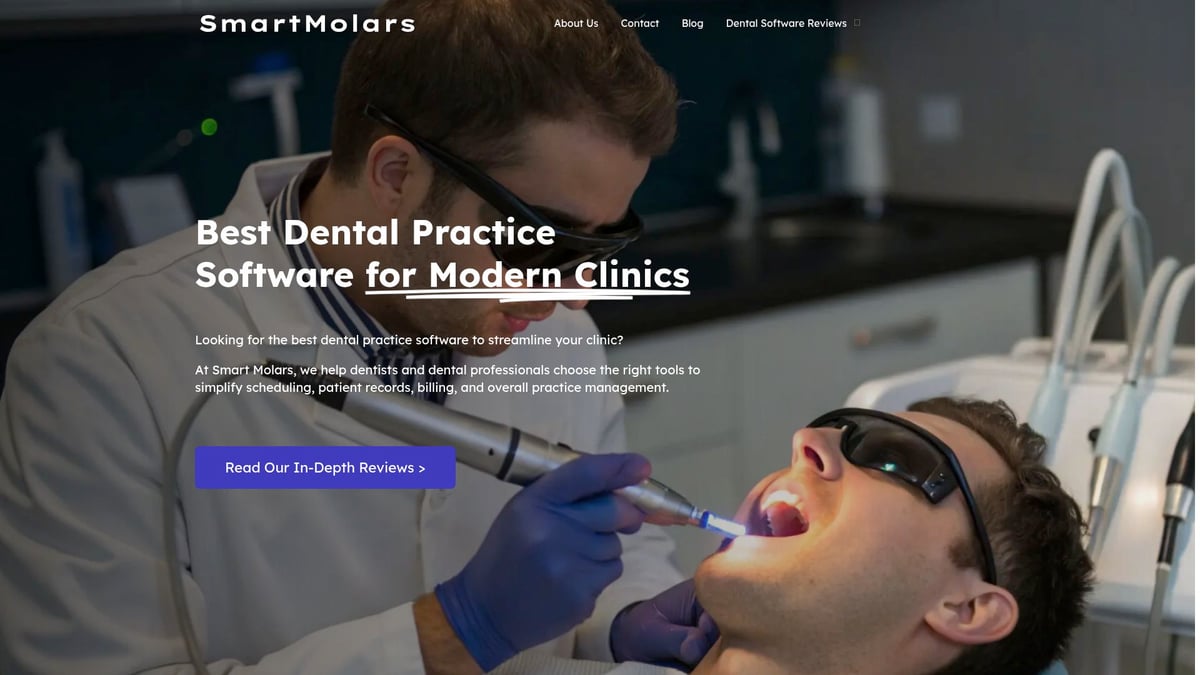
Smart Molars dives deep into features, pricing insights, and user testimonials, saving you hours of research. Looking for practical advice? Their comprehensive guides break down the pros and cons, helping your practice stay ahead in 2026.
Want to explore more about cloud 9 dental software? Check out this in-depth look at Cloud 9’s features and benefits for detailed insights. Visit Smart Molars today and optimize your dental software selection process.
Advanced Tips and Future Trends: Getting the Most from Cloud 9 in 2026
Staying ahead in dental practice management means making the most of your tools. With cloud 9 dental software, your clinic can work smarter, not harder. Let’s break down the proven strategies and future-forward trends that will help you maximize every feature in 2026.
Maximizing Efficiency and Productivity
Start by automating routine tasks inside cloud 9 dental software. Set up automated appointment reminders, billing cycles, and recurring reports to free up your team’s time.
Use built-in analytics to monitor key performance indicators (KPIs) like patient retention, average collection time, and appointment fill rates. By tracking these metrics, you can quickly spot trends and seize growth opportunities.
Optimize patient communication by enabling the patient portal and customizing reminder schedules. With cloud 9 dental software, you can engage patients through SMS, email, and in-app notifications, reducing no-shows and boosting satisfaction.
- Automate appointment confirmations and follow-ups
- Track financial and operational KPIs in real time
- Personalize communication based on patient preferences
With these steps, your practice can focus more on patient care and less on administrative busywork.
Leveraging New and Upcoming Features
As technology evolves, so does cloud 9 dental software. In 2026, expect more AI-powered scheduling that predicts optimal appointment slots and reduces gaps in your calendar.
Predictive analytics will help you forecast busy periods and resource needs, keeping your practice prepared. Enhanced integrations are making teledentistry and remote monitoring easier than ever, expanding your care options. For a closer look at telehealth integration, check out Telehealth in Cloud 9 Software with Curogram.
Keep an eye on anticipated updates, like smarter workflow automations and deeper imaging software connectivity. For a detailed breakdown of these features and real user experiences, see the In-Depth Review of Cloud 9 Ortho Software Features.
By staying informed about upcoming releases, you can adopt new tools early and keep your clinic at the forefront of dental technology.
Security and Compliance in a Changing Regulatory Landscape
Security is never static. With cloud 9 dental software, staying compliant with evolving HIPAA and PCI standards is essential.
Implement multi-factor authentication for all users. Regularly review and update staff permissions to ensure only the right people have access to sensitive data. Use end-to-end encryption for all clinical documents and financial records.
- Enable audit trails to track access and changes
- Schedule regular security training for your team
- Back up data frequently using built-in cloud options
Prepare for future compliance challenges by following industry updates and adjusting your policies as regulations change. This proactive approach keeps your practice protected and trustworthy.
Scaling with Cloud 9: Multi-Location and Group Practices
Cloud 9 dental software excels in managing multi-location practices and dental service organizations (DSOs). Use the unified dashboard to oversee patient records, scheduling, and financials across all sites.
Centralize your data to ensure consistency and reduce duplicate work. Assign location-specific permissions so teams access what they need without risking security.
Case Study: A growing group practice used cloud 9 dental software to coordinate appointments, billing, and reporting across five locations. The result? Streamlined workflows and a 20% reduction in administrative overhead.
With these tools, scaling your practice is no longer a logistical nightmare.
Comparison with Competing Solutions
How does cloud 9 dental software stack up against other platforms? Here’s a quick comparison:
| Feature | Cloud 9 | Weave | Greyfinch |
|---|---|---|---|
| Scheduling | Advanced | Moderate | Advanced |
| Patient Portal | Yes | Yes | Yes |
| AI Analytics | 2026+ | Planned | Yes |
| Starting Price (USD) | $500/mo | $399/mo | $450/mo |
| Multi-location Support | Full | Limited | Full |
Cloud 9 dental software stands out for its robust multi-location management and strong compliance features. However, some competitors offer lower starting prices or more built-in AI features. Consider your unique needs before choosing.
Continuous Learning and Support
To get the most from cloud 9 dental software, tap into its extensive support resources. Use the online knowledge base, attend webinars, and participate in the user community for ongoing tips and feature updates.
Schedule regular staff training to ensure everyone is comfortable with new tools and workflows. Join Cloud 9 user meetings to share best practices and learn from peers.
Staying engaged with the support ecosystem means your practice will always be ready to adapt, innovate, and thrive.