Intraoral scanning is transforming dental practices, and the arrival of next-generation Dexis scanners in 2026 is set to raise the bar even higher.
This guide delivers essential insights into the Dexis scanner lineup, revealing what dental professionals need to know to stay ahead in digital dentistry. Whether you are evaluating your first dexis scanner or upgrading your workflow, this article is tailored for you.
We'll explore the evolution of Dexis technology, highlight key models for 2026, and break down new software advancements. You will discover real-world user experiences, best practices, and the future trends shaping modern clinical settings.
Ready to elevate accuracy, efficiency, and patient care? Dive in and explore how Dexis scanners can transform your practice for 2026 and beyond.
The Dexis Scanner Evolution: From 2021 to 2026
The dexis scanner journey over the past five years has been nothing short of remarkable. As digital dentistry accelerated, Dexis pushed the boundaries with technology, design, and workflow flexibility. Today's dexis scanner lineup is the result of continuous innovation, real-world feedback, and a commitment to clinical excellence.
Major Milestones in Dexis Scanner Development
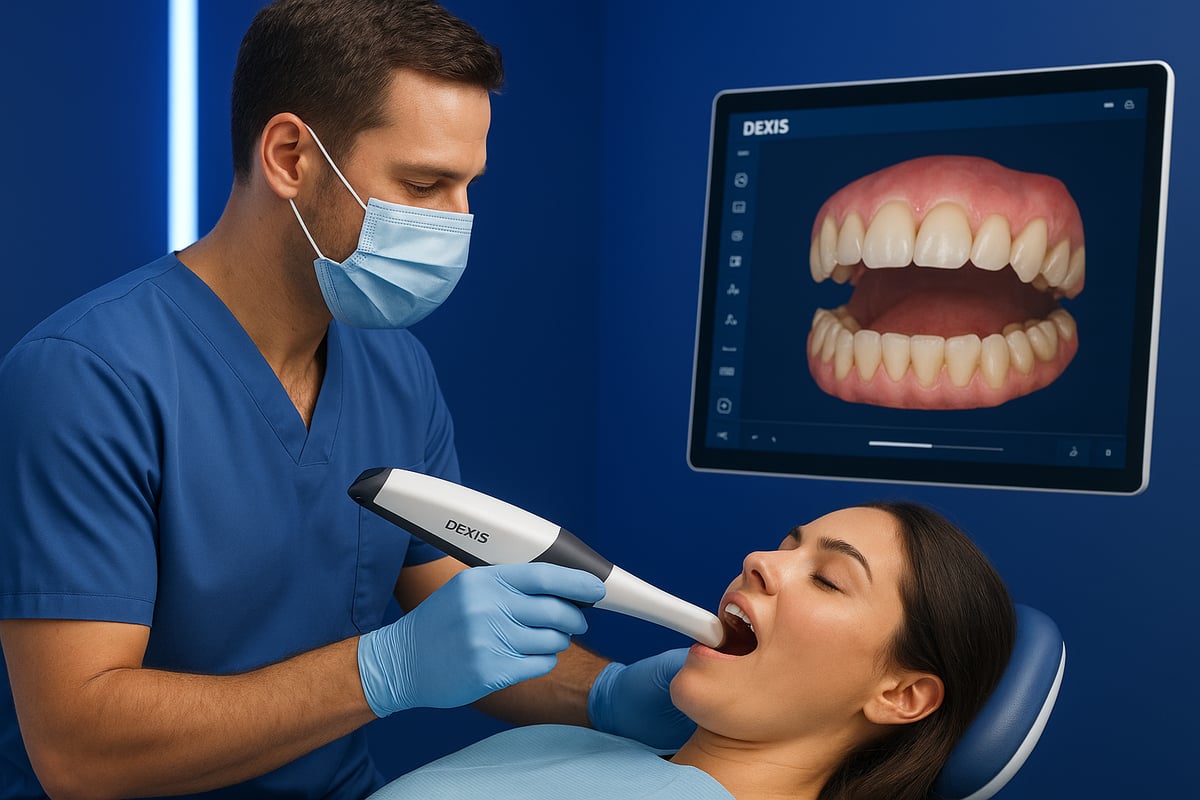
The evolution of the dexis scanner began with the launch of the IS 3800W, which introduced wireless scanning to everyday clinical practice. This innovation eliminated cable clutter, improved ergonomics, and enabled greater freedom of movement for clinicians.
Dexis made a pivotal leap in 2022, transitioning from Carestream Dental to Dexis under Envista Holdings. This move accelerated the development of advanced imaging features and AI-driven tools, enhancing scan accuracy and speed. The introduction of the Imprevo model showcased patent-pending scanning technology and parallel processing, setting new benchmarks for full arch scan times.
Software advancements, particularly with DTX Studio Clinic, created a comprehensive digital ecosystem for managing cases and collaborating with labs. Ongoing updates brought artifact removal, tissue recognition, and seamless integration with other dental technologies. Global adoption accelerated, with dexis scanner models gaining traction in North America, EMEA, and Asia-Pacific. Dentists reported improved patient comfort and workflow efficiency.
For a deeper look at recent innovations and future plans, see DEXIS Digital Ecosystem Enhancements. This resource highlights the role of AI, software, and new product developments in shaping the evolution of dexis scanner technology.
Competitive Landscape and Dexis’ Market Position
The dexis scanner stands out in a crowded market that includes top contenders like Medit i700, TRIOS 5, and Primescan 2. What sets Dexis apart is its focus on ergonomic design, workflow flexibility, and a tightly integrated imaging ecosystem. Regular software upgrades and a modular approach to hardware have kept Dexis competitive, appealing to practices of all sizes.
Below is a quick comparison of leading wireless scanners:
| Model | Wireless | Weight (g) | Scan Speed | Ecosystem Integration |
|---|---|---|---|---|
| Dexis IS 3800W | Yes | 240 | Fast | DTX Studio Clinic |
| Medit i700 | Yes | 245 | Fast | Medit Link |
| TRIOS 5 | Yes | 345 | Very Fast | 3Shape Unite |
| Primescan 2 | Yes | 457 | Very Fast | CEREC |
Industry statistics confirm rapid growth in intraoral scanner adoption, with digital workflows becoming the new standard. The dexis scanner addresses major challenges such as scan accuracy, speed, and user-friendliness. Its unique selling points—slim design, intuitive controls, and robust software—make it a top choice for modern practices.
Dexis continues to listen to user feedback, refining both hardware and software to solve real clinical challenges. This ongoing commitment ensures the dexis scanner remains at the forefront of dental innovation.
Key Dexis Scanner Models and Features in 2026
The latest dexis scanner lineup for 2026 is redefining digital dentistry with speed, precision, and user-centric design. Let’s break down the standout models and their groundbreaking features so you can choose the right dexis scanner for your clinical needs.
Dexis Imprevo: The Next-Gen Flagship
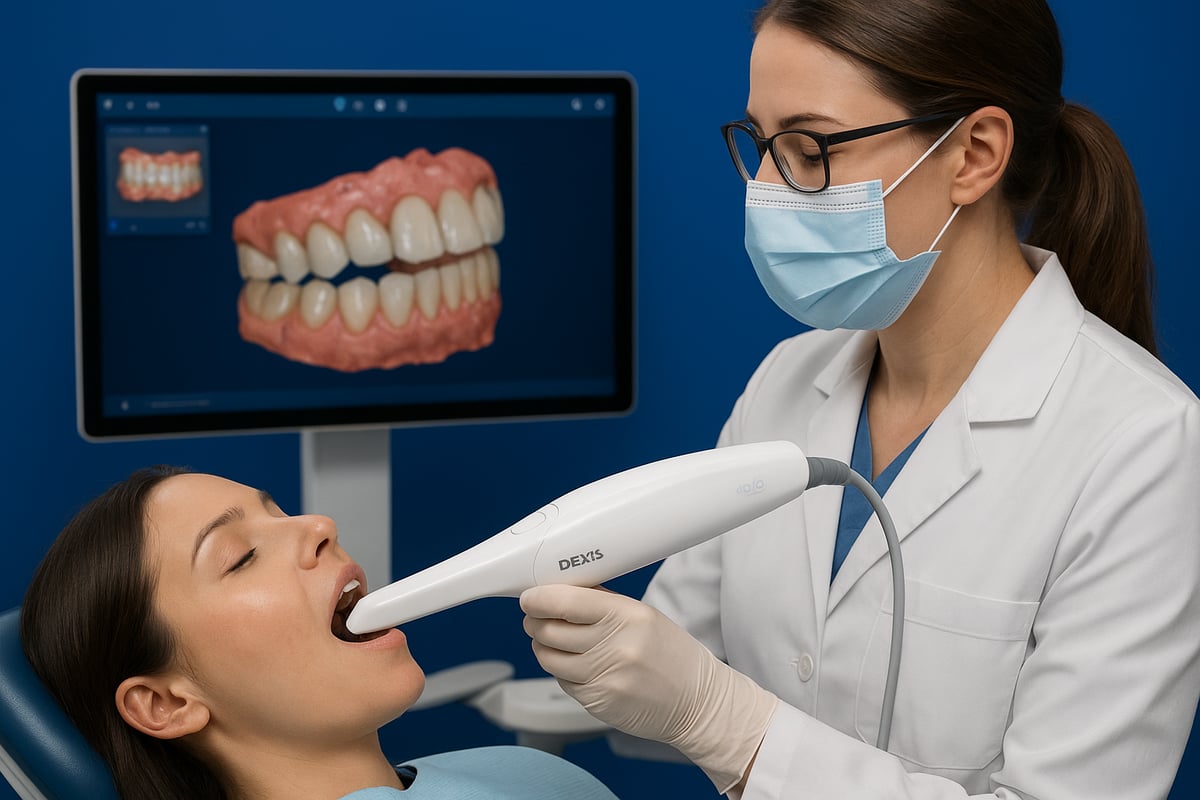
The dexis scanner landscape reached a new pinnacle with the launch of the Dexis Imprevo. This flagship model introduces patent-pending parallel processing, enabling full arch scans in as few as 25 seconds. The Imprevo stands out with a 25 mm depth of field and dual sensors, capturing vivid colors and lifelike textures for unmatched scan quality.
Dentists will appreciate the 20% slimmer design compared to the IS 3800W, making prolonged scanning sessions more comfortable. The innovative Genius Control system allows remote on-screen navigation, letting users maintain optimal infection control without touching the computer.
Real-world users are taking notice. Dr. Mathieu Rousset highlights the Imprevo’s accuracy in implant workflows, while Dr. Carlo Massimo Saratti praises its performance on edentulous and tissue scans. The versatility of this dexis scanner extends to crowns, bridges, implants, and even challenging cases like full arches and soft tissue.
Key features include:
- Patent-pending parallel processing for rapid data capture
- Enhanced color rendering and texture accuracy
- Genius Control for touchless workflow
- Slim, ergonomic body for ease of use
For a deeper dive into the Imprevo’s latest advancements, check out the DEXIS Imprevo Intraoral Scanner Unveiled.
Whether you’re upgrading from a previous dexis scanner or adopting digital workflows for the first time, the Imprevo sets a new benchmark for intraoral imaging.
Dexis IS 3800W: Wireless Versatility
The IS 3800W remains a trusted dexis scanner for clinicians needing wireless flexibility and robust performance. Weighing just 240 grams, it’s designed for effortless handling, even during long procedures. The wireless design gives you complete freedom of movement, while interchangeable tips—regular, side, and posterior—support diverse clinical requirements.
Battery life is also a highlight, with each charge providing around an hour of continuous scanning. The charging cradle doubles as a convenient base between uses. Integration with DTX Studio Clinic and IS ScanFlow software ensures seamless case management, real-time feedback, and compatibility across multiple workflows.
The IS 3800W can handle bloody scans, edentulous cases, and soft tissue imaging, although texture rendering and occasional AI artifact management remain areas for improvement. You can choose between a laptop or the IS Voyager cart configuration, tailoring the setup to your practice space and mobility needs.
In summary, both models offer unique strengths. The table below compares key features:
| Feature | Dexis Imprevo | IS 3800W |
|---|---|---|
| Scan Speed | ~25 seconds (full arch) | ~35–45 seconds (full arch) |
| Weight | Slimmer, ergonomic | 240g, ergonomic, wireless |
| Touchless Control | Genius Control | Standard buttons |
| Use Cases | Crowns, implants, tissue | All indications |
| Software | DTX Studio Clinic, ScanFlow | DTX Studio Clinic, ScanFlow |
Choosing the right dexis scanner means evaluating your workflow, clinical demands, and patient care goals.
Workflow Integration: From Scan to Restoration
Modern dental practices are rapidly evolving, and mastering the workflow integration of a dexis scanner is key to maximizing clinical efficiency and patient satisfaction. Let’s explore the step-by-step journey, from the initial scan to the final restoration, to help you fully unlock the potential of your dexis scanner.
Step 1: Patient Preparation and Scanner Setup
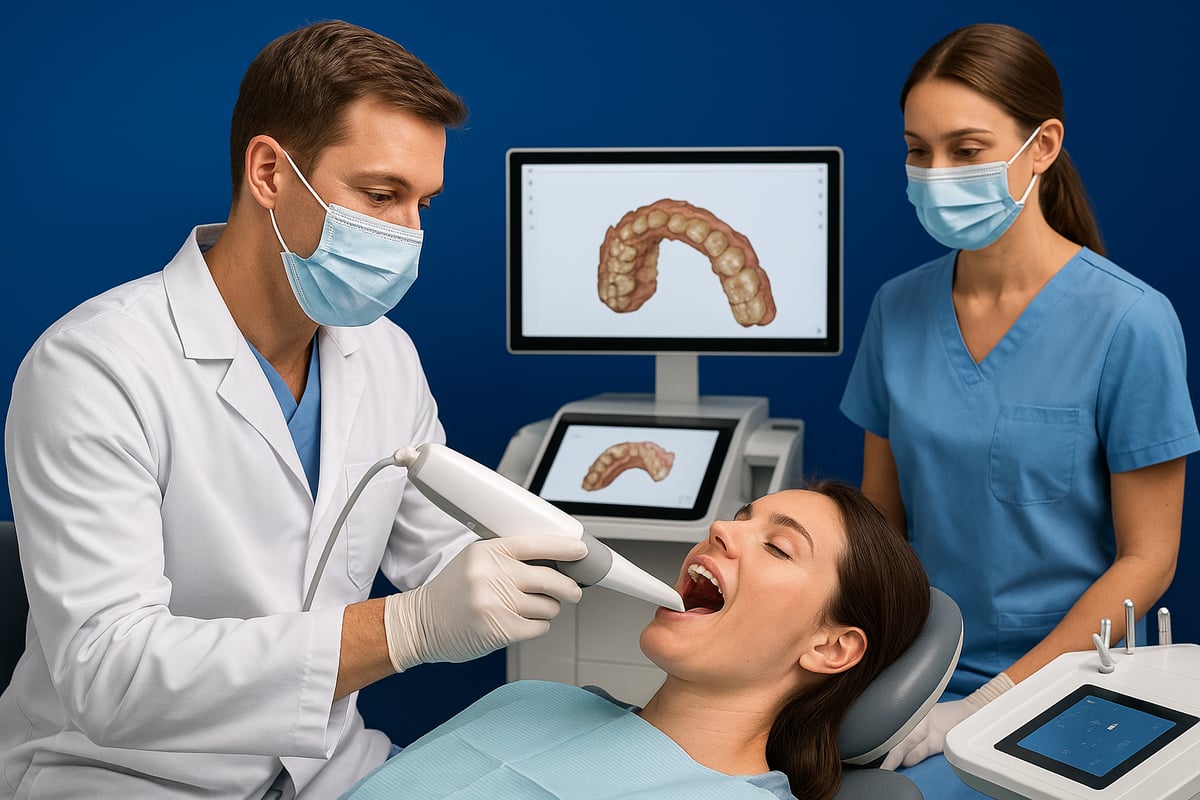
Preparation is the cornerstone of success when using a dexis scanner. Begin by retracting soft tissue to expose all critical surfaces, ensuring the scanner can capture every detail. Choose the appropriate tip for your clinical indication: regular for general use, side or posterior for hard-to-reach areas.
Calibrate your dexis scanner before each session to maintain peak accuracy. Infection control is simplified with touchless operation features such as Genius Control, letting you manipulate on-screen menus without physical contact.
- Retract cheeks and tongue for clear access.
- Select the correct scanner tip for the procedure.
- Use Genius Control for touchless adjustments.
Proper preparation not only enhances scan quality but also keeps your workflow smooth and efficient.
Step 2: Scanning Techniques and Best Practices
Once prepared, the dexis scanner streamlines the scanning sequence. Start with the upper arch, proceed to the lower, and finish with bite registration. Move the scanner steadily, avoiding abrupt stops to minimize gaps and artifacts.
Leverage real-time feedback from the scanner software to identify and correct errors immediately. For challenging scenarios like deep preps or areas with blood, the dexis scanner’s AI-driven artifact filtering helps maintain scan accuracy.
- Scan in a consistent, chronological order.
- Watch for gaps and use software prompts for corrections.
- Rely on AI for artifact filtering and tissue recognition.
Efficient scanning keeps chair time short and accuracy high, making the experience better for both clinician and patient.
Step 3: Data Processing and Case Management
After scanning, the dexis scanner instantly processes data, generating lifelike textures and vivid colors. You can toggle between color and monochrome views to suit different diagnostic needs. Integration with DTX Studio Clinic allows seamless case management, connecting patient records, images, and scans in one platform.
Export scans easily for lab collaboration or chairside restorations. Advanced AI features, such as those described in the Imaging Clinical AI Tools Guide, enhance artifact removal and streamline post-processing.
- Immediate texture rendering and color options.
- Centralized case management through DTX Studio Clinic.
- Simple exporting for labs or in-house use.
This step ensures your digital workflow with the dexis scanner is both flexible and future-proof.
Step 4: Restoration Planning and Communication
With the scan data processed, use your dexis scanner to plan and communicate restorative solutions like crowns, bridges, implants, or aligners. Share digital files securely with labs and specialists, leveraging the Dexis ecosystem for streamlined collaboration.
Reduced turnaround times and improved accuracy set your practice apart. Patients appreciate seeing their digital scans and understanding their treatment options, which builds trust and satisfaction.
- Plan restorations with precise digital models.
- Share cases securely with labs and specialists.
- Use digital scans to educate and engage patients.
By closing the loop from scan to restoration, your dexis scanner becomes a central tool in delivering modern, patient-centered care.
Dexis Software Ecosystem: DTX Studio Clinic and Beyond
Digital dentistry thrives on seamless integration, and the dexis scanner software ecosystem is at the heart of this evolution. Dexis has invested in creating a unified platform where imaging, data management, and clinical workflows converge for maximum efficiency. The result is a powerful environment that adapts to any practice size or specialty, making the most of every dexis scanner investment.
DTX Studio Clinic: The Imaging Hub
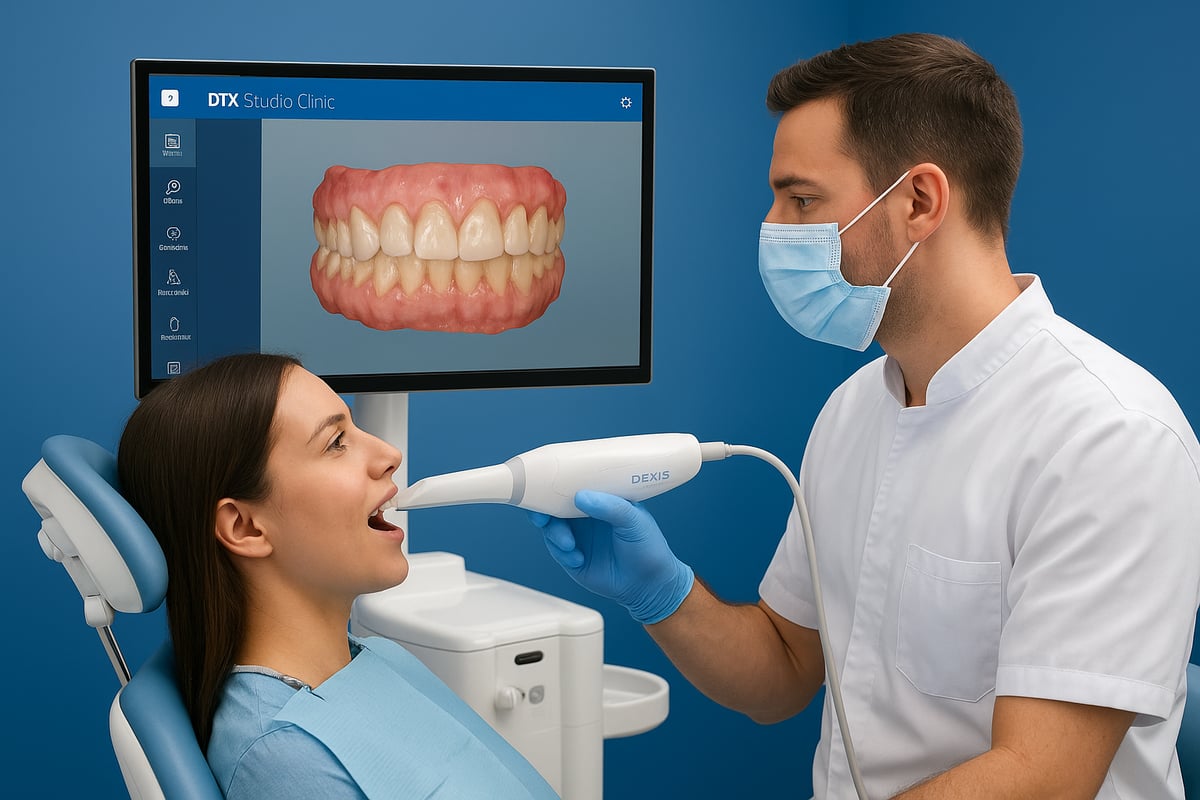
DTX Studio Clinic is the backbone of the dexis scanner ecosystem. It brings together all imaging data, from intraoral scans to 2D and 3D radiographs, into a single, user-friendly interface. This centralized approach streamlines daily operations and ensures vital information is always at your fingertips.
AI-powered features set DTX Studio Clinic apart. The software leverages advanced algorithms for artifact removal and tissue differentiation, boosting scan accuracy and diagnostic confidence. Regular updates introduce new capabilities, driven by real-world feedback from clinicians. Collaboration is built in, allowing secure sharing with labs and specialists, no matter where your team is located.
The platform’s flexibility is a game-changer. Whether you’re managing a single operatory or a group practice, DTX Studio Clinic adapts to your workflow. It integrates easily with other dexis scanner products and third-party systems, ensuring smooth data flow. For a deeper dive into the latest imaging and AI innovations, check out Imaging and Clinical AI Tools.
IS ScanFlow and Additional Apps
IS ScanFlow extends the capabilities of every dexis scanner by offering workflow customization for every clinical scenario. The software provides multiple scan windows for upper, lower, and bite registration, making it easy to tailor each scan to the patient’s needs. Post-processing tools like color toggling and texture enhancement allow clinicians to present lifelike digital models.
Calibration and maintenance are simple, thanks to built-in guides and reminders. This ensures your dexis scanner is always operating at peak performance. The software supports both mobile and cart-based configurations, including the IS Voyager cart, which adds mobility and a touchscreen interface for maximum flexibility in the operatory.
With IS ScanFlow, you can export scans in various formats for lab collaboration or chairside restorations. The intuitive interface reduces the learning curve for new users, while advanced users benefit from granular control over scan parameters. Together, these features make the dexis scanner a versatile tool for all digital dentistry workflows.
Security, Compliance, and Data Privacy
Data security is non-negotiable in dental practices, especially when handling sensitive patient information with a dexis scanner. The software ecosystem is built with HIPAA-compliant data handling protocols, ensuring patient data remains protected at all times. Secure cloud storage and automatic backup options safeguard your records, so you never have to worry about data loss.
User permissions are customizable, allowing you to control who accesses specific types of data within the practice. Audit trails provide a transparent log of all activity, supporting both clinical quality and regulatory compliance. These robust security features make the dexis scanner software not just a clinical asset, but a trustworthy partner in your practice’s digital transformation.
Real-World User Experiences and Clinical Insights
Dental professionals consistently highlight the practical benefits of the dexis scanner in daily routines. Its lightweight design, particularly the IS 3800W at just 240g, eases hand fatigue during extended sessions. Many clinicians appreciate the scanner’s ergonomic grip and well-placed buttons, which contribute to a smoother workflow and minimize awkward hand movements. The wireless option adds freedom of movement, letting users scan efficiently without cord restrictions or tangles.
The IS Voyager cart, with its integrated touchscreen and easy mobility, is another favorite among teams in busy operatories. Quick docking and charging features help maintain productivity. Whether choosing a laptop or cart configuration, most users agree that the dexis scanner adapts seamlessly to diverse practice setups.
Ergonomics and Daily Use in Practice
- Lightweight design (IS 3800W: 240g) reduces hand strain
- Wireless scanning improves mobility and workflow
- IS Voyager cart offers touchscreen controls and easy transport
- Quick battery swaps and cradle charging keep the scanner ready
Feedback from clinicians points to significant comfort gains with the dexis scanner. The intuitive button layout and slim profile enable steady, precise scanning even during long appointments. Wireless operation is especially valued in practices with multiple operatories, allowing the scanner to move easily between rooms. The IS Voyager cart’s touchscreen interface streamlines scanning and patient presentation, making the technology more approachable for the whole team.
Clinical Performance and Accuracy
Dentists report that the dexis scanner delivers fast, reliable results across a wide range of clinical cases. Full arch scans are typically completed in 25 to 45 seconds, minimizing chair time for patients and staff. Accuracy remains high, even for complex indications such as crowns, implants, or edentulous arches. Users note that the device performs well in situations with soft tissue interference or mild bleeding, aided by advanced artifact management.
Texture and color rendering are generally praised for lifelike results, although some clinicians mention occasional limitations in capturing subtle shade variations. The growing adoption of intraoral scanners, including dexis scanner models, reflects broader trends in digital dentistry. According to the Intraoral Scanners Market Growth Forecast, the market is set to expand rapidly, driven by improvements in speed, accuracy, and workflow integration.
Software Experience and Support
Clinicians value the frequent updates and user-focused improvements within DTX Studio Clinic and IS ScanFlow. These platforms provide real-time feedback, quick error correction, and seamless integration with case management tools. Many users find the onboarding process straightforward, with ample resources for training and troubleshooting.
Support from Dexis is frequently cited as a strong point. Practices benefit from responsive customer service, detailed tutorials, and peer communities that help resolve issues quickly. The dexis scanner’s software ecosystem is designed to evolve with user needs, ensuring practices remain at the forefront of digital dentistry innovation.
Dexis Scanner Trends and What’s Next for 2026
The future of the dexis scanner is bright, with innovation accelerating across hardware, software, and clinical workflows. Dental professionals are witnessing a rapid transformation in intraoral scanning, driven by continual leaps in imaging, AI, ergonomics, and integration. Let’s explore how these trends are shaping the next wave of digital dentistry and what you can expect from the dexis scanner in 2026.
Advancements in Imaging and AI
The dexis scanner is setting new standards with parallel processing and real-time data handling. Enhanced depth of field allows clinicians to capture intricate anatomical details, even in challenging areas. AI-driven artifact management is becoming more sophisticated, filtering out errors and providing clearer images.
Tissue recognition is another breakthrough, making it easier to distinguish soft tissue from hard tissue during scans. This leads to more accurate digital impressions and improved clinical outcomes. As AI continues to evolve, the dexis scanner will offer smarter, faster, and more intuitive workflows that adapt to the needs of modern dental teams.
Wireless and Ergonomic Innovations
Wireless technology is redefining the way dental professionals use the dexis scanner. Devices are becoming lighter and more compact, allowing for greater maneuverability and less user fatigue. Improved battery life extends scanning sessions, while charging solutions like cradles add convenience.
Ergonomic improvements include slimmer handpieces and customizable tips that fit a variety of clinical scenarios. Touchless controls and remote operation features are enhancing infection control protocols. These innovations ensure that the dexis scanner remains comfortable and efficient for daily use in any practice.
Integration with Digital Dentistry Ecosystem
Seamless integration is at the core of the dexis scanner’s value. The latest models work effortlessly with DTX Studio Clinic and other digital platforms, streamlining the transfer of scan data between devices, labs, and specialists. This connectivity supports a fully digital workflow from scan to restoration.
Compatibility is expanding, with the dexis scanner increasingly supporting third-party systems and software. This flexibility allows practices to customize their digital ecosystem for maximum efficiency. The result is a smoother, more predictable patient experience and improved case collaboration.
Market Trends and Adoption
The adoption rate of the dexis scanner is climbing globally as practices shift toward digital-first solutions. Clinics are seeking faster, more accurate tools to meet rising patient expectations for comfort and speed. According to Intraoral Scanner Market Trends and Projections, the intraoral scanner market is projected to see robust growth, fueled by ongoing advancements and broader acceptance.
Increased integration with practice management systems and lab partners is also driving adoption. The dexis scanner is positioned as a leader, delivering the speed, precision, and workflow flexibility modern dentistry demands.
Future Challenges and Opportunities
As the dexis scanner evolves, some challenges remain. Texture rendering and AI selectivity are ongoing areas for enhancement. Regular software and hardware updates will be key to addressing these pain points and keeping the technology at the forefront.
Opportunities abound for practices willing to embrace innovation. User feedback is shaping future releases, ensuring the dexis scanner meets real-world needs. By staying informed and proactive, dental teams can maximize the benefits of digital dentistry and deliver exceptional patient care.
Buying Considerations and Implementation Tips
Choosing the right dexis scanner for your dental practice is a big decision. With evolving technology and new features, understanding what to look for can help you make the best investment for your clinical needs and workflow.
Evaluating the Right Dexis Scanner for Your Practice
Start by assessing your clinical requirements, patient demographics, and workflow demands. Consider which dexis scanner model aligns with your treatment focus. For instance, if you need rapid full-arch scans, the Imprevo may be ideal, while the IS 3800W offers wireless flexibility for multi-room setups.
| Model | Scan Speed | Wireless | Best For |
|---|---|---|---|
| Imprevo | 25 sec arch | No | Crowns, Implants |
| IS 3800W | 45 sec arch | Yes | General Practice |
Budgeting is also crucial. Factor in upfront costs, software licensing, and ongoing maintenance. When integrating a dexis scanner, ensure compatibility with your practice management software for seamless digital workflows.
Implementation Best Practices
Proper onboarding ensures your dexis scanner delivers maximum value. Train clinicians and staff on scanning techniques, calibration, and maintenance. Establish clear infection control protocols, using features like Genius Control for touchless operation.
Set up DTX Studio Clinic and integrate it with your existing systems to streamline data flow. Leverage Dexis support resources for troubleshooting and ongoing training. Schedule regular maintenance checks to keep your dexis scanner running efficiently.
Maximizing ROI and Patient Satisfaction
To get the most from your dexis scanner, track efficiency gains such as reduced chair time and faster case turnaround. Digital scans enhance patient communication, making treatment options clearer and boosting trust.
Market your digital capabilities to attract new patients. Share before-and-after scans and highlight your investment in modern technology. Monitor patient feedback and adjust your workflow to ensure satisfaction and continued practice growth.
Frequently Asked Questions and Troubleshooting
Common dexis scanner issues include scan artifacts, battery life concerns, and software updates. For artifacts, check scanner calibration and rescan if needed. Battery problems are often solved by using the charging cradle or replacing batteries.
If software glitches occur, update to the latest version and consult user support. Join online communities for tips and peer advice. For persistent issues, reach out to Dexis customer service for expert troubleshooting and guidance.