Discover how ecentral dentrix is setting new standards for dental practice management in 2025. As technology evolves, dental teams need powerful, intuitive solutions that keep them ahead of the curve.
This essential guide gives you a step-by-step look at ecentral dentrix, breaking down its features, benefits, and best practices. You’ll learn how to maximize efficiency, boost patient care, and optimize every aspect of your workflow.
Inside, we’ll cover setup, core functionalities, integration tips, security essentials, and future trends. Whether you’re new to ecentral dentrix or aiming to unlock its full potential, you’ll find practical strategies and insights to help your practice thrive.
Understanding eCentral Dentrix: Core Features & Benefits
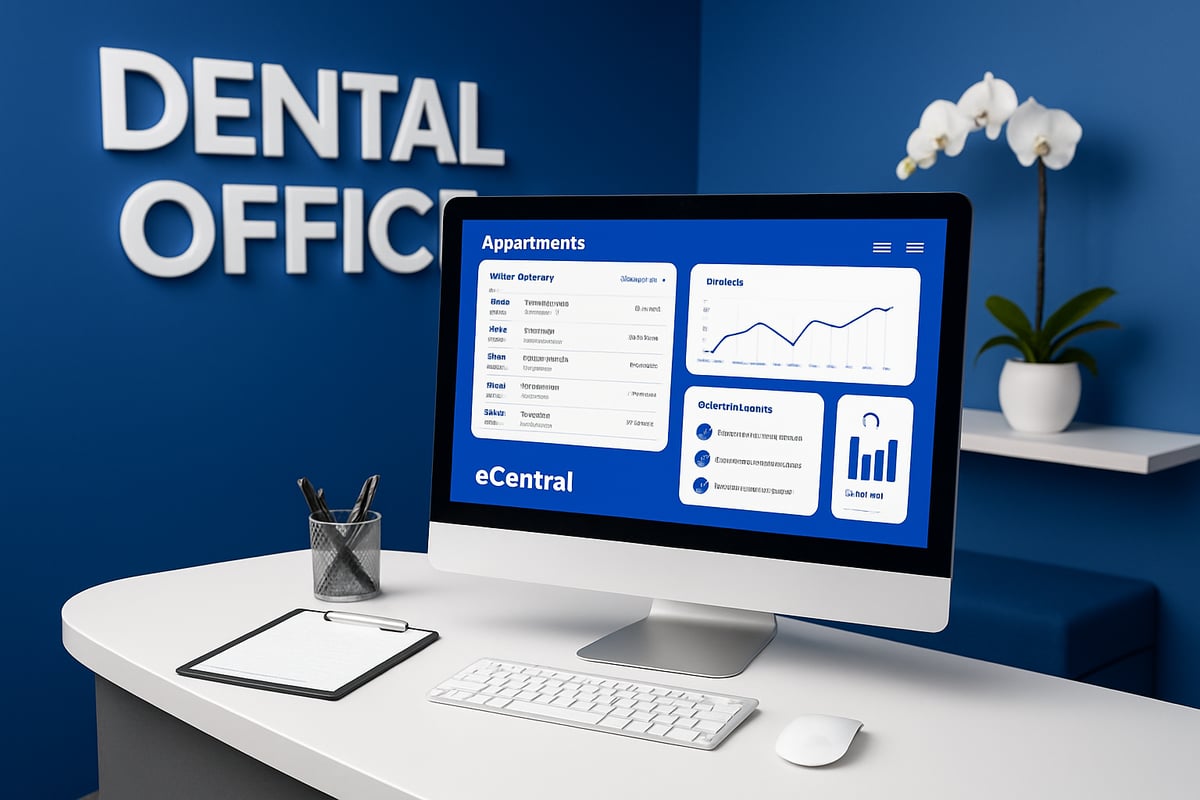
eCentral Dentrix has become a cornerstone in dental practice management, evolving alongside the industry’s growing digital needs. Originally developed as an extension to the Dentrix platform, it has steadily expanded its capabilities, focusing on automating administrative tasks and enhancing patient engagement. Today, eCentral Dentrix is recognized for its robust cloud-based features, positioning itself as a leader among dental software solutions. Its ability to integrate seamlessly with Dentrix G7 and other modules sets it apart from competitors, offering both flexibility and scalability for practices of all sizes.
Overview of eCentral Dentrix
The journey of eCentral Dentrix began as a response to the growing demand for digital solutions in dental practices. Over the years, it has transformed from a basic online tool into a comprehensive suite that supports every aspect of practice management. Its market presence is significant, with thousands of dental offices across the United States relying on its tools daily.
What sets eCentral Dentrix apart is its emphasis on integration and user-friendly design. Unlike many legacy systems, it bridges the gap between front office operations and clinical workflows, enabling smoother transitions and improved data accuracy. Its cloud-based nature also allows for remote access, making it ideal for multi-location practices and teams that value flexibility.
Core Features Explained
eCentral Dentrix delivers a rich set of features designed to simplify daily operations. Its online patient communication tools enable practices to send automated appointment reminders and confirmations via text or email, reducing manual follow-up and minimizing missed appointments. The insurance eligibility verification and claims management system streamlines the billing process, allowing teams to quickly check coverage and submit claims electronically.
A secure patient portal lets patients complete online forms, update their information, and access important documents anytime. Real-time analytics and customizable reporting dashboards give dental teams actionable insights into production, collections, and patient trends. Seamless integration with Dentrix G7 and other modules ensures that data flows efficiently throughout the practice. For a detailed look at these capabilities, visit the Dentrix Practice Management Software Features page.
Benefits for Dental Practices
The adoption of eCentral Dentrix brings tangible benefits to dental offices. Automated communication tools enhance patient engagement and satisfaction by keeping patients informed and reducing no-shows. Front desk operations become more efficient, with less time spent on repetitive administrative tasks and more focus on patient care.
Billing accuracy improves thanks to real-time insurance verification and electronic claims, resulting in faster reimbursements and fewer denials. For example, many practices have reported a significant drop in missed appointments after implementing automated reminders, demonstrating the impact of these features on daily workflow.
User Feedback and Industry Adoption
eCentral Dentrix enjoys widespread adoption among U.S. dental practices, especially those aiming for digital transformation. Recent data from 2023 and 2024 shows high user satisfaction, with many offices praising the software for its intuitive interface and time-saving automation.
Dental professionals often highlight the platform’s reliable communication tools and integration capabilities as key reasons for choosing eCentral Dentrix. Testimonials frequently mention improvements in workflow efficiency and patient management, reinforcing its reputation as a trusted industry solution.
Key Limitations and Considerations
While eCentral Dentrix offers many advantages, new users may encounter a learning curve as they adapt to the system’s extensive features. Practices with older, legacy systems might face integration challenges, requiring careful planning and support during the transition. However, with proper training and guidance, most teams can overcome these initial hurdles and fully leverage the benefits of eCentral Dentrix.
Step-by-Step Guide: Setting Up eCentral Dentrix in 2025
Getting started with ecentral dentrix can feel like a big leap, but with the right steps, you can transition smoothly and start seeing results quickly. This guide walks you through every phase, from preparing your systems to empowering your team for success.
System Requirements and Pre-Installation Checklist
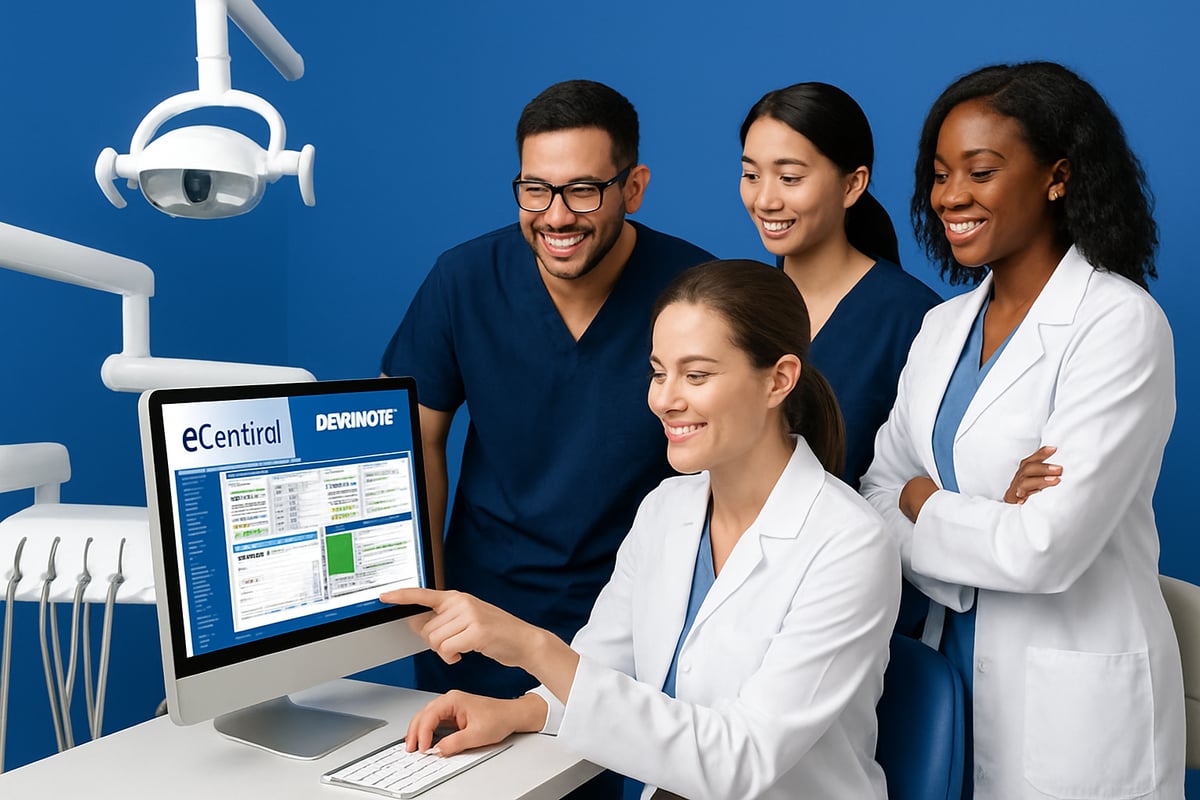
Before you install ecentral dentrix, ensure your hardware and software meet current standards. Reliable performance starts with computers running Windows 10 or 11, at least 8GB RAM, and solid-state drives for speed. Check your network for stable internet and secure Wi-Fi, as ecentral dentrix relies on cloud connectivity.
Security is a must. Use updated antivirus software and enable firewalls. Back up your data before installation to prevent any loss. For a broader overview of the Dentrix suite and why these requirements matter, see this Dentrix Dental Software Overview. Following these basics sets your team up for a smooth experience with ecentral dentrix.
Account Setup and Initial Configuration
After confirming your system is ready, it is time to set up ecentral dentrix for your dental practice. Start by creating unique user accounts for each team member, assigning role-based permissions to control access. This keeps patient data secure and helps staff focus on their tasks.
Add your practice information, including name, address, and branding elements. This detail ensures your ecentral dentrix communications reflect your identity. Next, import existing patient records and insurance details into the platform. Double-check data accuracy to avoid headaches later and get your practice running on ecentral dentrix from day one.
Customizing Communication Preferences
One of ecentral dentrix’s strengths is its customizable communication tools. Set up automated appointment reminders to reduce no-shows and keep schedules full. You can tailor email and SMS templates to match your practice’s voice, making your messages more engaging and professional.
Manage patient opt-in and opt-out preferences directly within ecentral dentrix. This gives patients control over how they receive updates and ensures your outreach complies with privacy regulations. With these settings, your practice’s communication becomes both efficient and patient-friendly.
Integrating with Existing Practice Management Tools
Seamless integration is a hallmark of ecentral dentrix. Start by syncing it with Dentrix G7 and any other modules your practice uses. This connects appointment scheduling, billing, and patient records in one ecosystem.
If you use third-party tools like imaging software or payment processors, ecentral dentrix supports import and export workflows for patient data. Integration may require some configuration, but the payoff is a unified, streamlined workflow that cuts down on duplicate data entry. With ecentral dentrix, your team can focus more on patient care and less on manual processes.
Troubleshooting Common Setup Issues
Even with careful planning, you might encounter hiccups during setup. Common issues include software installation errors, connectivity problems, or syncing difficulties with existing patient records. If you hit a snag, check the ecentral dentrix support documentation or visit online community forums for fast solutions.
For example, if patient records are not syncing, verify your network connection and ensure all modules are updated. Most problems have straightforward fixes, and ecentral dentrix offers robust support resources to help your team stay on track.
Training Staff for Success
Proper training ensures everyone can use ecentral dentrix confidently. Start with the recommended onboarding modules, which cover daily tasks, communication features, and security protocols. Encourage staff to complete interactive tutorials and attend periodic webinars for ongoing learning.
Best practices include pairing new team members with experienced users and creating a checklist for essential ecentral dentrix skills. With consistent training, your practice can fully leverage the platform’s potential while minimizing disruptions.
Optimizing Daily Workflows with eCentral Dentrix
Maximizing productivity in a dental office requires smart, digital solutions that simplify daily tasks. ecentral dentrix provides a toolkit designed to optimize every aspect of your workflow, from the front desk to patient satisfaction. Let’s explore practical strategies for harnessing its full potential in day-to-day practice.
Streamlining Front Desk Operations
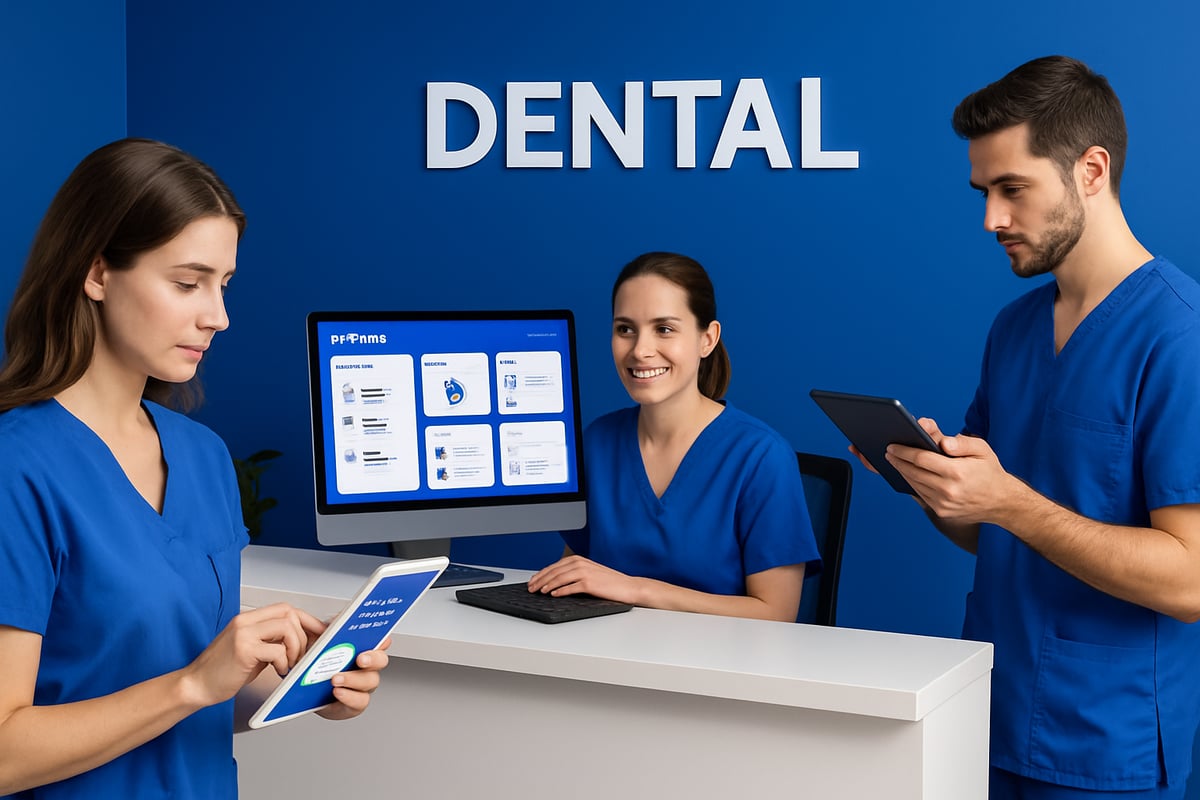
Front desk efficiency sets the tone for the entire practice. With ecentral dentrix, appointment scheduling becomes a breeze, thanks to automated confirmations and reminders. Staff can quickly fill open slots, reducing gaps in the schedule.
- Automated waitlists help manage cancellations.
- Real-time calendar updates prevent double-booking.
- Digital check-in expedites patient intake.
Practices using ecentral dentrix have reported up to 30 percent time savings on administrative tasks. To further boost efficiency, see these Time-Saving Dentrix Features for Efficiency. Leveraging these tools ensures that your front desk team can focus on delivering a welcoming patient experience.
Enhancing Patient Communication
Effective patient communication drives retention and satisfaction. ecentral dentrix enables two-way text and email messaging, making it easy to confirm appointments or share updates instantly.
Patients appreciate prompt reminders and the convenience of digital outreach. Real-time notifications reduce no-shows and keep your schedule on track. With ecentral dentrix, your team can personalize messages, respond quickly to patient questions, and build stronger relationships.
A seamless communication flow not only improves patient loyalty but also gives your practice a modern, responsive reputation.
Managing Insurance and Billing Efficiently
Financial accuracy is crucial for a thriving dental office. ecentral dentrix streamlines the entire billing process, from eligibility checks to claim submission and tracking.
- Automated insurance verifications reduce manual errors.
- Electronic claims speed up reimbursements.
- Real-time status updates help resolve issues quickly.
By utilizing ecentral dentrix, practices have seen a 15 percent improvement in claim acceptance rates. This means less time spent on follow-ups and a healthier revenue cycle. Accurate, efficient billing builds trust with both patients and insurers.
Leveraging Analytics and Reporting Tools
Data-driven decisions propel practice growth. ecentral dentrix features a robust analytics dashboard that monitors KPIs like production, collections, and patient flow.
Customizable reports allow you to spot trends, identify missed revenue, and optimize scheduling. For example, you might notice peak hours or gaps that can be filled with targeted outreach.
A simple table can illustrate key metrics:
| Metric | Example Value |
|---|---|
| Production | $150,000/mo |
| Collections | $130,000/mo |
| Patient No-Shows | 3% |
Using ecentral dentrix analytics, you can act quickly on insights and keep your practice running smoothly.
Improving Patient Experience and Satisfaction
Patient satisfaction starts with a smooth, digital experience. ecentral dentrix offers online forms for fast check-in, reducing paperwork and wait times.
- Secure patient portal gives 24/7 access to records and documents.
- Digital surveys capture real-time feedback.
- 82 percent of patients prefer digital intake, according to recent surveys.
By implementing these features, your practice demonstrates a commitment to modern care. ecentral dentrix empowers patients to engage with your office on their terms, fostering loyalty and positive reviews.
Tips for Ongoing Workflow Optimization
Continual improvement ensures lasting success with ecentral dentrix. Schedule regular software updates to access the latest features and security enhancements.
Encourage staff to share feedback on workflows and participate in vendor-led webinars for ongoing learning. Utilize support resources and user forums to troubleshoot challenges and discover new strategies.
With ecentral dentrix, your team can adapt to changing needs, maintain efficiency, and deliver outstanding care every day.
Security, Compliance, and Data Protection in eCentral Dentrix
Safeguarding patient information is a top priority for every dental practice. With ecentral dentrix, clinics can confidently manage data security, compliance, and privacy. Let’s explore how ecentral dentrix helps you meet these challenges.
HIPAA Compliance and Regulatory Standards
ecentral dentrix is built to support dental practices in meeting HIPAA requirements. The platform includes robust security protocols such as audit trails, user authentication, and access controls. These features help practices monitor who accesses patient records and when, reducing the risk of unauthorized activity.
Audit logs make it simple to track data changes, while role-based permissions ensure only authorized staff can access sensitive information. For practices evaluating compliance and software suitability, reviewing Dentrix Enterprise 2025 Pricing and Reviews can provide insights from real users on regulatory strengths.
By following these built-in standards, practices using ecentral dentrix can avoid common HIPAA violations and maintain patient trust.
Data Encryption and Backup Solutions
Protecting data is at the heart of ecentral dentrix. The system uses end-to-end encryption to secure patient information, both in transit and at rest. This means that even if data is intercepted, it remains unreadable to unauthorized users.
Automated cloud backups are another key feature. These backups run on a regular schedule, reducing the risk of data loss from hardware failure or accidental deletion. In the event of an incident, recovery procedures allow practices to quickly restore patient records.
With ecentral dentrix, dental teams can rely on strong encryption and backup solutions to safeguard their most valuable data.
User Access Management and Permissions
Managing who can view or edit patient data is essential for security. ecentral dentrix offers comprehensive user access management tools, allowing practices to define roles and set permission levels for each team member.
Role-based access control ensures that only those with a need to know can access specific information. The system also provides detailed monitoring of user activity, allowing administrators to spot unusual patterns or unauthorized attempts.
By implementing these access controls, ecentral dentrix reduces the risk of internal breaches and supports a culture of accountability within the practice.
Addressing Security Challenges
Dental software faces unique security challenges, from phishing attempts to outdated devices. ecentral dentrix addresses these risks with regular security updates and best-practice guidelines.
Practices are encouraged to use strong, unique passwords and enable two-factor authentication where possible. Keeping devices updated and restricting access to trusted users further reduces vulnerabilities. According to recent healthcare data, breaches continue to be a concern, but platforms like ecentral dentrix help practices stay ahead of threats.
Proactive security measures, combined with ongoing staff training, ensure that dental teams using ecentral dentrix remain protected and compliant.
Advanced Tips & Future Trends in eCentral Dentrix for 2025
Staying ahead in dental tech means understanding how ecentral dentrix is evolving for 2025. This section dives into the latest updates, integration strategies, compliance tips, and ways to boost your return on investment. Let’s explore what dental teams can expect and how to make the most of every new development.
Leveraging New Features and Updates
The 2025 release of ecentral dentrix introduces several powerful enhancements designed to improve efficiency. Dental practices will benefit from AI-powered analytics, which help identify trends in patient flow and collections. Enhanced automation features further streamline appointment scheduling and reminders, freeing up staff for more patient-focused tasks.
Telehealth integration has also been upgraded, allowing seamless virtual consultations directly from the platform. Practices can now offer more flexible care options without sacrificing security or compliance. For a comprehensive look at the latest capabilities, check out the Latest Dentrix Enterprise Release Features, which details innovations such as Smart Image enhancements and improved insurance eligibility workflows.
Integrating with Third-Party Tools and Add-ons
One of the biggest strengths of ecentral dentrix is its flexibility with third-party integrations. Practices can sync the software with imaging tools, payment processors, and patient education platforms. This not only centralizes data but also reduces duplicate entry and errors.
The platform’s robust API allows for custom add-ons, making it possible to tailor workflows for unique practice needs. For example, integrating payment gateways can speed up collections and improve patient satisfaction. When choosing add-ons, always verify compatibility and data security standards to ensure a smooth experience with ecentral dentrix.
Preparing for Future Regulatory Changes
Regulatory compliance is always evolving in the dental industry. In 2025, practices using ecentral dentrix should prepare for stricter data privacy requirements and updates to HIPAA regulations. Stay proactive by regularly reviewing software updates and participating in vendor-led compliance webinars.
A best practice is to maintain a compliance checklist. This might include verifying user permissions, updating privacy policies, and performing periodic security audits. By staying current, your practice can avoid costly penalties and ensure that ecentral dentrix remains a secure foundation for patient care.
Maximizing ROI and Measuring Success
To get the most out of ecentral dentrix, set clear goals for implementation and track progress using built-in analytics. Monitor metrics such as appointment fill rates, average collections per patient, and insurance claim turnaround times. Practices that use advanced analytics typically see higher operational efficiency and improved patient retention.
For more on leveraging analytics, visit Analytics and Intelligence Solutions, which provides practical tips for dental teams. Comparing your results to industry benchmarks helps pinpoint areas for improvement and ensures that your investment in ecentral dentrix delivers measurable returns.
| KPI | Industry Benchmark | Target with eCentral Dentrix |
|---|---|---|
| Appointment Fill Rate | 85% | 92%+ |
| Claim Denial Rate | 10% | 5% |
| Patient Retention | 80% | 90%+ |
Community, Support, and Learning Resources
The ecentral dentrix community is a valuable asset for ongoing success. Users can access forums, knowledge bases, and participate in live webinars to stay updated on best practices. These resources are especially helpful for troubleshooting, learning about new features, and connecting with peers.
Engaging with the community also means you’re among the first to know about upcoming releases and tips for optimizing your workflows. Prioritize regular training and encourage staff to take advantage of available support channels. This commitment to learning ensures your practice continues to thrive with ecentral dentrix.