Navigating the exocad cost landscape in 2026 can feel overwhelming, especially with prices shifting based on modules, licenses, and providers. Dental professionals often find it difficult to pinpoint exactly what they’ll pay for this powerful CAD/CAM solution.
This guide cuts through the confusion and brings you a clear breakdown of exocad cost. You’ll learn how pricing is structured, what factors influence it, and how exocad stacks up against the competition.
With the demand for digital dentistry on the rise, understanding the real exocad cost is key to making smart, cost-effective investments. Dive in to uncover hidden fees, compare options, and make confident decisions for your practice in 2026.
Understanding exocad: Features and Benefits
exocad has become a go-to solution for modern dental labs and clinics seeking efficient digital workflows. Its popularity comes from being both powerful and user-friendly, serving as the backbone for a broad range of dental CAD/CAM applications. Dental professionals use exocad for designing crowns, bridges, dentures, and even more complex restorations. The open-architecture design means users can integrate it with different scanners and milling machines. With a strong global presence and a reputation for reliability, exocad cost is often seen as a worthwhile investment. For a broader look at how exocad compares in the market, the Top dental software overview provides helpful context.
What is exocad and Why is it Popular?
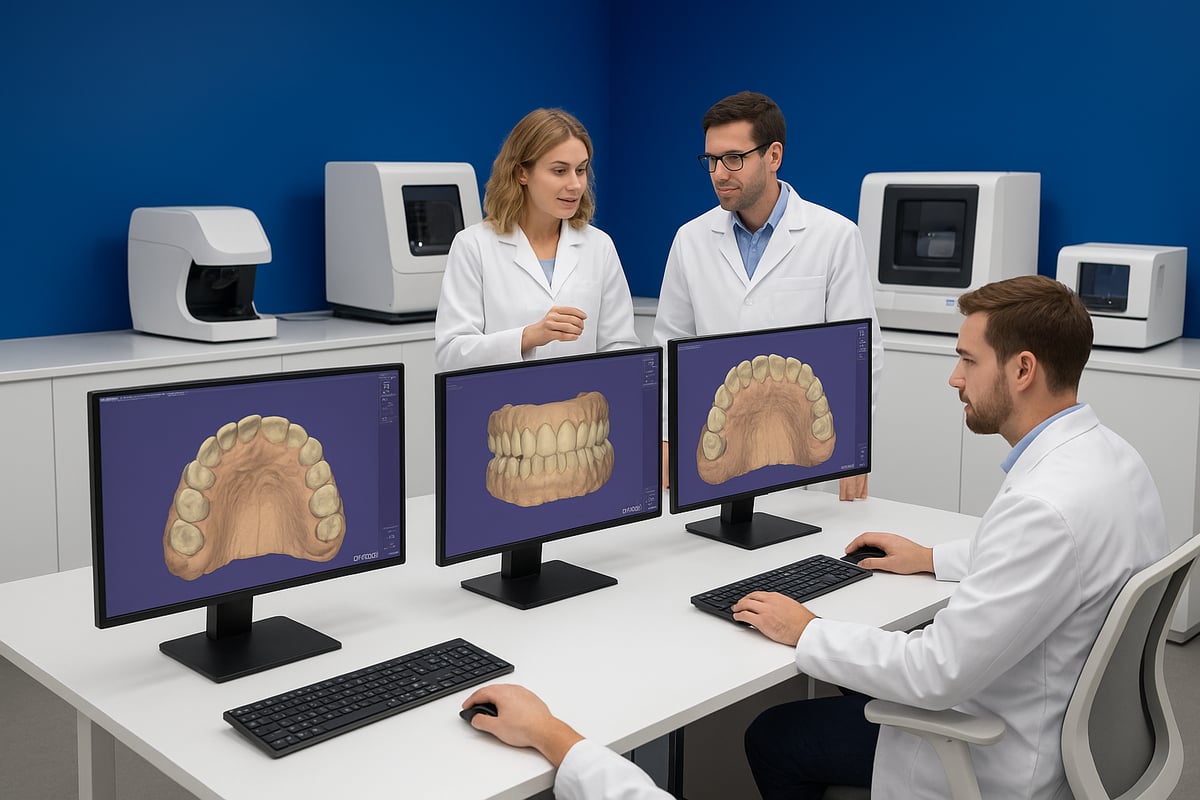
exocad is essential in digital dentistry, enabling seamless CAD/CAM workflows. It is widely adopted because it supports a range of clinical and lab tasks, such as designing crowns, bridges, and implant restorations. The intuitive interface and compatibility with many devices make it a favorite among dental professionals. Its open-architecture approach allows easy integration with third-party scanners and mills, which contributes to its broad appeal. As exocad cost considerations become more important, its flexibility and adaptability continue to attract a large global user base.
Core Features Included in exocad Base Package
The exocad base package comes with a robust set of features designed to meet the needs of most dental labs and clinics. Standard modules include tools for crown and bridge design, anatomic and reduced coping creation, and implant case planning. exocad cost covers support for various restoration types and ensures compatibility with scanners and milling devices. Cloud integration enables collaboration among team members, while update and support policies keep users current. These features make the base package a strong foundation for dental CAD/CAM.
- Crown and bridge design tools
- Implant planning workflows
- Integration with scanners and mills
- Cloud-based collaboration
- Regular updates and technical support
Optional exocad Modules and Add-ons
exocad's modular approach lets practices tailor the software to their specific needs. Popular add-ons include the Implant Module, Model Creator, and Smile Creator, each expanding the software's capabilities. This customization impacts exocad cost, as each module is priced separately, but it allows users to pay only for what they need. Add-ons can enhance workflows by supporting advanced implant planning, digital dentures, and smile design. Compatibility with third-party hardware and software further extends the value of these modules.
- Implant Module for guided surgery
- Model Creator for 3D printing
- Smile Creator for esthetic planning
- Partial Framework and Full Denture modules
- Seamless integration with external devices
Benefits for Dental Practices and Laboratories
Investing in exocad delivers tangible benefits for dental teams. Automated workflows reduce manual steps, saving time and minimizing errors. Improved treatment accuracy leads to better patient outcomes and higher satisfaction. exocad cost can be offset by the scalability it offers, allowing practices to expand services as they grow. Compared to traditional methods, exocad helps cut costs and boost efficiency. Industry surveys highlight strong user satisfaction, with many labs reporting increased productivity and profitability after implementation.
exocad Cost Structure Explained
Understanding the exocad cost structure is crucial for dental professionals planning smart investments in 2026. Each component of the total price—from licensing to hardware—can impact your budget and workflow. Let’s break down what you can expect when budgeting for exocad.
Base License Pricing in 2026
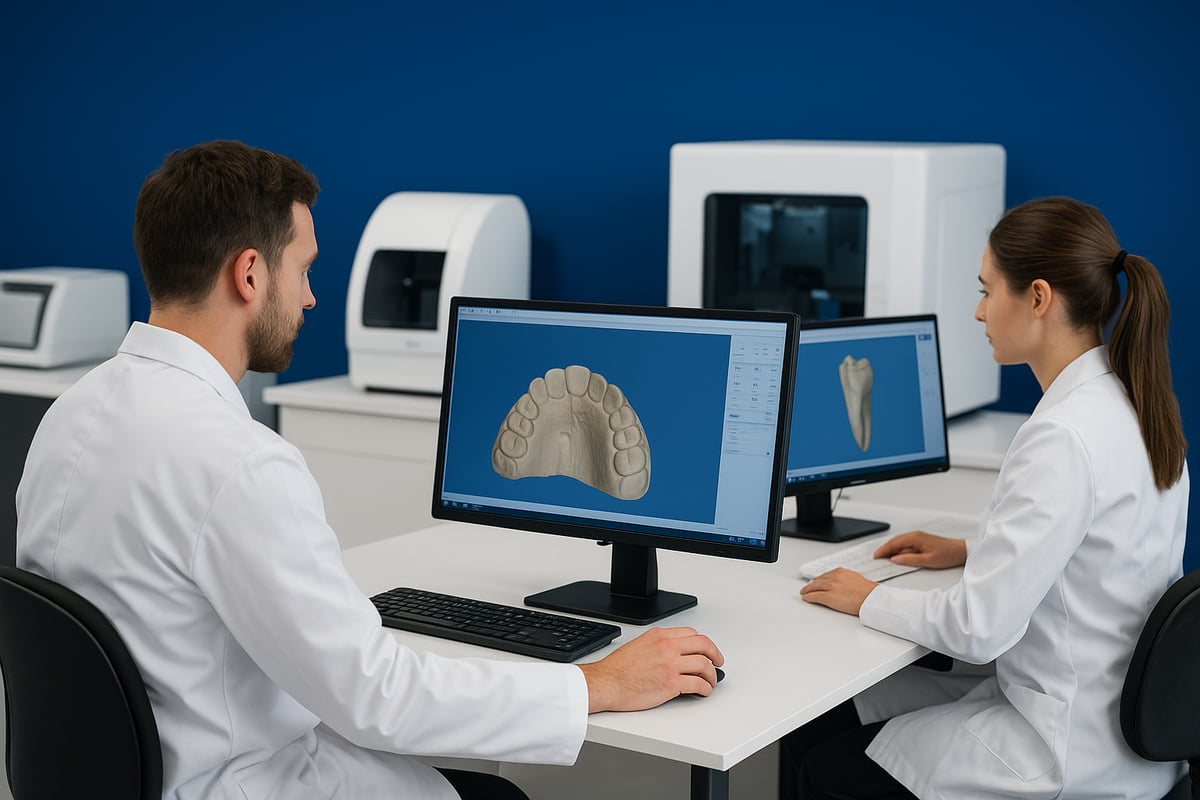
The foundation of exocad cost is the base license. In 2026, a single base license typically ranges from $3,500 to $5,000, depending on your region, reseller, and the version you select. Prices can fluctuate based on local taxes and distributor policies, so always request a detailed quote.
Most providers offer both one-time perpetual licenses and annual subscription models. While perpetual licenses require a larger upfront payment, subscriptions can spread the exocad cost over time, making budgeting easier for some practices. Recent quotes from leading distributors show these models remain competitive with other dental CAD solutions.
Add-on Modules: Pricing and Bundles
exocad cost increases when you start adding optional modules. Popular add-ons like the Implant Module, Model Creator, and Smile Creator can range from $1,200 to $2,500 each. Many resellers offer discounted bundles, combining several modules at a lower rate than individual purchases.
For example, a package including the base license, Implant, and Model Creator modules may come in at $6,500, offering notable savings. The modular pricing approach lets you customize your software without overpaying for features you don’t need. Always factor the total exocad cost when selecting module combinations.
Maintenance, Updates, and Support Fees
Annual maintenance and support are essential parts of the exocad cost equation. Maintenance fees usually run about 15–20% of your total software investment per year. This covers technical support and regular software upgrades, which are vital for keeping your system secure and up to date.
Some contracts are optional, but others may be required for continuous updates. For a deeper look at ongoing upgrade possibilities and related fees, check out exocad Upgrade Possibilities. Comparing these costs with competitor maintenance structures helps ensure you’re getting good value.
Hardware and Integration Costs
The exocad cost goes beyond software alone. You’ll need compatible hardware like intraoral or desktop scanners (typically $5,000–$20,000), milling machines ($10,000–$60,000), and powerful computers ($2,000–$4,000). Many practices already own some of this equipment, reducing upfront expenses.
Integration with existing lab or clinic devices matters too. Some setups require adapters or third-party interfaces, which can add to your initial exocad cost. Always confirm compatibility to avoid costly surprises and ensure a smooth workflow transition.
Hidden and Indirect Costs
There are several indirect exocad cost factors to consider. Training staff and onboarding new workflows may require additional investment, ranging from a few hundred to several thousand dollars. Temporary workflow disruptions during implementation can also affect productivity.
Other hidden exocad cost elements include third-party integration fees, cloud storage subscriptions, and charges for license transfers or upgrades. Being aware of these potential expenses helps you plan a realistic budget and avoid unexpected financial strain.
Factors Influencing exocad Pricing in 2026
Understanding what shapes exocad cost in 2026 is essential for dental professionals planning their investments. Several factors come into play, each with a direct impact on the total price you will pay for exocad software. Let’s examine the most important influences so you can make an informed decision.
Regional Price Differences and Currency Fluctuations
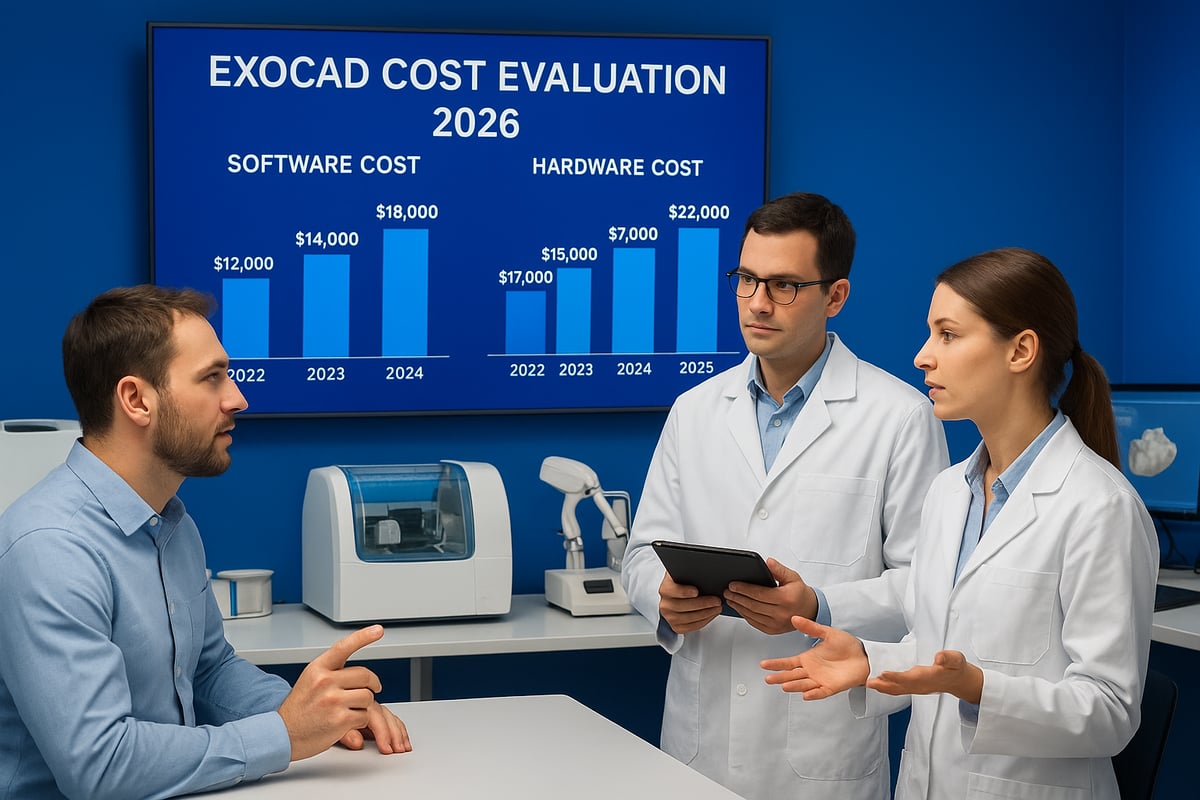
exocad cost can vary widely depending on your country or region. Local distributors often set different price points based on market demand, taxes, and import fees. Currency fluctuations also play a role, as the software is priced in euros but converted for local sales. For example, a distributor in the U.S. may offer a different package from one in Europe or Asia. Regional promotions and government policies may further influence exocad cost. Always request region-specific quotes and stay updated on exchange rate trends before making a purchase.
Licensing Models: Perpetual vs. Subscription
When considering exocad cost, the choice between perpetual and subscription licenses is significant. A perpetual license involves a larger upfront payment, but it may be more cost-effective in the long run for stable practices. Subscription models, on the other hand, spread expenses over time and often include updates and support. Some clinics prefer subscription for flexibility, while others choose perpetual for long-term savings. Evaluate your budget and business model to decide which licensing approach best fits your needs and impacts your exocad cost.
Practice Size and User Count
The size of your dental practice or lab directly affects exocad cost. Single-user licenses cater to small clinics, while multi-user or network licenses are available for larger operations. Many resellers offer volume discounts for multi-location practices, making scaling more affordable. Pricing tiers are designed to accommodate everyone from solo practitioners to large dental labs. Assess your current and future user requirements to ensure you select the right license and avoid unnecessary increases in exocad cost.
Customization, Integration, and Expansion
Customization and integration options can add to the overall exocad cost, especially if you require advanced features or third-party software connections. Integrating exocad with existing systems, such as dental charting programs, may involve additional expenses for compatibility and support. As your practice grows, adding users or modules will also influence ongoing costs. For more insights on integration considerations, see this resource on dental charting programs integration. Planning for scalability and future needs helps you control exocad cost while ensuring seamless workflow expansion.
Comparing exocad Costs to Competitors
Understanding exocad cost is crucial, but it is just as important to see how it stacks up against other leading dental CAD/CAM solutions. By examining competitors, you can gauge whether exocad cost brings the value and features your practice truly needs. Let us break down these comparisons across the most popular software choices in 2026.
exocad vs. 3Shape Dental System
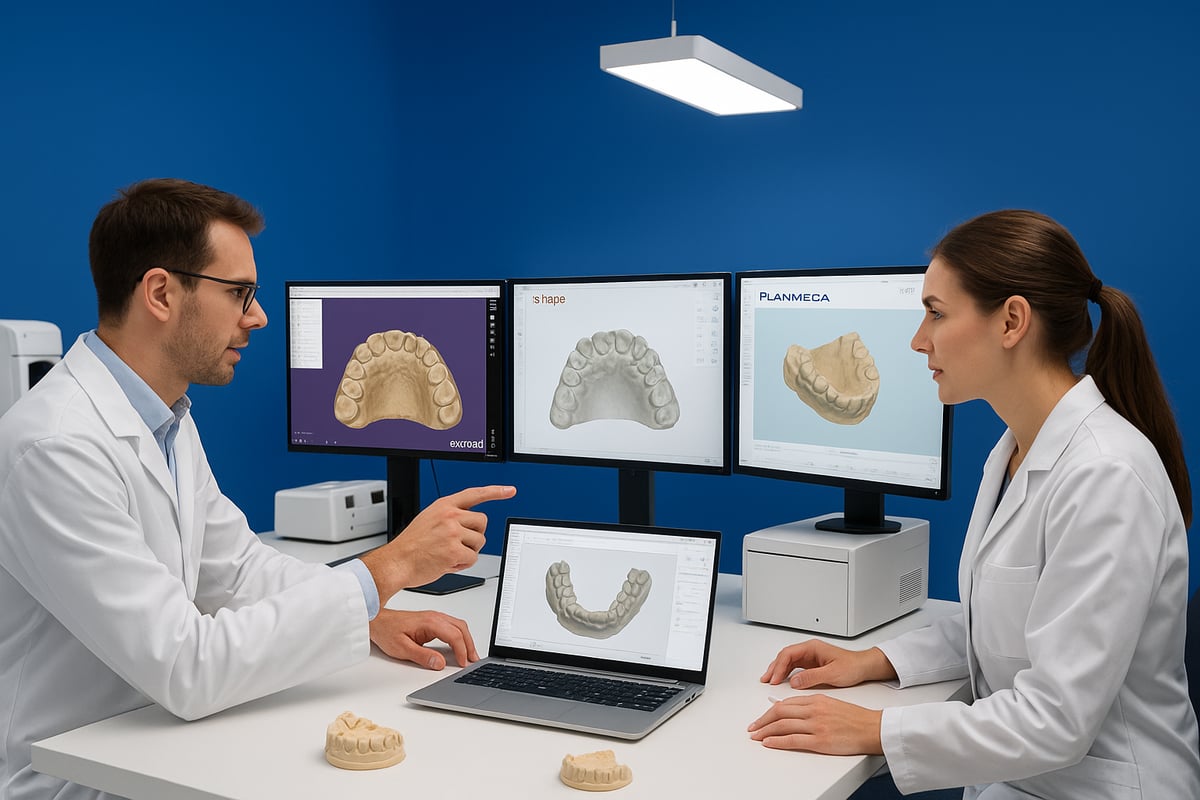
When comparing exocad cost with 3Shape Dental System, both offer robust digital dentistry platforms, but their pricing and feature sets differ. exocad typically uses a modular pricing model, letting you purchase only what you need, while 3Shape often bundles features, which can affect upfront costs.
| Feature | exocad | 3Shape Dental System |
|---|---|---|
| Licensing Model | Perpetual/Subscription | Subscription |
| Base Price Range | Lower to moderate | Moderate to high |
| Add-on Modules | Extensive, à la carte | Bundled, some à la carte |
| Hardware Flexibility | Very high | High |
User feedback often highlights exocad cost as more flexible for labs that want to scale gradually. For a deep dive into features and user experience, check out this exocad vs. 3Shape Dental System Comparison.
exocad vs. Dental Wings
Dental Wings is another significant player, with a reputation for all-in-one solutions and tight hardware integration. Compared to exocad cost, Dental Wings often requires a larger initial investment, especially when bundled with proprietary hardware.
exocad stands out for its open-architecture approach, making it compatible with a wider array of scanners and mills. In 2026, Dental Wings holds a solid market share, especially among clinics preferring turnkey systems. Yet, the modular exocad cost model remains attractive for practices wanting to avoid paying for unnecessary features.
Example: A small lab might pay less upfront for exocad, while a larger clinic could benefit from Dental Wings’ bundled support and hardware deals.
exocad vs. Planmeca Romexis CAD/CAM
Planmeca Romexis CAD/CAM is known for seamless hardware and software integration, but this convenience can come at a premium. When looking at exocad cost, you will notice more flexibility in choosing third-party equipment, which can reduce long-term expenses.
Planmeca often appeals to clinics seeking an all-in-one environment, but exocad supports a broader range of workflows and practice sizes. ROI studies show that exocad cost can yield similar or greater returns for labs willing to invest in initial setup and training, while Planmeca’s value is in long-term, predictable usage with proprietary tools.
exocad vs. Open-Source and Budget Alternatives
Open-source dental CAD software is gaining traction among startups and small labs. Initial investment is much lower compared to exocad cost, as there are no licensing fees. However, these alternatives may lack advanced modules, technical support, and regular updates.
exocad cost includes professional support and a proven track record in complex cases. Open-source solutions are best suited for highly technical users willing to handle troubleshooting independently. For a detailed overview of open-source dental CAD options, visit this Open-source dental CAD options guide.
Value Analysis: Total Cost of Ownership
When considering exocad cost, factor in not just the license but also updates, support, hardware, and training. Some competitors offer lower initial prices but higher maintenance fees or hidden upgrade costs.
- Hidden costs: Upgrades, hardware compatibility, and support
- Long-term investment: exocad cost can be more predictable with transparent modules
- User satisfaction: Industry surveys show high marks for exocad’s flexibility and upgrade paths
Ultimately, the best value comes from matching your practice’s size, workflow, and growth plans with the right software investment.
How to Get the Best exocad Deal in 2026
Navigating the exocad cost landscape in 2026 can feel overwhelming, but with a strategic approach, dental practices can secure the best value for their investment. By combining research, negotiation, evaluation, and planning, you can make sure every dollar spent on exocad delivers maximum returns.
Researching Authorized exocad Resellers
Start by identifying certified exocad resellers in your region. Purchasing from authorized distributors ensures you receive genuine software, official support, and eligibility for updates, all of which directly affect the exocad cost over time.
To find official reseller lists, visit the exocad website or contact exocad directly. Avoid unauthorized sellers, as using unofficial channels might result in software without update access or valid licensing.
Risks of unauthorized purchases include:
- Lack of technical support
- No access to software upgrades
- Potential legal issues with licensing
For special offers, check for limited-time deals like the exocad ULTIMATE TRADE-UP OFFER 2025, which can significantly lower your initial exocad cost when upgrading from older systems.
Negotiating Price and Custom Packages
Negotiation can be a powerful tool to optimize your exocad cost, especially when purchasing multiple modules or licenses. Approach resellers with a clear understanding of your workflow needs and ask about bundle discounts.
Tips for negotiation:
- Bundle essential modules for better rates
- Inquire about promotions during trade shows or industry events
- Request quotes from multiple resellers to compare offers
Timing your purchase strategically, such as at the end of a fiscal quarter or during promotional periods, can yield additional savings. Every negotiation point can impact your long-term exocad cost.
Evaluating Trial Versions and Demo Licenses
Most reputable resellers provide trial or demo versions to help you evaluate exocad in real-world scenarios. Testing the software firsthand is a smart way to assess if the exocad cost aligns with your practice’s needs.
Use demo licenses to:
- Simulate daily workflows
- Test compatibility with existing hardware
- Gather feedback from your dental team
Practices that leverage trial periods often avoid costly mistakes, ensuring the final exocad cost is justified by the software’s fit and performance.
Considering Financing and Leasing Options
Upfront exocad cost can be substantial, but many resellers offer flexible financing and leasing plans. These options help practices manage cash flow and spread payments over time.
Compare options such as:
| Option | Pros | Cons |
|---|---|---|
| Financing | Immediate ownership, predictable payments | Interest charges may apply |
| Leasing | Lower initial cost, tech upgrades | No ownership, possible fees |
Assess your budget and growth plans before choosing. Both approaches can make the exocad cost more manageable, especially for startups or expanding labs.
Training and Onboarding: Reducing Implementation Costs
Training is a crucial but sometimes overlooked component of the overall exocad cost. Investing in comprehensive onboarding helps teams adapt faster and reduces workflow disruptions.
Strategies to minimize training expenses:
- Use official exocad training resources
- Opt for group sessions for cost efficiency
- Schedule onboarding during slower business periods
Well-trained staff maximize software usage, ultimately lowering the long-term exocad cost by increasing productivity and minimizing errors.
Leveraging Reviews and Expert Advice
Before making a final decision, read independent reviews and seek expert opinions on exocad cost and performance. Reliable sources include professional dental forums, industry publications, and user testimonials.
Benefits of consulting reviews:
- Unbiased insights into real-world usage
- Warnings about hidden fees or challenges
- Advice on module selection and integration
Expert guidance helps you avoid costly pitfalls and ensures your exocad cost results in the best possible return on investment.
exocad Cost Optimization Strategies for Dental Practices
Optimizing exocad cost is essential for dental practices aiming to maximize value and minimize unnecessary expenses. By following smart strategies, you can ensure your investment delivers both efficiency and long-term savings.
Assessing Practice Needs and Workflow
Start by identifying the essential modules and features your practice truly requires. Avoid purchasing unnecessary add-ons that inflate your exocad cost without delivering real benefits.
List your most common procedures, such as crowns, bridges, or implant planning. Match these needs to the available exocad modules. Involve your clinical and technical teams in this assessment to ensure all perspectives are considered.
By customizing exocad for your unique goals, you avoid overbuying and help staff focus on what matters most. This targeted approach streamlines workflows and keeps your exocad cost under control.
Planning for Scalability and Future Growth
Think ahead when investing in exocad. Choose scalable licensing options that let you easily add users or modules as your practice expands. This prevents the need for costly upgrades later and supports new treatment offerings as you grow.
Consider how your exocad cost will change if you open new locations or expand your service range. Many practices have successfully scaled by planning their software investments with growth in mind.
A forward-thinking approach ensures your digital dentistry solution evolves with your business, protecting your initial investment and avoiding future disruptions.
Maximizing Return on Investment (ROI)
To truly optimize exocad cost, calculate your ROI by tracking productivity gains, improved patient outcomes, and cost savings over time. Use a simple table to compare pre-exocad and post-exocad metrics:
| Metric | Before exocad | After exocad |
|---|---|---|
| Cases per week | 10 | 15 |
| Avg. chairside time | 90 min | 60 min |
| Remake rate | 8% | 3% |
Monitor these numbers regularly. Real-world case studies show that practices using exocad often see faster workflows, fewer remakes, and higher profit margins. Track your own data to ensure your exocad cost is delivering the expected value.
Streamlining Integration with Existing Systems
Seamless integration with your current hardware and software is key to optimizing exocad cost. Check compatibility with scanners, mills, and practice management systems before purchasing.
Leverage exocad’s open-architecture design, which lets you choose from a wide range of devices. For example, recent updates have expanded exocad’s support for new scanners and technologies, as noted in exocad Expands ‘Freedom of Choice’.
Minimize downtime during transition by planning onboarding and technical setup in advance. Real-world success stories show that thoughtful integration reduces hidden costs and accelerates your return on investment.
Staying Informed on exocad Updates and Deals
Stay proactive to make the most of your exocad cost. Subscribe to newsletters, attend webinars, and join user forums to keep up with the latest updates and pricing changes.
Many deals, discounts, or new features are announced at trade shows or in industry news. Peer advice from online communities can help you avoid costly mistakes and identify best practices for using exocad efficiently.
By staying informed, you ensure your practice benefits from the latest innovations and cost-saving opportunities.