Digital dentistry is evolving at lightning speed, bringing powerful new tools to clinics and labs everywhere. At the heart of this transformation is exocad software, which empowers dental professionals to deliver precise, efficient, and beautiful restorations.
This guide is designed to give you everything you need to master exocad software in 2025. You will discover how to harness its core features, explore essential modules, streamline your digital workflow, navigate licensing options, and stay ahead of future trends. Ready to elevate your practice? Let’s dive in.
Understanding Exocad Software: Core Features and Benefits
The digital dentistry landscape is evolving quickly, and exocad software is at the forefront of this transformation. Known for its open architecture and adaptability, Exocad has become a trusted tool for dental professionals looking to streamline their workflow and achieve precise results.
Exocad’s Market Overview and Benefits
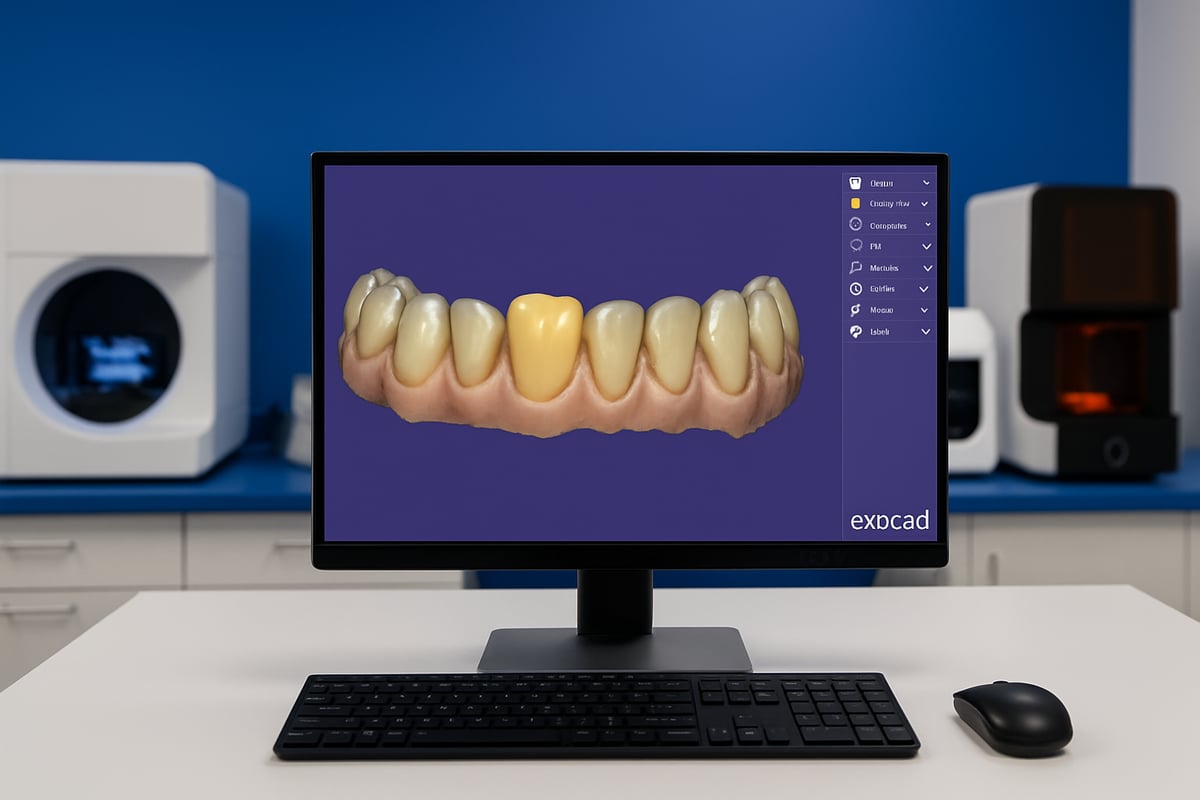
Exocad entered the digital dentistry market over a decade ago and rapidly built a reputation for reliability and innovation. Its flexible, open system allows seamless integration with a wide range of scanners and 3D printers. This means clinics and labs can choose the best devices for their needs, ensuring cost-effectiveness and scalability.
Dental professionals value exocad software for its ability to support multiple workflows, from simple crowns to complex implant cases. Its open architecture stands out in a market often dominated by closed, proprietary systems. For a deeper dive into its history and positioning, see this Comprehensive Overview of Exocad.
Core Features and Clinical Advantages
At its core, exocad software excels at restorative design. Users can create anatomic crowns, copings, bridge frameworks, inlays, onlays, veneers, diagnostic waxups, and telescopic crowns with high precision. The table below highlights some of the most popular features:
| Feature | Clinical Use |
|---|---|
| Anatomic Crowns | Single/unit restorations |
| Bridge Frameworks | Multi-unit cases |
| Inlays/Onlays/Veneers | Conservative restorations |
| Telescopic Crowns | Removable prosthetics |
| Diagnostic Waxups | Treatment planning |
With exocad software, clinicians and technicians benefit from speed, reproducibility, and accuracy. The platform’s compatibility with third-party scanners and printers means users can leverage existing equipment, maximizing their investment.
User Experience and Real-World Impact
A standout feature of exocad software is its intuitive user interface. The workflow is designed to be logical and easy to navigate, which reduces the learning curve for new users. File handling is straightforward, with open format support that enables direct export to milling machines or 3D printers.
Dental labs report significant improvements in turnaround time and accuracy after adopting exocad software. For example, one lab reduced remakes by 30% and shortened case delivery times, thanks to the streamlined digital workflow and reliable file compatibility.
Exocad Modules Explained: Comprehensive Functionality for Every Workflow
Exploring the full capabilities of exocad software means understanding its diverse modules. Each module is purpose-built for specific clinical and lab needs, providing a tailored digital workflow. Let us break down how these modules empower dental professionals to deliver exceptional results.
Crown & Bridge Design
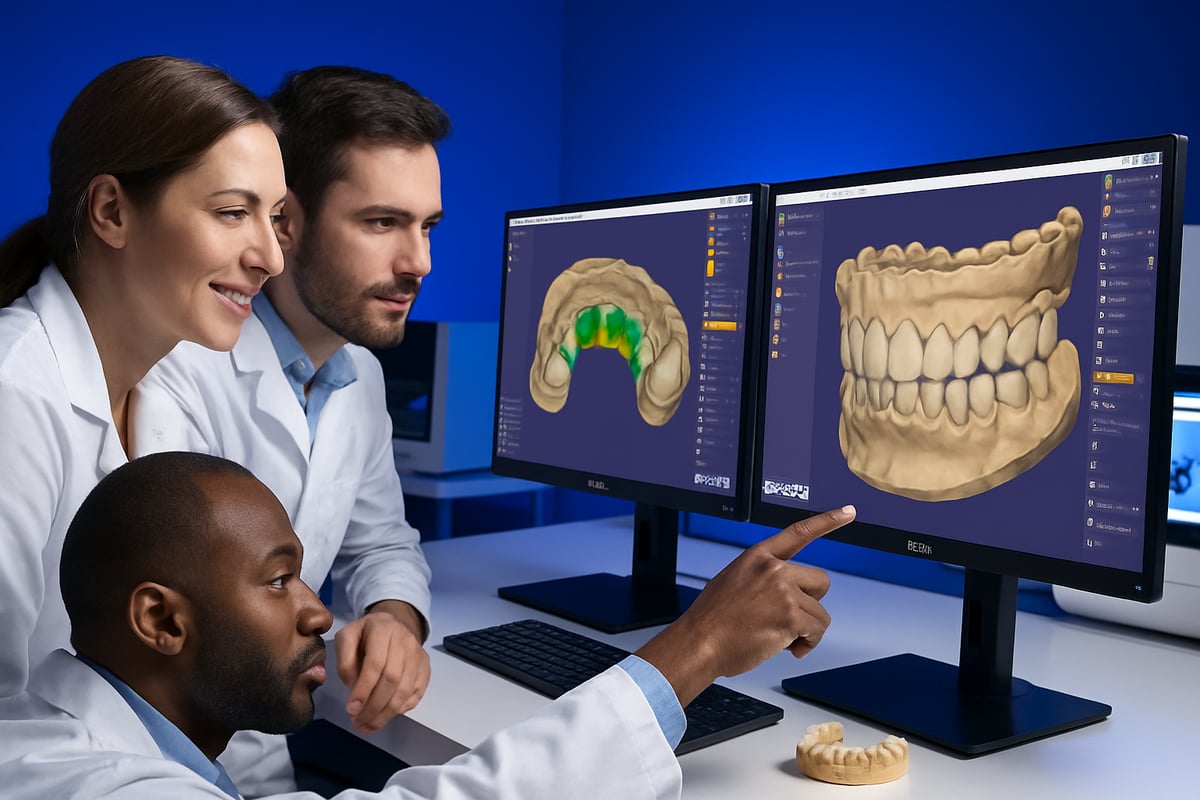
The crown and bridge design module in exocad software is the foundation for restorative workflows. It allows for the creation of anatomic and simple copings, giving clinicians and technicians flexibility in customizing each case.
You can design single crowns, full-arch bridges, and even complex attachments with ease. Exocad software supports a wide range of indications, from inlays and onlays to veneers and waxups.
For example, a full-arch bridge workflow is streamlined. You import the scan, define margins, select tooth libraries, and design the framework. The intuitive interface helps reduce errors and improves efficiency.
Implant Module & Bar Module
Implant planning and restoration become more predictable with exocad software. The implant module supports digital workflows from scan to final prosthesis, integrating with major implant systems and open libraries.
The bar module enables the design of implant-supported bars for overdentures, providing stability and patient comfort. With exocad software, you can customize bar shapes, connectors, and retention features for each clinical scenario.
Compatibility with leading implant systems means you can handle even the most challenging cases. Digital libraries ensure accurate restoration, reducing chair time and improving outcomes.
Full Denture and PartialCAD Modules
Removable prosthetics are fully digital with exocad software. The full denture module allows you to design both upper and lower dentures, adjusting tooth setup and gingival contours for optimal fit.
PartialCAD focuses on partial dentures, enabling the creation of precise frameworks, clasps, and connectors. Customization options mean you can match patient anatomy and preferences closely.
Compared to traditional methods, digital dentures and partials produced with exocad software offer greater efficiency and accuracy, shortening production time and minimizing adjustments.
Bite Splint, Jaw Motion, and Virtual Articulator
The bite splint module in exocad software is ideal for nightguards, occlusal splints, and TMJ appliances. You can quickly design custom appliances for each patient.
Jaw motion import lets you simulate patient-specific jaw movements, enhancing diagnostic and restorative planning. The virtual articulator module provides digital occlusal analysis, improving the accuracy of restorations.
These tools help you deliver splints and restorations that fit precisely and function comfortably, improving patient satisfaction and reducing remakes.
Smile Creator, TruSmile, and Tooth Library
Smile Creator in exocad software brings digital smile design to life. It allows you to visualize treatment outcomes, plan esthetic cases, and communicate effectively with patients.
TruSmile provides realistic renderings of dental restorations, making presentations more persuasive. Extensive tooth libraries offer customization for natural-looking results tailored to each patient.
If you want an in-depth look at these modules, the Exocad Software Modules Description breaks down their features and benefits, helping you choose the right tools for your workflow.
DICOM Viewer, Model Creator, and Provisional Module
Integrating CBCT data with the DICOM viewer in exocad software streamlines implant planning and case assessment. The model creator module converts intraoral scans into printable 3D models for diagnostics and fabrication.
The provisional module supports the design of temporary restorations, aiding both clinical and lab applications. These tools make exocad software a truly all-in-one solution for digital dentistry, supporting every stage from diagnosis to delivery.
Integrating Exocad into the Digital Dental Workflow
Seamlessly integrating exocad software into your digital dental workflow is essential for maximizing efficiency and precision. Let’s break down how exocad software connects with leading hardware, manufacturing methods, digital libraries, and collaborative tools, ensuring your practice or lab stays at the forefront of digital dentistry.
Scanner and Hardware Compatibility
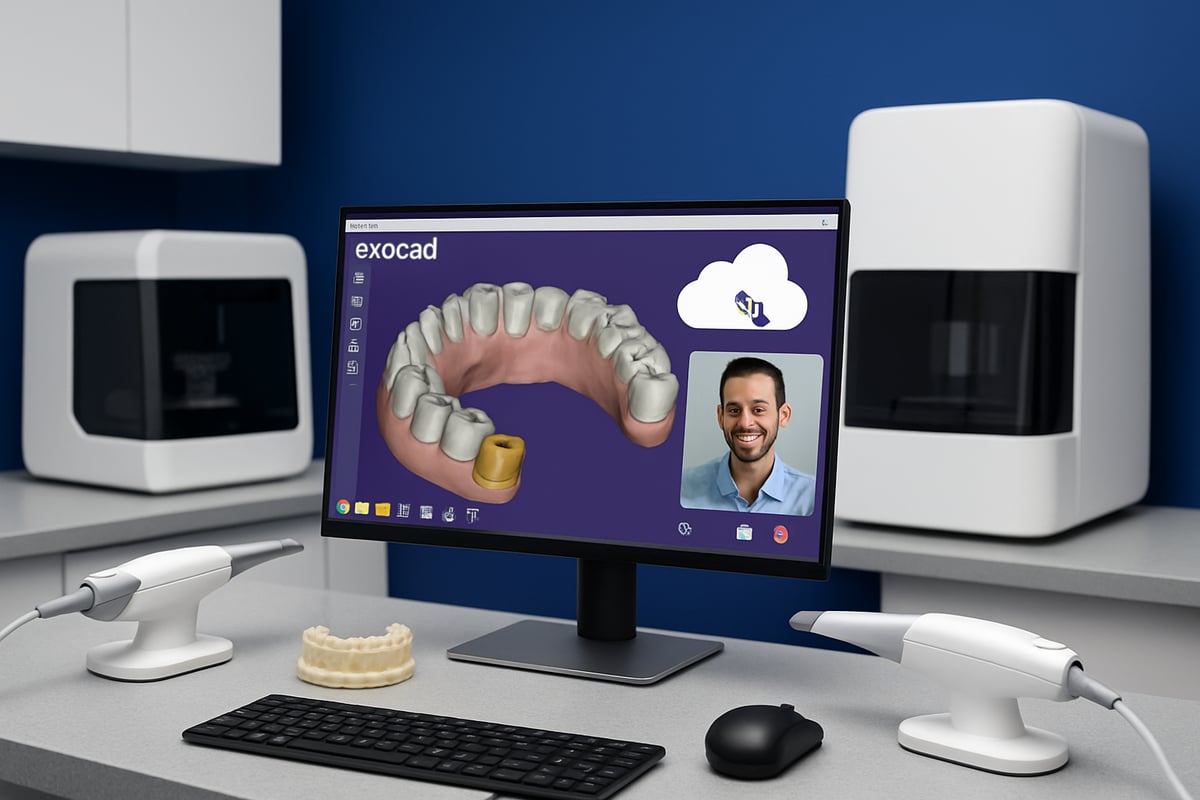
Exocad software is renowned for its open system philosophy, making it highly compatible with a wide array of desktop and intraoral scanners. Supported brands include Shining 3D, Medit, 3Shape, and many others, allowing you to select hardware that best fits your workflow.
This flexibility means you are not locked into a single ecosystem. For instance, a lab can use Medit scanners for fast impressions, then seamlessly import those files into exocad software for design work. To see how exocad software stacks up against other solutions, check out this Dental software reviews overview.
- Compatible with leading scanner brands
- Easy import/export of scan data
- Open architecture for hardware choice
Working with exocad software, you can confidently build a workflow that grows with your needs.
3D Printing and Milling Integration
One of the strengths of exocad software is its smooth integration with both 3D printing and milling technologies. Exocad software supports exporting STL and other open file formats, making it easy to connect with a wide range of 3D printers (SprintRay, Asiga, Formlabs) and milling machines (VHF, Roland, Amann Girrbach).
For chairside restorations, a dentist can design a crown in exocad software, then send it directly to a compatible 3D printer for rapid fabrication. This reduces turnaround time and enhances patient satisfaction.
- Supports additive and subtractive manufacturing
- Streamlined export for rapid production
- Example: Chairside crowns produced in a single visit
This level of integration is essential for modern digital dentistry workflows.
Implant Libraries and Digital Libraries
Exocad software provides access to extensive implant and component libraries, covering most major implant systems worldwide. These digital libraries ensure restorative accuracy, as you can select precise components for custom abutments or bars.
For example, with exocad software, a technician can select the exact implant platform from the library, design a custom abutment, and guarantee a perfect fit for the patient’s anatomy.
- Comprehensive implant system coverage
- Digital libraries for restorative components
- Custom abutment and bar design workflows
Relying on the digital libraries within exocad software helps eliminate guesswork and boosts clinical confidence.
Data Sharing and Collaboration
Efficient collaboration is a hallmark of exocad software. The Dentalshare platform enables secure, cloud-based case sharing between clinics and labs, streamlining communication and reducing errors.
With exocad software, multi-location dental groups can easily share design files, track case progress, and coordinate changes in real time. This fosters teamwork and ensures everyone stays updated on each case.
- Secure, cloud-based data sharing
- Real-time collaboration on design files
- Enhanced communication between lab and clinic
Using exocad software’s collaborative features, dental teams achieve faster turnarounds and consistent results.
Workflow Optimization Tips
Optimizing your digital workflow with exocad software involves a few key steps:
- Scan: Capture high-quality digital impressions using a compatible scanner.
- Design: Use exocad software’s intuitive tools for modeling, editing, and customizing restorations.
- Manufacture: Export files for 3D printing or milling, leveraging automation features for speed.
Best practices include regular software updates, utilizing time-saving shortcuts, and applying quality assurance checks before fabrication. By following these tips, exocad software users can minimize errors, save time, and deliver exceptional results.
- Step-by-step digital workflow
- Automation for efficiency
- Quality assurance at each stage
Mastering these optimization strategies ensures your dental workflow remains agile and future-ready with exocad software.
Exocad Licensing, Packages, and Pricing in 2025
Navigating the licensing landscape of exocad software in 2025 can feel like shopping for a new car—there are many options and upgrades to consider. The right choice can help your practice or lab maximize both clinical outcomes and financial efficiency. Here’s what you need to know to make a smart investment.
Perpetual vs. Subscription Licensing
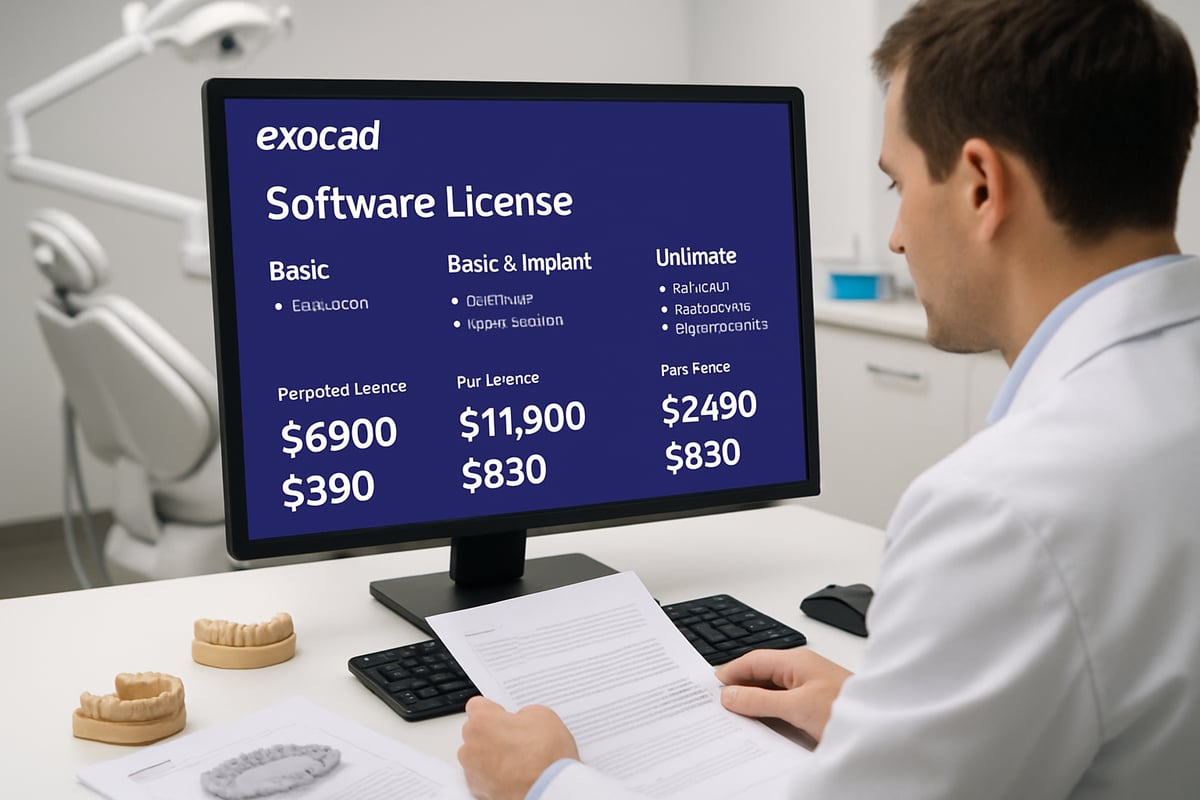
Exocad software gives users a choice between perpetual licenses and annual subscriptions. Perpetual licenses are a one-time purchase, offering unlimited use and optional yearly maintenance for updates and support. Subscriptions, on the other hand, bundle all updates and support into an annual fee, ensuring you always have the latest features without a large upfront cost.
Package Breakdown: Core, Implant, and Ultimate
Exocad software comes in several packages tailored for different users. Here’s a quick comparison:
| Package | Features | Best For | Price Range (2025 est.) |
|---|---|---|---|
| Core | Crown, bridge, inlays, veneers, waxups | General practices, labs | $4,000–$5,500 |
| Implant | Core + implant/bar modules | Implant-focused labs | $7,000–$9,000 |
| Ultimate | All modules included | High-volume centers | $11,000–$13,000 |
Flexible Add-On Modules and Upgrades
One of the biggest strengths of exocad software is its modular approach. If your needs change, you can add modules like Smile Creator, Full Denture, or Model Creator at any time. This flexibility lets you pay only for what you actually use, which is ideal for growing practices.
Cost-Saving Strategies
Looking for ways to save? Bundled packages often provide a better per-module value, especially for new labs. Financing options are available through resellers, spreading costs over several months. Comparing exocad software to other platforms, like 3Shape, can also highlight where your money is best spent. For a detailed breakdown, see our 3Shape software pricing guide.
ROI and Real-World Cost Comparison
Investing in exocad software can yield a return on investment in under a year for many dental labs. For example, the annual subscription may seem costlier upfront compared to the perpetual license, but when you factor in included updates, support, and the ability to scale, it often balances out.
Maintenance, Support, and Upgrades
Every exocad software license can be paired with a maintenance contract, which covers updates, bug fixes, and technical support. This is vital for staying compliant and competitive in a rapidly evolving field. Without support, you risk falling behind on critical security and workflow advancements.
Choosing the right exocad software license is about balancing your clinical goals, current workflow, and future growth. With the right package, you can confidently integrate digital dentistry into your practice and unlock new levels of efficiency.
Training, Support, and Best Practices for Mastering Exocad
Digital dentistry success relies on strong training and ongoing support. Mastering exocad software is a journey that benefits from structured learning, engaged communities, and consistent best practices. Whether you are a lab owner or clinician, building a solid foundation ensures you get the most from your investment.
Official Exocad Training Resources
Exocad offers a robust suite of official training resources for users at every level. These include remote webinars, live continuing education (CE) events, and on-demand video modules. Each resource is designed to help dental teams integrate exocad software smoothly into daily practice.
Participants can expect step-by-step guidance, real-world case demonstrations, and interactive Q&A sessions. By leveraging these resources, both beginners and experienced technicians can accelerate their learning curve and stay up to date with the latest exocad software features.
Third-Party Training Providers and Certification
Beyond official channels, many third-party organizations deliver in-depth exocad software courses. These providers offer certification programs, hands-on workshops, and specialized modules tailored to specific workflows. For teams seeking advanced skills or personalized coaching, this option is invaluable.
When choosing a provider, look for instructors with real-world lab or clinical experience. Certification can enhance professional credibility and reassure clients of your team's competence with exocad software.
Community Support: Forums, User Groups, and Knowledge Bases
A thriving global community surrounds exocad software. Online forums, user groups, and searchable knowledge bases provide quick solutions and peer advice. Engaging with these platforms helps users troubleshoot, exchange ideas, and discover workflow tips.
For a deep dive into real user experiences and the breadth of features, visit Exocad DentalCAD Features & Capabilities. Staying active in the exocad software community ensures you benefit from collective wisdom and ongoing innovation.
Troubleshooting Common Issues
Even with training, occasional challenges arise when using exocad software. Common issues include file compatibility, design inaccuracies, and hardware integration hiccups. Tackling these problems quickly requires a systematic approach.
Start by consulting official documentation and community forums. Many issues can be resolved by updating drivers or adjusting software settings. For persistent problems, reach out to exocad software support or your hardware vendor for targeted assistance.
Tips for Onboarding New Staff and Maintaining Proficiency
Onboarding new team members to exocad software is smoother with a structured plan. Begin with foundational modules, then progress to more complex workflows as confidence grows. Assign mentors or "super users" to guide new staff and answer questions.
Regular practice sessions and refresher courses help maintain team proficiency. Encouraging staff to share tips and discoveries fosters a culture of continuous improvement with exocad software.
Staying Updated: Continuous Learning with Software Updates
Digital dentistry evolves rapidly, and so does exocad software. Make it a habit to monitor software update releases, read changelogs, and participate in new training sessions. This keeps your workflows efficient and ensures compatibility with the latest hardware.
A dental lab that invested in ongoing training saw a significant reduction in design errors and improved turnaround times. Committing to continuous learning with exocad software is key to staying ahead in digital dentistry.
Future Trends: Exocad and the Evolution of Digital Dentistry
Digital dentistry is evolving at a breathtaking pace, and exocad software is right at the center of this transformation. As we look toward 2025 and beyond, understanding the future trends shaping exocad software can help dental professionals stay competitive and deliver exceptional patient care.
AI and Automation in Dental CAD
Artificial intelligence is rapidly changing how exocad software is used in dental CAD. Automated design proposals, error detection, and diagnostic assistance are becoming more common, speeding up workflows and reducing manual input. In fact, exocad software is increasingly integrating with imaging and clinical AI tools to streamline case planning and improve precision.
AI-driven features in exocad software, such as automated margin detection and proposal generation, help technicians and clinicians save valuable time. As these tools become more advanced, expect even greater accuracy and predictive capabilities to emerge.
Looking ahead, exocad software will likely leverage AI for more personalized prosthetic designs, further enhancing clinical outcomes and efficiency.
Enhanced Patient Communication and Visualization
One of the most exciting trends in exocad software is enhanced visualization. Tools like Smile Creator and TruSmile allow dental teams to craft realistic digital mockups, making it easier for patients to visualize their treatment outcomes. This transparency improves trust and increases case acceptance rates.
With real-time rendering, exocad software bridges the gap between clinical expertise and patient understanding. Dentists can quickly adjust designs, show multiple options, and receive immediate feedback from patients.
By making treatment planning more interactive, exocad software empowers dental professionals to deliver a truly patient-centered experience.
Expanding Open Ecosystem and Integration
Exocad software continues to expand its open ecosystem, supporting a growing array of scanners, printers, and third-party applications. This flexibility allows practices and labs to tailor their digital workflows for maximum efficiency and cost-effectiveness.
Cloud-based collaboration is also becoming standard. Multi-site dental groups can now work together seamlessly, sharing designs and feedback in real time. This evolution in exocad software enables faster turnaround and higher-quality results for complex cases.
As integration options multiply, exocad software ensures users are not locked into one brand or workflow, promoting innovation and adaptability.
Regulatory and Security Considerations
With the rise of digital workflows, exocad software places a strong emphasis on data security and compliance. Adhering to HIPAA and other regulations is critical for protecting patient information. Exocad software supports secure data sharing, encrypted backups, and regular software updates to meet evolving standards.
Dental practices and labs must stay vigilant about software updates, as these often include important security enhancements. Ensuring all team members understand data privacy protocols is essential for maintaining trust and avoiding costly breaches.
By prioritizing compliance, exocad software helps users navigate the complex regulatory landscape confidently.
Preparing Your Practice or Lab for the Next Generation of Digital Dentistry
Future-proofing your workflow with exocad software involves strategic planning. Invest in ongoing training to keep your team up to date with the latest features and best practices. Upgrade your hardware as needed to support new software capabilities and maintain optimal performance.
Scalability is another key factor. Exocad software offers modular licensing, so you can add features as your practice grows. Evaluate your digital workflow regularly and adjust your strategy to stay ahead of the curve.
By embracing innovation and continuous learning, dental professionals can fully realize the potential of exocad software in the years to come.