The pace of digital transformation in dental and healthcare practices is accelerating like never before. Clinics and offices now face a crucial need for seamless patient communication and automated workflows to stay ahead.
Enter nexhealth, a modern platform designed to revolutionize both patient experience and practice operations. Whether you’re new to digital tools or looking to upgrade, learning how to harness nexhealth can set your practice apart in 2025.
This guide is your roadmap. You’ll find a step-by-step walkthrough of nexhealth’s core features, real-world benefits, how to get set up, practical examples, expert tips for maximizing ROI, and much more—all tailored for beginners ready to thrive in a digital-first world.
What is Nexhealth? Key Features and Benefits
Digital transformation is reshaping how dental and healthcare practices operate. At the forefront is nexhealth, a patient experience platform designed to modernize the way providers connect with patients and manage their workflows.
Overview of Nexhealth’s Purpose and Market Position
Nexhealth is built for dental and healthcare practices seeking to improve patient engagement and streamline operations. Unlike traditional practice management software, nexhealth focuses on the patient journey, offering a seamless digital experience from scheduling to billing.
The platform has gained significant traction, with thousands of practices across North America adopting nexhealth to enhance efficiency. It stands apart from competitors like Solutionreach and Lighthouse 360 by providing real-time integrations and a user-centric design.
For example, a busy dental clinic saw a dramatic improvement in workflow after implementing nexhealth, reducing manual follow-up and enabling staff to focus more on patient care.
Core Features Explained
Nexhealth offers a robust suite of features that address the unique needs of modern practices:
- Automated appointment scheduling and reminders keep calendars full and reduce manual outreach.
- Two-way patient communication via SMS and email ensures patients stay informed and engaged.
- Digital forms and e-signatures streamline intake and consent processes, eliminating paperwork.
- Online payment and billing integration simplifies collections and accelerates the revenue cycle.
- Real-time calendar syncing with PMS/EHR systems ensures schedules are always up to date.
- HIPAA-compliant data security safeguards sensitive patient information.
One standout example: practices report a significant drop in no-shows after activating automated reminders. For a deeper dive into these capabilities, check out NexHealth's Core Features and Benefits.
Benefits for Dental and Medical Practices
The benefits of integrating nexhealth are tangible for both patients and providers. Practices experience improved patient engagement, with higher satisfaction rates driven by timely communication and digital convenience.
Administrative workloads shrink as routine tasks become automated, freeing staff to focus on meaningful interactions. Revenue cycle management improves, with online payments and reminders leading to faster collections and fewer outstanding balances.
Appointment confirmations increase, cancellations decrease, and practices gain access to actionable insights for growth. For instance, one dental group saw patient retention rise sharply, while overall phone call volume dropped by up to 40% after switching to nexhealth.
Limitations and Considerations
While nexhealth brings many advantages, there are factors to consider. New users may face a learning curve, especially when transitioning from legacy systems. Integration with older software can present challenges, sometimes requiring extra setup.
The platform’s pricing structure varies by subscription tier, so practices must evaluate which features are essential. Some users may find customization options limited, particularly when advanced reporting is needed. In these cases, third-party analytics tools may be necessary to fill the gap.
Ultimately, understanding these limitations helps practices set realistic expectations when adopting nexhealth.
Getting Started with Nexhealth: Step-by-Step Onboarding (2025)
Embarking on your nexhealth journey in 2025 is easier than you might think. Whether you’re running a dental practice or a medical clinic, following a structured onboarding process ensures your team and patients get the most from the platform. Let’s break down each step to help you get started with confidence.

Step 1: Signing Up and Account Setup
Begin by visiting the nexhealth website to register your practice. The sign-up process is straightforward: enter your practice details, verify your email, and set a secure password.
Choose a subscription plan that aligns with your practice size and needs. Nexhealth offers tiered options, so consider the features and user limits before committing. Once registered, set up user roles—such as administrators, front desk staff, and providers—to control access and workflow.
For example, a small dental office might start with a basic plan, assigning admin rights to the practice manager and limited access to reception staff. This foundational step ensures everyone has the right permissions from day one.
Step 2: Integration with Practice Management Software
Next, integrate nexhealth with your existing practice management software (PMS) or electronic health record (EHR) system. Nexhealth supports popular platforms like Dentrix, Eaglesoft, and Open Dental. Integration can occur via direct connections or through APIs, depending on your system.
If you encounter issues syncing patient data, check compatibility and follow troubleshooting guides. To view the full list of supported platforms and integration details, visit NexHealth's Supported EHR Integrations.
For instance, a clinic using Open Dental can sync appointments and patient info, allowing seamless scheduling and communication within nexhealth.
Step 3: Customizing Patient Communication
After integration, customize how you interact with patients. Set up automated appointment reminders using SMS or email, and personalize message templates to reflect your brand’s voice.
Adjust the language and timing of communications to fit your patient base. For example, clinics serving diverse communities can create multilingual reminders, ensuring everyone receives timely updates in their preferred language.
With nexhealth, you can fine-tune every message, making patients feel valued and informed before every visit.
Step 4: Digital Forms and Online Payments
Streamline your workflow by creating digital intake forms and enabling online payment processing through nexhealth. Design new patient forms, consent documents, and treatment authorizations. Electronic signatures are built-in, minimizing paperwork and speeding up check-ins.
Activating online payment options lets patients settle bills from their devices, reducing front desk congestion. For example, a practice that implements digital onboarding sees new patient registration completed in minutes, freeing up staff for higher-value tasks.
Step 5: Training Staff and Access Management
Proper staff training is crucial for successful nexhealth adoption. Use the platform’s role-based training modules to onboard your team, ensuring everyone knows how to use key features relevant to their role.
Control user access with permission settings, and encourage your staff to explore ongoing support resources. Best practices include peer-led workshops and regular check-ins to address questions.
For instance, a medical office that prioritizes training and clear access management sees smoother workflows and less resistance to new technology.
Step 6: Going Live and Monitoring Performance
Once setup is complete, use a launch checklist to ensure all nexhealth features are active and functioning. Monitor appointment confirmations, patient responses, and staff activity in real time.
Collect feedback from both patients and staff to identify areas for improvement. Track key performance indicators (KPIs) like appointment retention and communication open rates.
A clinic that reviews data after launching nexhealth often discovers opportunities to optimize scheduling, reduce no-shows, and boost patient satisfaction.
Practical Use Cases: How Nexhealth Transforms Dental and Healthcare Practices
Nexhealth is transforming how dental and healthcare practices operate, bringing modern automation and patient-centered workflows to the forefront. Let’s explore five practical use cases that show how nexhealth delivers measurable value in real-world settings.
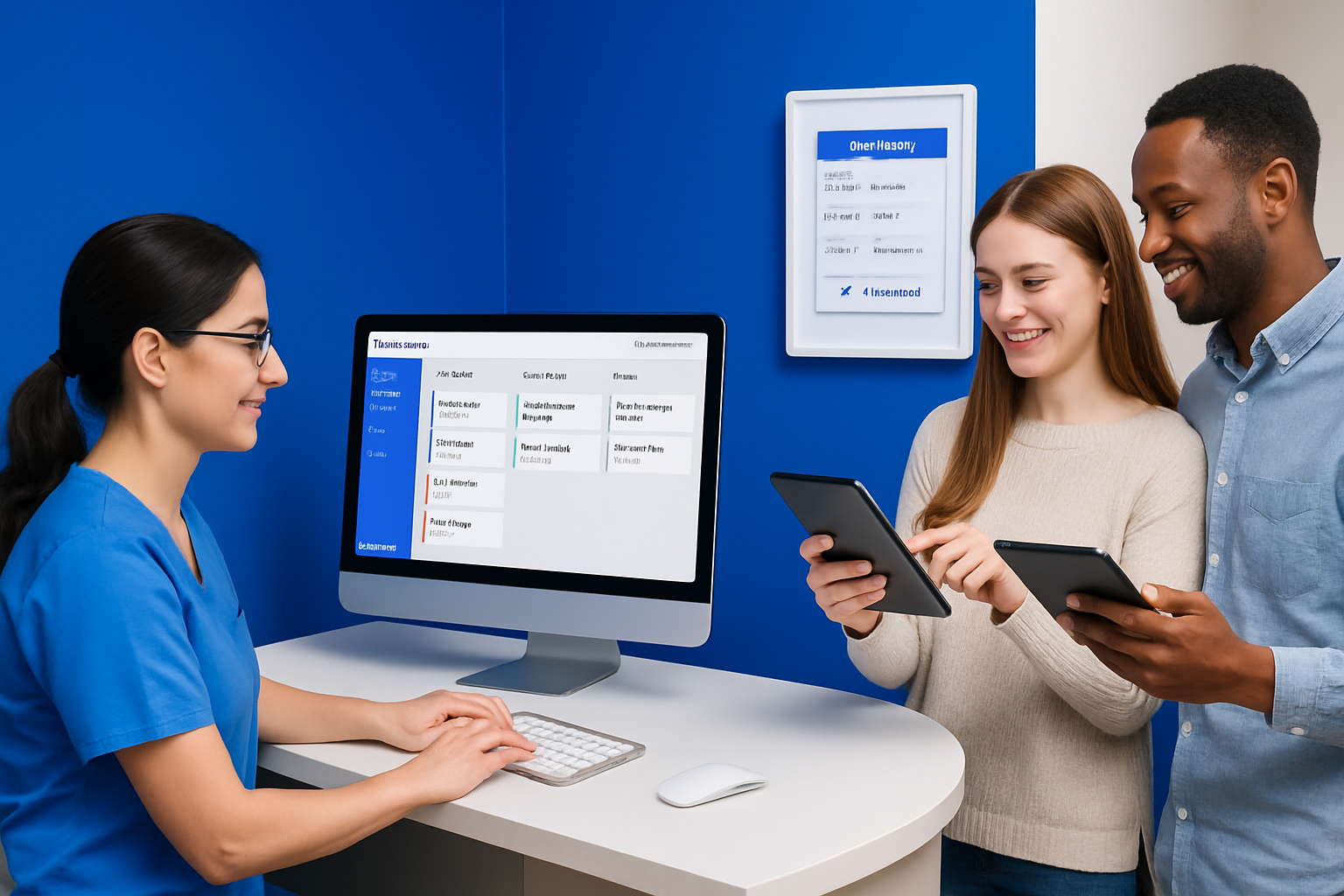
Streamlining Appointment Scheduling and Reducing No-Shows
Efficient appointment management is essential for every practice. Nexhealth automates scheduling, sending reminders via SMS and email, and enabling patients to confirm or reschedule in real time. This reduces staff workload and keeps the calendar full.
For instance, a clinic using nexhealth reported a 30% drop in missed appointments within the first quarter. Patients appreciate the convenience, while practices benefit from steadier revenue and less wasted chair time.
- Automated reminders
- Easy rescheduling
- Fewer no-shows
With nexhealth, appointment flow becomes predictable and manageable for all.
Enhancing Patient Communication and Engagement
Modern patients expect fast, two-way communication. Nexhealth delivers with secure messaging, recall notices, and promotional broadcasts. This keeps patients informed and engaged throughout their care journey.
Practices leveraging nexhealth have seen improved satisfaction scores and stronger patient loyalty. Real-world feedback from User Reviews and Testimonials highlights how responsive communication sets practices apart and fosters trust.
- Two-way SMS and email
- Broadcast updates
- Personalized follow-ups
Nexhealth turns patient communication into a competitive advantage.
Digitizing Forms and Intake Processes
Paperwork slows down check-ins and frustrates both staff and patients. Nexhealth digitizes forms, allowing patients to complete intake and consent forms online before arriving. E-signatures ensure compliance and save time.
One practice cut their onboarding time in half using nexhealth digital forms. Patients arrive prepared, and staff spend less time on manual data entry.
- Online intake forms
- E-signature support
- Faster onboarding
Nexhealth helps practices create a seamless, paperless experience from day one.
Improving Billing and Payment Collection
Effective billing is the backbone of a healthy practice. Nexhealth streamlines payment collection by integrating online billing, automated reminders, and accounting software compatibility.
Practices using nexhealth see fewer outstanding balances and quicker payments. Automated reminders prompt patients to pay securely from their devices, reducing administrative follow-up.
- Online payment links
- Automated billing reminders
- Integration with accounting tools
With nexhealth, revenue cycles become smoother and more predictable.
Leveraging Analytics for Practice Growth
Actionable insights drive smarter decisions. Nexhealth offers real-time dashboards tracking patient flow, appointment trends, and revenue. Practices can quickly identify bottlenecks or spot opportunities for growth.
For example, a dental office used nexhealth analytics to optimize scheduling, increasing revenue per chair by reallocating staff during peak hours.
| KPI | Before Nexhealth | After Nexhealth |
|---|---|---|
| Appointment No-Shows | 18% | 12% |
| Patient Retention Rate | 70% | 84% |
| Revenue per Chair | $700 | $900 |
Nexhealth empowers practices to turn data into results and drive continuous improvement.
Nexhealth Integrations and Compatibility (2025 Update)
Modern practices rely on seamless software connections to keep patient care and operations running smoothly. Nexhealth stands out in 2025 for its robust integration capabilities, ensuring dental and healthcare teams can unify their digital workflows with minimal friction. Let’s explore how nexhealth connects with your systems, how you can expand its functionality, and what support is available if you need help.
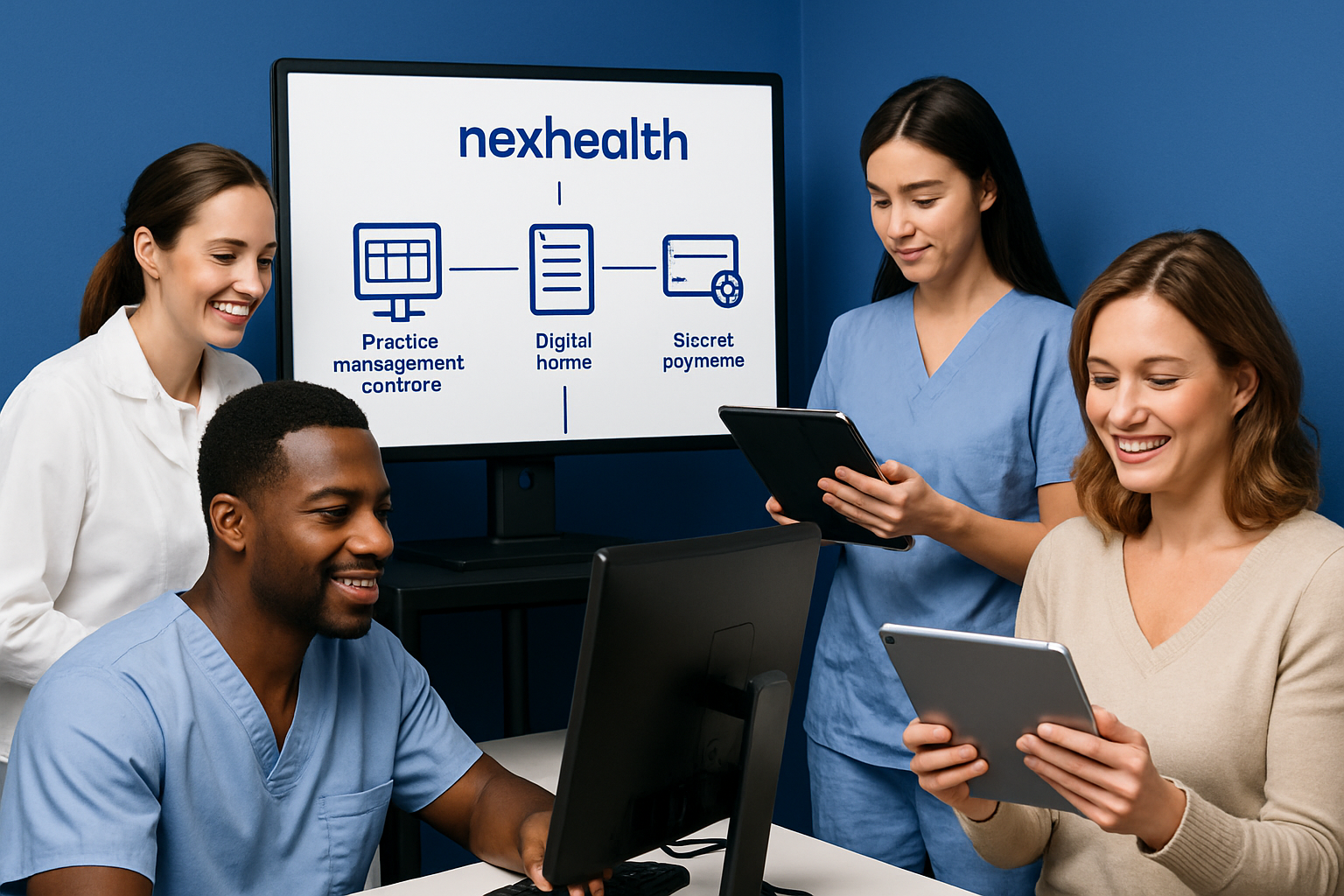
Supported Practice Management and EHR Systems
Nexhealth offers direct integration with leading practice management and EHR platforms, including Dentrix, Eaglesoft, Open Dental, and Curve Dental. This makes nexhealth a top choice for clinics seeking seamless data transfer and workflow automation. The integration process is typically straightforward—after authentication, patient data and appointments sync automatically, reducing double entry and errors.
| PMS/EHR | Integration Type | Real-Time Sync? |
|---|---|---|
| Dentrix | Direct | Yes |
| Eaglesoft | Direct | Yes |
| Open Dental | Direct | Yes |
| Curve Dental | API-Based | Yes |
For example, a dental practice using Dentrix can have all patient appointments and communications managed directly through nexhealth, streamlining daily operations. Stay updated with NexHealth's Latest Product Updates to ensure your system compatibility.
Third-Party App Integrations
The nexhealth platform doesn’t stop at PMS/EHR connectivity. It also integrates with popular third-party tools like Google Calendar, Outlook, Stripe, and Square. This allows practices to sync appointment schedules across platforms and process payments online with ease. Integration is managed through the nexhealth dashboard, where you can connect and authorize third-party apps in just a few clicks.
- Google Calendar for real-time appointment syncing
- Stripe and Square for secure online payments
- Outlook for email scheduling
For instance, setting up Stripe with nexhealth enables practices to automate billing reminders and collect payments faster, improving both patient convenience and cash flow.
API Access and Custom Integrations
For practices with unique needs, nexhealth provides a robust API and developer resources. This means you can build custom connections to proprietary tools or reporting systems, extending nexhealth’s capabilities even further. The API is well-documented and supports secure, HIPAA-compliant data exchange.
{
  "integration": "custom_reporting",
  "data_source": "nexhealth",
  "sync_frequency": "real_time"
}
A group practice, for example, could use the API to pull appointment and billing data into a custom analytics dashboard, giving management deeper insights into performance.
Data Security, HIPAA Compliance, and Privacy
Security is a core pillar of nexhealth integrations. All data transmissions are encrypted, and the platform is fully HIPAA-compliant. User access is managed through strict role-based controls, and comprehensive audit trails track every interaction with sensitive information.
- AES-256 encryption for data in transit and at rest
- HIPAA and SOC 2 compliance certifications
- Granular user permissions
A medical office can confidently use nexhealth, knowing patient data is protected and all communications meet regulatory standards.
Troubleshooting and Support Resources
Even with advanced integrations, occasional issues can arise. Nexhealth provides extensive support resources, including a searchable knowledge base, live chat, and dedicated integration specialists. Common problems, like syncing errors or authorization issues, are usually resolved quickly with step-by-step troubleshooting guides.
- Access to detailed FAQs and video tutorials
- Dedicated onboarding support teams
- Responsive customer service
If a practice experiences a sync issue with their PMS, nexhealth’s support team can walk them through resolution, ensuring minimal disruption to patient care.
Tips, Best Practices, and Expert Insights for Maximizing Nexhealth in 2025
Mastering nexhealth in 2025 requires more than just using its features—it’s about optimizing your workflows, empowering your team, and staying ahead of the curve. The following expert tips and best practices will help your practice unlock the full potential of nexhealth, driving both patient satisfaction and operational efficiency.
Optimizing Patient Communication Strategies
Effective patient communication is at the heart of nexhealth. Personalize messages by segmenting patients based on appointment type, age group, or language preference. Use nexhealth’s automated reminders to send timely notifications, and adjust frequency to avoid message fatigue.
- Segment patients for targeted campaigns
- Customize reminder timing and content
- Leverage multilingual templates
For example, clinics using nexhealth often see higher appointment confirmations by sending reminders in the patient’s preferred language. Regularly review engagement metrics to refine your approach.
Measuring ROI and Key Performance Indicators
Tracking the impact of nexhealth is crucial for justifying your investment. Focus on KPIs such as appointment confirmation rates, reduction in no-shows, and patient satisfaction scores. Nexhealth’s analytics dashboard provides real-time insights to monitor these metrics.
| KPI | Pre-Nexhealth | Post-Nexhealth |
|---|---|---|
| No-show rate (%) | 15 | 7 |
| Phone calls/day | 40 | 24 |
| Patient satisfaction (%) | 82 | 92 |
Calculate ROI by comparing operational costs and revenue before and after nexhealth implementation. Practices often realize value within months.
Staff Training and Change Management
Successful nexhealth adoption depends on staff engagement. Start with comprehensive onboarding, using role-based training modules provided by nexhealth. Encourage peer-led sessions, and assign “super users” as go-to resources.
- Offer ongoing learning opportunities
- Set clear expectations for new workflows
- Celebrate quick wins to boost morale
Address resistance by highlighting time savings and reduced manual tasks. Regular check-ins ensure everyone remains confident using nexhealth.
Staying Updated with Nexhealth Releases and Industry Trends
Nexhealth evolves rapidly, so staying informed ensures you benefit from the latest features. Subscribe to product updates and attend webinars offered by Nexhealth’s Resource Center for expert insights.
- Join user communities for peer support
- Test beta features when available
- Monitor industry news for compliance updates
Early adopters of new nexhealth releases often gain a competitive edge, streamlining operations ahead of the curve.
Common Mistakes to Avoid and Troubleshooting Tips
Avoid over-automation—patients appreciate a human touch. Regularly solicit feedback via nexhealth to adjust communication cadence and content. Don’t ignore integration alerts; resolve syncing issues promptly to ensure data accuracy.
- Balance automation with personalization
- Use nexhealth support resources for troubleshooting
- Review analytics to catch workflow bottlenecks
Learning from these common pitfalls helps practices continually improve their nexhealth experience and patient satisfaction.
Frequently Asked Questions About Nexhealth for Beginners
Curious about nexhealth and how it can transform your practice? Here are answers to the most common questions beginners have in 2025.
What is Nexhealth and who should use it?
Nexhealth is a patient experience platform designed for dental and healthcare practices. It helps automate communication, streamline scheduling, and digitize forms. If you want to modernize your workflow and improve patient satisfaction, nexhealth is ideal for solo providers, group practices, and multi-location organizations.
How secure is patient data with Nexhealth?
Patient data security is a top priority for nexhealth. The platform is fully HIPAA-compliant, uses end-to-end encryption, and provides strict access controls. Regular audits and certifications ensure that sensitive information remains protected at all times.
Can Nexhealth integrate with my existing software?
Yes, nexhealth supports integration with most popular practice management and EHR systems, such as Dentrix, Eaglesoft, and Open Dental. Real-time syncing allows seamless data flow, reducing manual entry and errors. Check compatibility on the Nexhealth Integrations page.
What support and training does Nexhealth offer?
Nexhealth provides robust onboarding support, including live webinars, a detailed knowledge base, and one-on-one training sessions. Ongoing customer support is available via chat, email, and phone. Staff can access training modules tailored to their roles.
How much does Nexhealth cost in 2025?
Pricing for nexhealth varies by practice size and feature needs. Subscription tiers typically range from basic plans for solo practices to advanced packages for larger groups. Request a personalized quote or visit the official pricing page for current details.
What are the main challenges practices face during onboarding?
The main challenges include adapting to new digital workflows and integrating nexhealth with legacy systems. Some staff may need extra time for training. With dedicated support and step-by-step onboarding, most practices overcome these hurdles quickly.
Can Nexhealth be customized to fit unique workflows?
Nexhealth allows for some customization, such as personalized communication templates and flexible scheduling options. However, advanced reporting or highly specific workflows may require third-party tools or custom integrations. Consult with nexhealth specialists to explore available solutions.