The world of dental technology is changing fast in 2025, with practices everywhere seeking smarter ways to manage daily operations. As the demand for seamless, efficient workflows grows, Oasis Dental Software stands out as a trusted choice for modern practices aiming to stay ahead.
This guide will show dental professionals how to master oasis dental software—unlocking better workflow, regulatory compliance, and exceptional patient care. We’ll walk you through the essentials, from setup and onboarding to powerful features, workflow tips, integration strategies, and security best practices.
Ready to transform your practice? Let’s dive in and make digital success your new standard.
Understanding Oasis Dental Software: Key Features and Benefits
The digital landscape of dentistry is changing fast, and oasis dental software stands out as a top choice for practices looking to streamline operations in 2025. Let’s break down the essentials that set Oasis apart—making it easier for dental teams to manage their day, enhance patient care, and stay ahead of compliance requirements.
Comprehensive Practice Management Tools
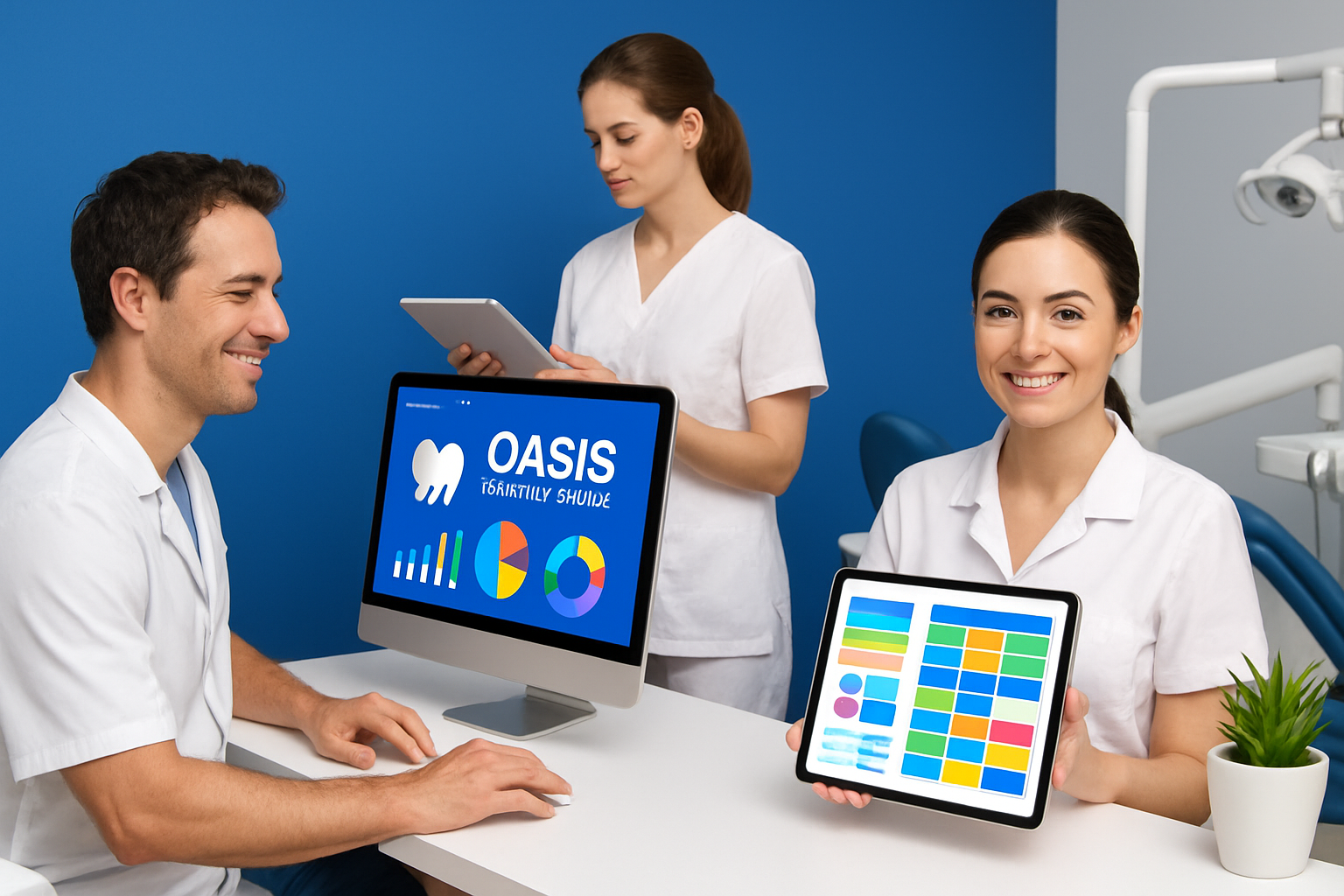
Oasis dental software offers a complete suite of tools for scheduling, patient records, billing, and insurance claims management. With automated appointment reminders, practices can reduce no-shows by up to 30%, directly impacting revenue and patient satisfaction.
Features like color-coded calendars, instant billing, and insurance claim tracking are built to simplify daily workflows. For a broader look at how these tools compare across the industry, explore this dental practice management software overview. By centralizing these essentials, oasis dental software helps practices focus more on patient care and less on administrative headaches.
Clinical Charting and Imaging Integration
Efficient charting is crucial in any dental setting. Oasis dental software streamlines clinical documentation with workflows that integrate directly with digital imaging tools. Dentists can upload x-rays and intraoral images in real time, attaching them instantly to patient files.
This seamless integration not only improves diagnostic accuracy but also saves valuable chairside time. With oasis dental software, clinicians benefit from easy access to a patient’s full clinical history and images, supporting better decision-making and continuity of care.
Patient Communication and Engagement
In 2025, effective patient engagement is a must. Oasis dental software includes secure messaging, appointment confirmations, and automated follow-up reminders. Over 80% of patients now prefer digital communication for their dental appointments, making these features more important than ever.
Practices can send reminders through SMS or email, reducing missed appointments and boosting loyalty. The patient portal also lets patients update forms and confirm visits online, giving them more control and convenience while using oasis dental software.
Reporting and Analytics Capabilities
Understanding your practice’s performance is easier with oasis dental software. The platform features customizable dashboards that offer insights into financial, clinical, and operational data.
Monthly production reports help identify revenue trends, while analytics tools can highlight areas for improvement. By tracking these metrics, dental teams can make informed decisions, optimize scheduling, and ensure steady growth—all within the oasis dental software environment.
Compliance and Security Features
Staying compliant with regulations is non-negotiable. Oasis dental software is designed with HIPAA-compliant data handling, audit trails, and robust user access controls.
In 2025, regulatory standards are stricter, and Oasis helps practices meet those demands. Every user’s activity is tracked, and sensitive information is encrypted, reducing risks and ensuring patient data stays protected within oasis dental software.
Cloud-Based vs. On-Premise Options
Flexibility is key for modern practices. Oasis dental software offers both cloud-based and on-premise deployment options to suit different needs and IT infrastructures.
With 65% of new dental software deployments in 2024 being cloud-based, many practices choose cloud for its scalability and remote access. However, those needing tighter local control can opt for on-premise. Oasis dental software adapts to any practice environment, ensuring smooth operations regardless of setup.
User-Friendly Interface and Accessibility
A user-friendly interface is a hallmark of oasis dental software. Role-based dashboards, mobile access, and intuitive navigation make daily tasks straightforward for everyone—from the front desk to clinical staff.
New team members can get up to speed quickly, with training times reduced by 20% thanks to the software’s clear design. Whether accessing from a desktop or tablet, oasis dental software ensures that every user’s experience is efficient and stress-free.
Getting Started with Oasis: Setup and Onboarding Essentials
Embarking on your oasis dental software journey should feel seamless and empowering. A smooth setup ensures you tap into every benefit from day one. Let’s break down the onboarding process so your practice runs like clockwork.

System Requirements and Compatibility
Before you dive into oasis dental software, make sure your tech foundation is solid. Oasis supports Windows 11 and MacOS, ensuring compatibility for most modern dental practices.
Check your hardware specs: at least 8GB RAM, reliable broadband, and updated browsers are recommended. A stable network connection helps avoid hiccups during peak hours. Practices with multiple locations often benefit from Oasis’s cloud-based option, which minimizes local server needs and offers remote access.
Account Creation and User Roles
Setting up oasis dental software accounts is straightforward but crucial for security and efficiency. Start by creating administrator profiles—these control permissions for the entire system. Next, set up user roles for dentists, hygienists, and front desk staff, assigning access according to job duties.
Properly configured roles safeguard patient data and streamline daily workflows. If you’re evaluating your options, comprehensive dental software reviews can help you see how Oasis stacks up against competitors for user management.
Data Migration and Importing Patient Records
Migrating your existing data to oasis dental software doesn’t have to be intimidating. Oasis provides bulk import tools for transferring patient demographics, medical histories, and appointment records from legacy systems or even paper files.
Start by exporting data from your old system into a compatible format. Oasis’s support team can guide you through the process, minimizing downtime. A well-executed migration ensures continuity of care and preserves your practice’s most valuable asset: patient information.
Customizing Practice Settings
Personalize oasis dental software to reflect your practice’s identity and workflows. Set up your branding, including logo and color scheme, for a welcoming patient experience. Define appointment types, provider schedules, and billing codes to match your clinical and administrative processes.
Many practices speed up charting by setting default procedure codes for common treatments. Customization not only boosts efficiency but also helps new staff get up to speed faster.
Staff Training and Support Resources
Onboarding is smoother with structured training. Oasis dental software includes built-in tutorials and webinars tailored for different roles. Encourage your team to explore these resources early.
Access to responsive customer support channels ensures quick resolution of any questions. Practices that prioritize onboarding report 25% fewer user errors, highlighting the value of investing in early education.
Troubleshooting Common Setup Issues
Even with the best preparation, setup challenges can arise. Common issues include login difficulties, data import errors, or software updates that stall.
Oasis offers troubleshooting guides and live support to help you resolve problems promptly. Staying proactive with updates and regular backups prevents most headaches, keeping your workflow on track.
Navigating the Oasis Dashboard: Mastering Daily Workflows
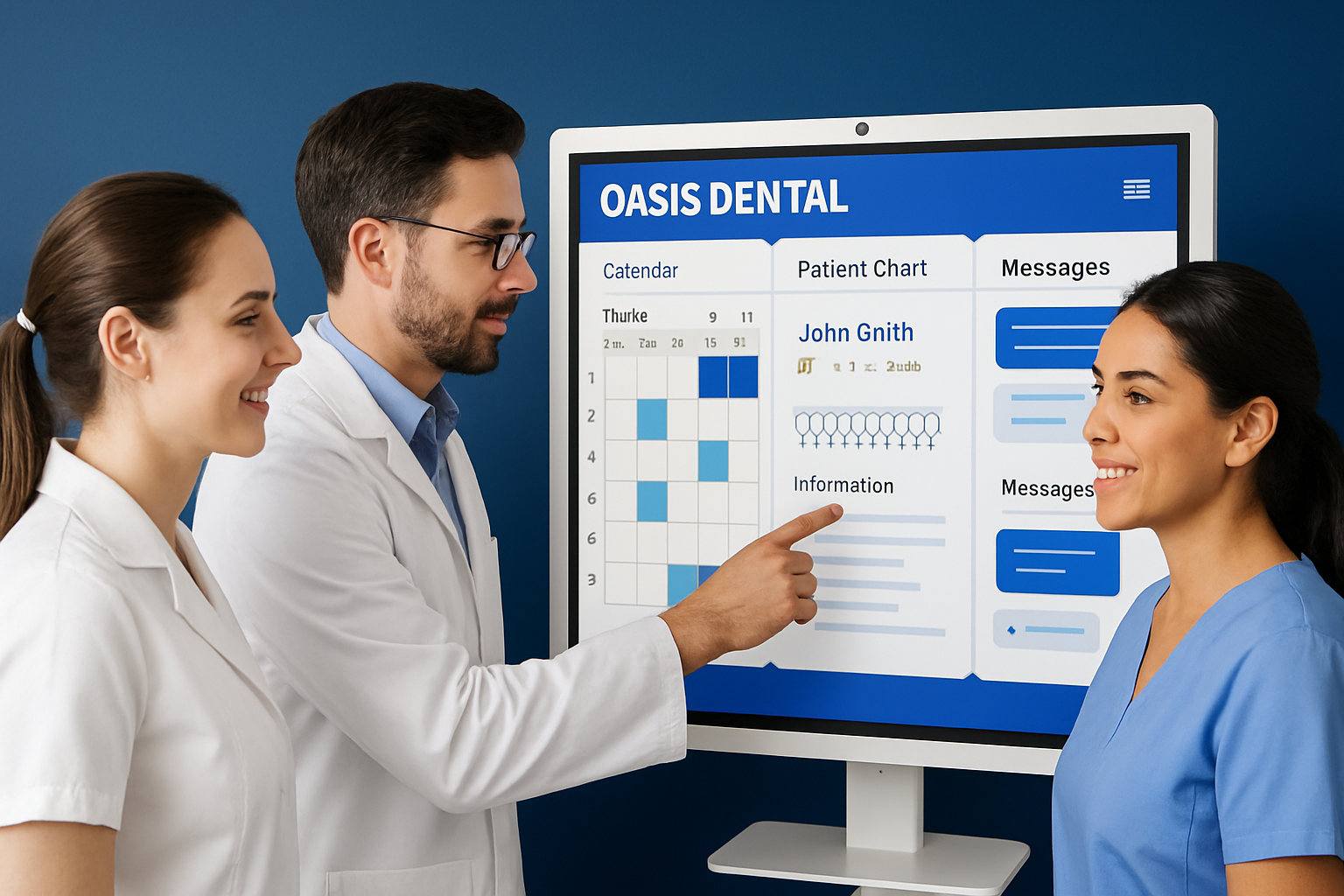
Mastering daily workflows is the secret to unlocking the full power of oasis dental software. The dashboard is the heart of your operations, bringing together scheduling, patient management, billing, and communication. By learning to navigate its features, your team can boost efficiency, minimize errors, and focus on delivering exceptional patient care. Let’s explore how each area of the dashboard streamlines your day.
Appointment Scheduling and Calendar Management
Efficient scheduling is the backbone of any successful practice. Oasis dental software offers a dynamic calendar that lets you create, edit, and color-code appointments with just a few clicks. The system supports automated waitlists, so last-minute cancellations are quickly filled by patients eager for earlier slots.
You can also view provider schedules side-by-side, reducing double-bookings and simplifying resource allocation. With oasis dental software, automated appointment reminders go out to patients, slashing no-shows and keeping your day on track.
Patient Intake and Check-In Process
Streamlined patient intake saves time for both your team and your patients. Oasis dental software digitizes forms, insurance verification, and consent management, allowing patients to complete paperwork before arriving. This means less time spent in the waiting room and more time focused on care.
Digital check-in reduces manual data entry and errors. Insurance details are verified instantly, while consent forms are securely stored in each patient’s digital record within oasis dental software. The result? A 15% reduction in front desk workload.
Clinical Charting and Treatment Planning
Charting and treatment planning are faster and more intuitive with oasis dental software. The dashboard features drag-and-drop charting tools that let you record exams, diagnoses, and treatment plans in real time. Integration with digital imaging means x-rays and photos are uploaded instantly to the right patient file.
Staff can use templates for common procedures, ensuring consistency and accuracy. With oasis dental software, clinical notes are organized and accessible, supporting better decision-making and continuity of care.
Billing, Payments, and Insurance Claims
Billing doesn’t have to be a headache. Oasis dental software simplifies invoicing, payment processing, and insurance claim submission—all from the dashboard. You can generate invoices, accept multiple payment types, and submit claims electronically.
Built-in validation tools help reduce claim denials by catching errors before submission. With oasis dental software, you can track payment status, follow up on outstanding balances, and run reports to monitor financial performance without leaving your workflow.
Patient Communication from the Dashboard
Keeping patients informed and engaged is easier than ever. Oasis dental software integrates with SMS and email platforms to send reminders, follow-ups, and recall notices directly from the dashboard. Secure messaging lets you answer questions and share updates in real time.
For a deeper dive into digital engagement features, explore patient communication and engagement tools to see how cutting-edge solutions are transforming patient relationships. These tools help practices build loyalty and keep schedules full.
Task Management and Internal Communication
Effective teamwork is built into oasis dental software with robust internal communication tools. Assign tasks to team members, set due dates, and track progress right from the dashboard. Task alerts help reduce missed follow-ups and ensure nothing slips through the cracks.
Staff can message each other securely, coordinate patient handoffs, and share important updates instantly. With oasis dental software, your team stays connected and organized, no matter how busy your day gets.
Integrations and Expanding Oasis Functionality in 2025
The ability to integrate and expand oasis dental software is crucial for practices seeking efficiency and adaptability in 2025. Today’s dental teams expect seamless connections between core software and the broader digital ecosystem. Let’s explore how oasis dental software empowers modern practices through integrations and scalable features.
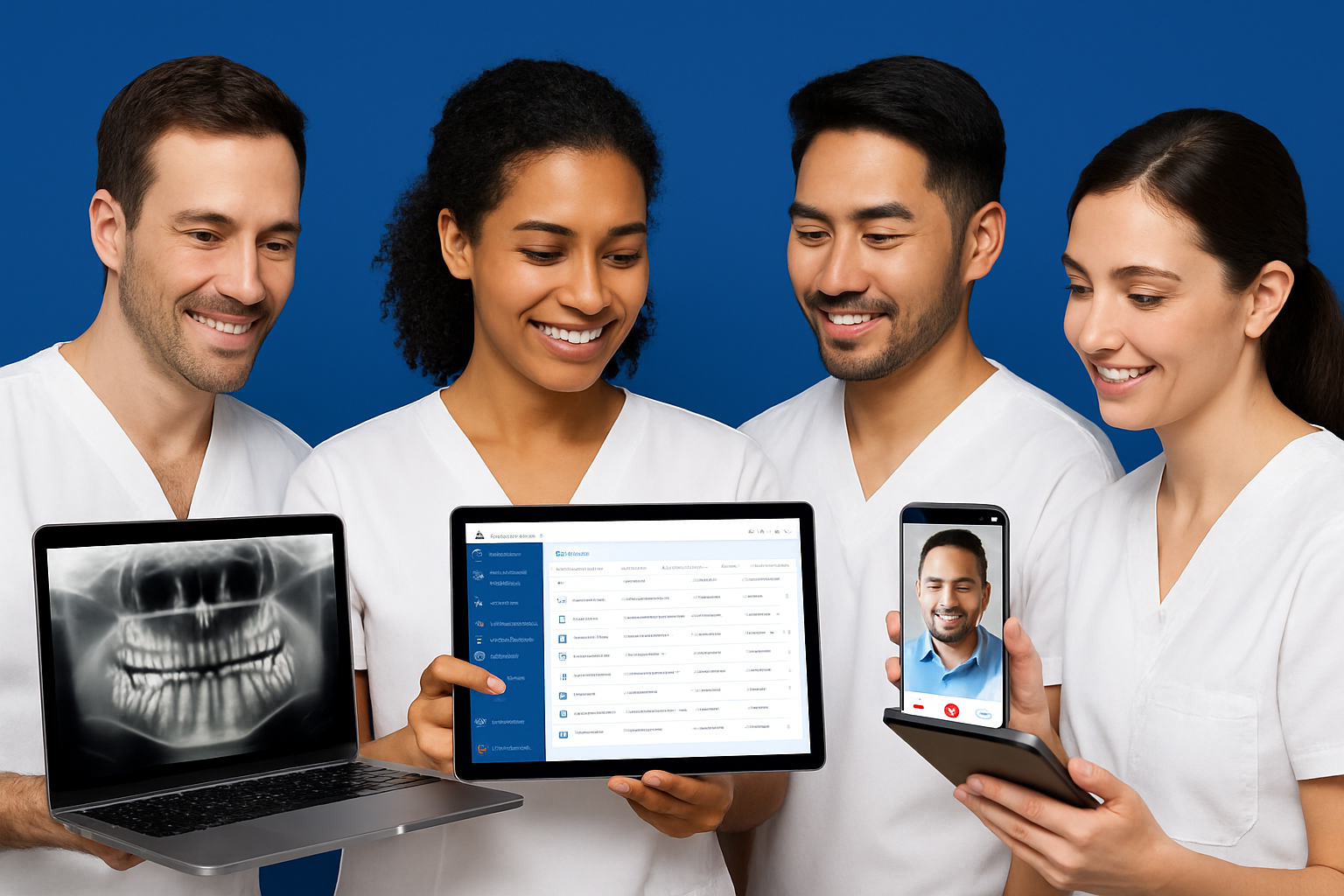
Third-Party Software Integrations
Oasis dental software supports a wide range of third-party integrations, making it easy to connect with digital imaging systems, accounting platforms, and marketing tools. For example, practices can link oasis dental software with QuickBooks for streamlined billing or integrate e-prescription modules for faster medication management. This flexibility is essential as the dental software market continues to expand rapidly—according to Dental Practice Management Software Market Growth, more practices are demanding interoperable solutions in 2025.
- Digital imaging and charting connections
- Accounting and bookkeeping software
- Patient engagement and marketing platforms
These integrations save valuable time and reduce manual errors, helping teams focus on patient care.
API Access and Custom Workflows
For practices with unique needs, oasis dental software provides robust API access. This enables clinics to design custom modules, automate repetitive tasks, or build specialized reports. The trend toward automation and artificial intelligence is accelerating, as noted in AI Integration in Dental Software. By leveraging the oasis dental software API, multi-location practices can synchronize data, automate reminders, or create custom analytics dashboards tailored to their workflow.
- Build custom appointment workflows
- Automate insurance claim validation
- Generate tailored financial reports
APIs ensure your software adapts as your business grows.
Teledentistry and Virtual Consultations
Oasis dental software embraces teledentistry, offering native or integrated video conferencing tools for remote consultations. In 2025, about 25% of dental practices offer virtual consults, reflecting a shift in patient expectations. With oasis dental software, teams can schedule virtual appointments, securely share x-rays, and document consultations directly in the patient chart.
- Video calls embedded in the dashboard
- Secure document and image sharing
- Digital consent forms for remote visits
This integration enhances accessibility for patients and streamlines follow-up care.
Mobile and Remote Access
Modern practices require mobility, and oasis dental software delivers with robust mobile and remote access features. Providers can securely view charts, update records, and manage schedules from tablets or smartphones—whether chairside or offsite. Secure remote access means you can consult on urgent cases, review imaging, or authorize treatment plans even when you’re away from the office.
- Access patient data on any device
- Chairside charting for efficient workflows
- Real-time notifications for team collaboration
Oasis dental software ensures your team stays connected and responsive.
Data Export and Reporting Tools
Comprehensive data export and reporting tools are built into oasis dental software, making compliance and analytics straightforward. Practices can export patient lists, appointment data, and financial reports in multiple formats for audits, migration, or in-depth analysis. Customizable dashboards allow real-time tracking of key performance indicators, supporting data-driven decisions.
- Export data in CSV, PDF, or Excel
- Schedule automated reports
- Track production, collections, and patient trends
With oasis dental software, you gain the insights needed to grow your practice and stay ahead in a competitive landscape.
Security, Compliance, and Data Protection Best Practices
Protecting your dental practice’s data and ensuring regulatory compliance in 2025 is more important than ever. Oasis dental software is designed to help you safeguard patient information, maintain trust, and stay ahead of evolving privacy laws. Let’s break down the essentials for keeping your practice secure and compliant.
HIPAA and Regulatory Compliance in 2025
Staying compliant with HIPAA and other privacy laws is non-negotiable in modern dentistry. Oasis dental software ensures your practice meets 2025’s stringent requirements. It features role-based access, so only authorized team members can view sensitive data.
All patient records are stored using advanced encryption, protecting information both at rest and in transit. Regular software updates help your practice keep pace with new regulations, reducing the risk of costly penalties. With these safeguards, you can focus on patient care, confident that compliance is built right in.
User Access Controls and Audit Trails
Managing who can access what is crucial for data security. Oasis dental software gives you fine-tuned control over user permissions. You can grant or restrict access based on each staff member’s role, ensuring that confidential data stays protected.
Audit trails track every login and change, making it easy to spot unusual activity. According to OASIS Software Reviews and Features, robust audit features are essential for identifying unauthorized access and maintaining accountability. Since 90% of healthcare breaches stem from improper access, these controls are a must for peace of mind.
Data Backup and Disaster Recovery
Imagine losing all your patient data overnight. Oasis dental software counters this nightmare with automated daily backups and cloud redundancy. Your records are securely saved offsite, protecting against hardware failure or cyberattacks.
In the event of a disaster, recovery protocols ensure that your practice is up and running quickly. Most practices can restore essential data within hours, minimizing downtime and disruption. With this safety net, you never have to worry about starting from scratch.
Secure Patient Communication
Patients trust you to keep their information safe. Oasis dental software supports encrypted messaging and secure patient portals, so every communication is protected from end to end.
Whether sending appointment reminders or sharing treatment plans, you can be sure that only the intended recipient can access the message. This level of security meets industry standards and reassures patients that their privacy is your top priority.
Staff Training on Security Protocols
Even the best technology is only as strong as the people using it. Ongoing staff training is vital to maintaining security in your practice. Oasis dental software makes this easier with built-in educational resources on topics like phishing, password management, and device safety.
Quarterly security audits help you spot vulnerabilities before they become problems. By making security part of your workplace culture, you keep patient data safe and your reputation intact.