In today’s fast-evolving dental landscape, efficient practice management can mean the difference between thriving and daily chaos. Modern clinics rely more than ever on digital tools to keep operations running smoothly and patients satisfied.
That’s where eaglesoft dental software 2026 steps in, promising to streamline every aspect of your workflow, elevate patient care, and maximize profitability. Dental professionals are searching for solutions that simplify their day, reduce stress, and help the entire team collaborate with ease.
This essential guide will help you make informed decisions about eaglesoft dental software, offering unbiased insights and hands-on advice. Inside, you’ll find a clear overview of features, benefits, pricing, integrations, real user experiences, and expert tips to unlock the full potential of your dental practice.
Overview of Eaglesoft Dental Software 2026
Choosing the right practice management platform is crucial for any dental office aiming for efficiency and growth. Eaglesoft Dental Software 2026 stands out as a comprehensive solution designed to address the evolving needs of modern dental practices. From solo practitioners to large clinics, this platform promises to streamline workflows and improve daily operations.
What is Eaglesoft?
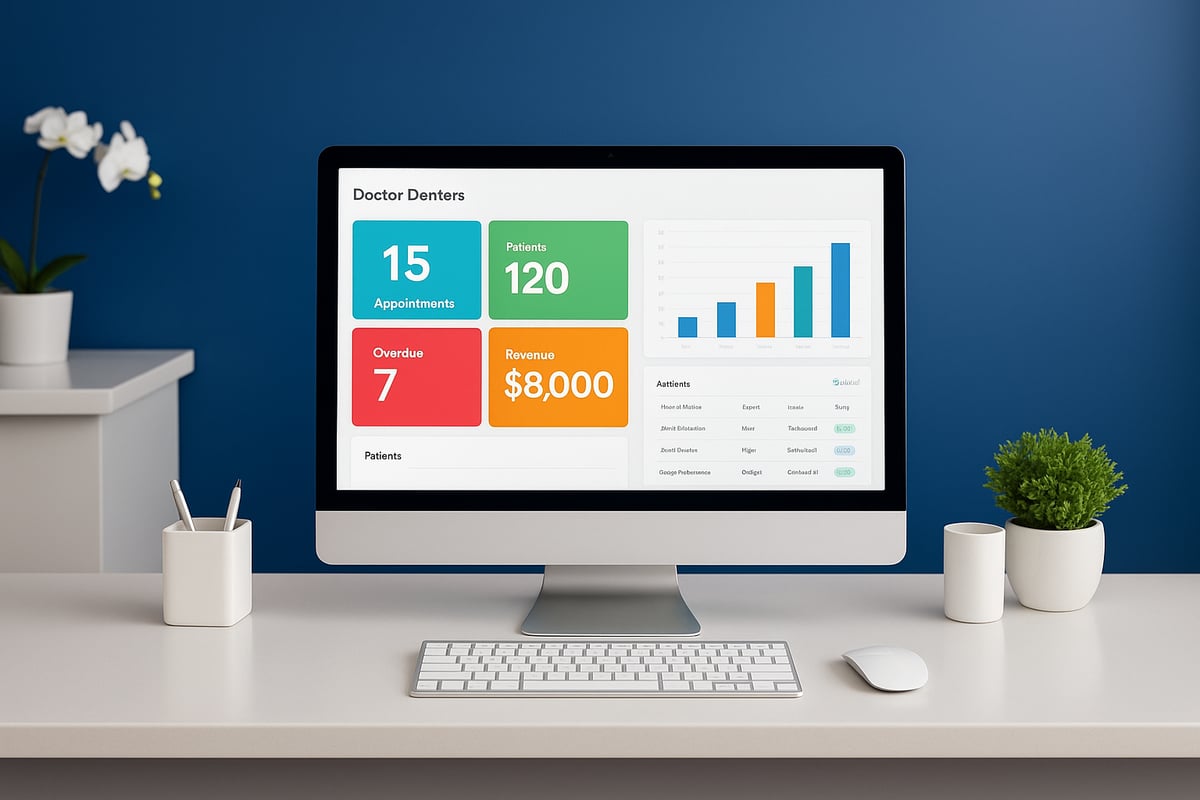
Eaglesoft Dental Software is recognized as a leading practice management solution tailored for dental professionals of all sizes. Developed with on-premise architecture, it combines robust digital features to support both front-office administration and clinical workflows. Since its introduction in 2002, thousands of clinics have trusted Eaglesoft dental software to simplify operations and improve patient experiences. For those seeking a deeper dive, the Eaglesoft Software Overview offers further insights into its capabilities and history.
Core Modules and Capabilities
At its core, Eaglesoft dental software provides essential modules for clinical charting, patient scheduling, digital imaging, and billing. Its unified portal helps manage appointments efficiently, preventing double-bookings and keeping daily schedules organized. The SmartDoc document management system and customizable treatment planning tools enhance digital recordkeeping and consent form management. Integrated financial and insurance tracking features ensure complete oversight of the practice’s revenue cycle.
Key Updates in the 2026 Release
The 2026 version of Eaglesoft dental software introduces major interface enhancements for a more intuitive user experience. New automation tools simplify billing and reporting processes, reducing manual workload. Expanded third-party integrations and increased imaging compatibility make it easier to connect with external platforms. Advanced analytics provide actionable insights for practice performance, while security improvements strengthen HIPAA compliance and safeguard patient data.
Who Should Use Eaglesoft?
Eaglesoft dental software is an excellent fit for solo providers, group practices, and multi-location clinics. It suits practices eager to embrace digital transformation, especially those requiring advanced imaging and charting features. Offices that prioritize patient communication and efficient workflows will benefit from its comprehensive toolset. Clinics needing detailed billing and insurance management find the platform particularly valuable for streamlining complex administrative tasks.
Market Position and Industry Reputation
Eaglesoft dental software holds a solid reputation in the dental industry, with a 4.1 out of 5 star rating on Trustpilot based on 616 reviews. Users often highlight its ease of use, integration capabilities, and responsive customer support. Compared to competitors like Dentrix and Open Dental, Eaglesoft consistently ranks highly for innovation and user-focused updates. Its longstanding presence and commitment to continuous improvement make it a preferred choice for many dental professionals.
Detailed Features and Benefits of Eaglesoft 2026
Unlocking the full potential of your dental practice starts with understanding what eaglesoft dental software brings to the table. The 2026 version is packed with tools that streamline operations, improve patient care, and drive growth. Let’s break down the core features and benefits that set this platform apart.
Practice Management and Scheduling
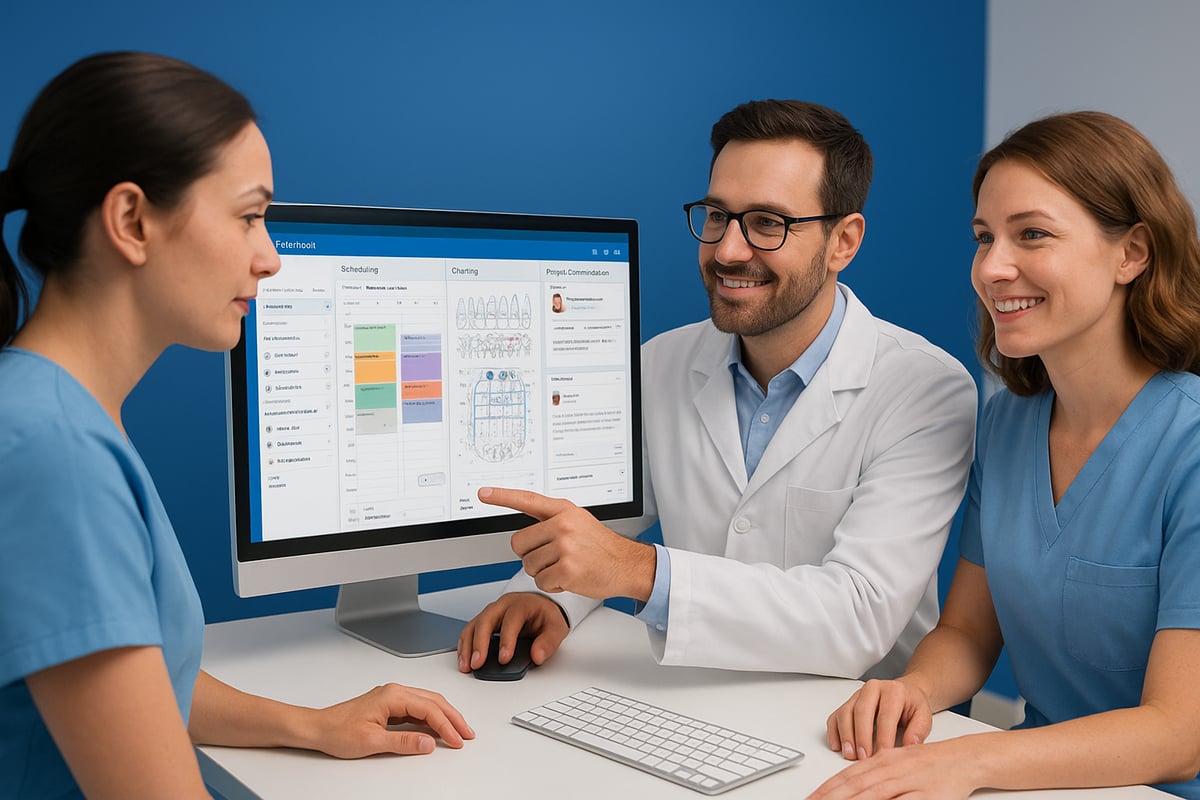
Managing a dental practice can be overwhelming, but eaglesoft dental software simplifies the process with its unified dashboard. The platform brings together appointment scheduling, calendar management, and automated reminders in one place.
- Automated scheduling reduces double-booking and streamlines patient flow.
- Real-time notifications keep your team on track with upcoming appointments.
- Multi-location and provider support means you can manage several offices from a single interface.
Staff find it easy to adjust schedules, while patients benefit from better communication and fewer missed appointments. These features help practices run smoothly and increase efficiency every day.
Clinical Charting and Imaging
Accurate clinical documentation is essential, and eaglesoft dental software excels with its intuitive, graphical charting tools. The system supports periodontal charting and customizable templates, making data entry quick and reliable.
- Seamless integration with digital x-ray and intraoral cameras ensures all clinical notes and images are stored together.
- SmartDoc enables fast retrieval of past records, improving diagnostic accuracy.
- The visual interface is highly rated by users for its ease of use.
For those comparing charting capabilities, the Dental Charting Programs Guide provides a helpful overview of how eaglesoft dental software measures up to other leading solutions. These charting and imaging features empower clinicians to deliver better, faster care.
Billing, Insurance, and Revenue Cycle Management
Financial management can be a headache, but eaglesoft dental software offers robust solutions for billing and insurance. Built-in claims management and electronic payment processing save time and reduce errors.
- Insurance coverage books and fee schedules are fully customizable.
- Automated workflows handle outstanding claims and generate detailed aging reports.
- Integration with third-party billing tools enhances flexibility.
Users consistently report quicker insurance reimbursements and fewer billing mistakes, which translates to a healthier bottom line for your practice.
Patient Communication and Engagement
Effective patient communication is vital for retention and satisfaction. Eaglesoft dental software’s patient portal lets patients access records and forms online, while automated confirmations and reminders reduce no-shows.
- Two-way messaging keeps patients engaged and informed.
- Digital consent forms and e-signature support speed up paperwork.
- Self-service options lighten the administrative load for your team.
These engagement tools not only improve the patient experience but also free up staff to focus on care, not paperwork.
Document Management and Reporting
Managing documents is streamlined with eaglesoft dental software’s SmartDoc feature. You can import, organize, and securely store both paper and digital records with ease.
- Use customizable templates for clinical notes and correspondence.
- Advanced dashboards provide real-time and historical reporting.
- Identify trends and growth opportunities with robust analytics.
Many clinics leverage the reporting tools to track performance and make data-driven decisions that propel their business forward.
Security, Compliance, and Data Protection
Protecting patient data is a top priority. Eaglesoft dental software is built with HIPAA-compliant architecture and features strict user access controls.
- Data encryption and secure backup protocols ensure information is always protected.
- Regular security updates keep your system compliant with the latest regulations.
- Audit trails provide transparency and accountability.
Staying compliant not only safeguards your patients but also shields your practice from costly breaches and penalties.
User Experience and Ease of Use
A user-friendly platform is vital for successful adoption. Eaglesoft dental software features an intuitive, graphical interface that minimizes training time for new staff.
- Drag-and-drop tools make scheduling and document management simple.
- Workflows are easily customizable to fit your practice’s unique needs.
- Users praise the software’s ease of use and responsive customer support.
With a 4.1/5 rating for usability, eaglesoft dental software ensures your team can focus on patients, not technology.
Integration Capabilities and Ecosystem
Eaglesoft dental software stands out for its robust integration capabilities and a thriving ecosystem designed to keep practices connected and efficient. Whether you are looking to streamline administrative tasks or enhance clinical workflows, Eaglesoft delivers seamless connectivity across your digital dental environment.
Third-Party Integrations
Eaglesoft dental software offers extensive third-party integration options, ensuring your practice can connect with leading imaging platforms like Planmeca Romexis and communication tools such as Weave and Legwork. Its open API enables practices to link with external applications, including lab software and patient engagement solutions, to streamline day-to-day operations.
Practices especially value the seamless data flow between Eaglesoft and tools for reminders or patient communication. This reduces manual entry and keeps patient information up to date across systems. If you are evaluating how Eaglesoft stacks up against other solutions, the Dental Software Reviews Category can provide helpful comparisons for integration and ecosystem strengths.
Imaging and Diagnostic Tool Integration
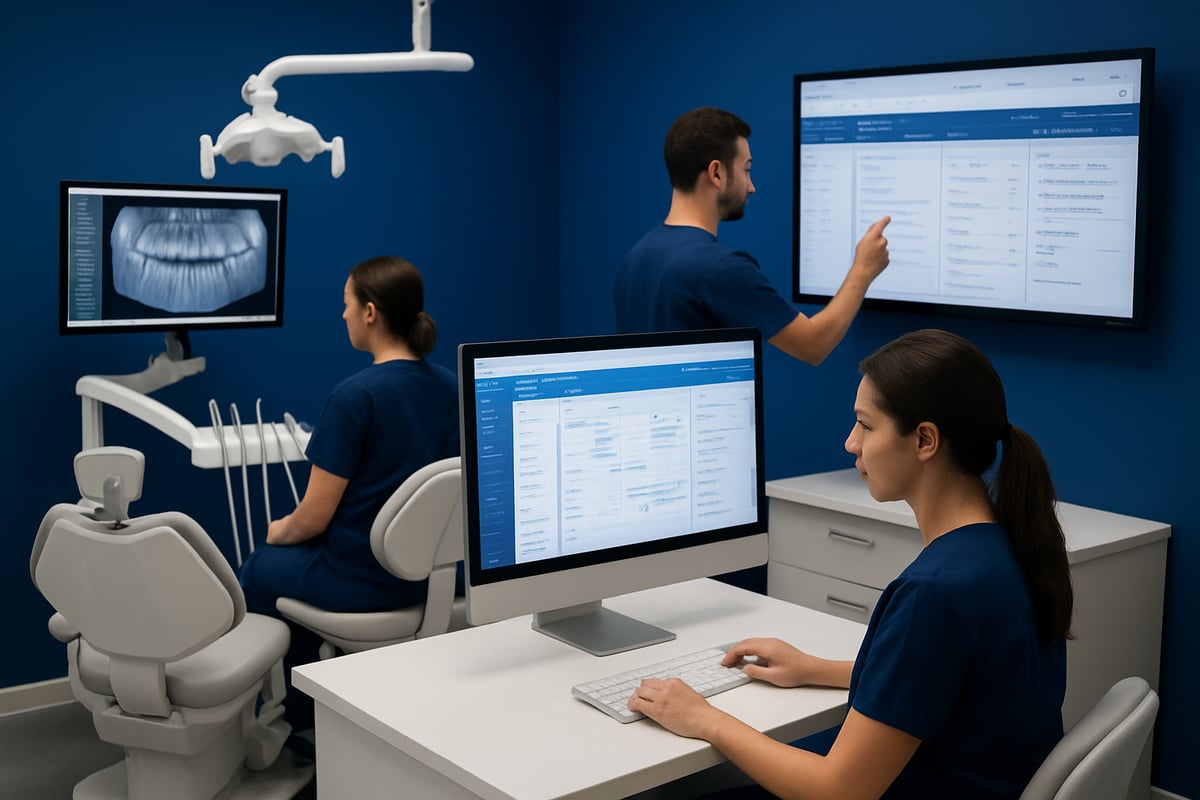
One of the core strengths of Eaglesoft dental software is its direct integration with digital x-ray machines, intraoral cameras, and imaging software. Real-time image capture and storage are built into patient records, supporting a wide range of hardware brands for maximum flexibility.
This tight integration means clinicians can document procedures and review diagnostic images instantly, all within the same platform. Many clinics report that this capability speeds up diagnosis and treatment planning, improving patient outcomes and streamlining the clinical workflow.
Data Migration and System Compatibility
Transitioning to Eaglesoft dental software is made easier with dedicated tools for importing records from legacy systems or even paper charts. The platform is designed to support multi-location and multi-provider environments, ensuring that data synchronization occurs smoothly across devices and offices.
Eaglesoft’s technical support team assists practices during migration and onboarding, minimizing downtime and ensuring a smooth transition. Practices moving from other platforms often note how quickly they can resume operations, with minimal disruption to patient care.
Future-Proofing and Scalability
Eaglesoft dental software is built with a modular design, allowing practices to expand features as their needs evolve. Regular software updates keep the system current with the latest technology, while scalability ensures it remains a fit for both small startups and large group practices.
Ongoing support for new hardware and software integrations ensures that your investment in Eaglesoft will continue to deliver value as the dental technology landscape changes. This commitment to future-proofing gives dental professionals confidence that their software will grow with them.
Pricing, Plans, and ROI Considerations
Choosing the right eaglesoft dental software plan is a key decision for any dental practice. Understanding the pricing, included features, and potential return on investment ensures you get the best value for your clinic’s needs. Let’s break down each aspect so you can make an informed choice.
Pricing Structure and Options
Eaglesoft dental software offers customized pricing designed to fit clinics of all sizes, from solo practitioners to multi-location dental groups. There is no free version, but practices can often request a trial to evaluate the software before committing.
Pricing depends on several factors, such as the number of providers, practice locations, and which modules are selected. Smaller practices with one to three providers typically pay less than larger, multi-site organizations. Advisors from eaglesoft dental software work with you to create a tailored pricing breakdown, so you only pay for what you need.
This approach helps ensure you can scale your investment as your practice grows.
What’s Included in Each Plan
Every eaglesoft dental software plan includes essential modules like patient scheduling, clinical charting, billing, imaging, and robust reporting tools. These core features provide the foundation for seamless practice management.
Many clinics opt for add-ons, such as advanced analytics, enhanced patient engagement tools, or integrations with third-party platforms. Support and training are included in most packages, along with regular updates and security enhancements.
Plans are structured to be transparent, so you know exactly what each tier includes. This makes it easy to compare options and select the right fit for your workflow.
Return on Investment and Value
Investing in eaglesoft dental software brings measurable returns for dental practices. Automation of billing, scheduling, and insurance processing saves valuable staff hours each week. Streamlined workflows reduce manual errors and accelerate insurance reimbursements.
Many users report improved patient retention due to enhanced communication tools. Real-world feedback highlights that clinics see increased profitability and efficiency after switching to eaglesoft dental software. For a deeper dive into user experiences and cost specifics, explore these Eaglesoft Software Reviews and Pricing to help guide your decision.
How to Get a Personalized Quote
Getting a quote for eaglesoft dental software is straightforward. Start by reaching out to Eaglesoft or an authorized reseller. Advisors will ask about your practice size, required features, and integration preferences.
You’ll receive a personalized pricing proposal, along with recommendations for the best-fit package. Many practices take advantage of demo options to experience the platform hands-on before making a commitment.
Comparing eaglesoft dental software costs with other dental management solutions lets you ensure you’re getting the best value for your investment.
User Reviews, Ratings, and Real-World Feedback
Curious how Eaglesoft Dental Software stands up in real-world dental practices? Here’s a closer look at what users are saying, what works best, and where there’s room for improvement. We’ve gathered insights from verified reviews, case studies, and the broader Eaglesoft community to help you make an informed decision.
Overall User Satisfaction
Eaglesoft Dental Software consistently receives positive feedback from dental professionals. With an average rating of 4.1 out of 5 stars, around 43 percent of users give it top marks while another 34 percent rate it at four stars. Users often highlight the platform’s reliability and ongoing updates, noting that it helps streamline daily operations and improve patient care.
Many long-term practitioners appreciate the stability and ease of use. One user shared, “I much prefer Eaglesoft Dental Software over other Dental Practice Management software, especially for daily scheduling and billing tasks.” For more direct user experiences, check out these Eaglesoft Reviews and User Feedback.
Pros and Cons from Dental Professionals
Dental practices point out several strengths and a few limitations of Eaglesoft Dental Software. Here’s a quick comparison:
| Pros | Cons |
|---|---|
| User-friendly interface | Learning curve for new staff |
| Robust charting and reporting | Less popular than some competitors |
| Strong imaging integration | Some desired printing features missing |
Professionals appreciate the insurance claim tracking and customizable notes, which reduce administrative time. Feedback like, “Easy to train new team members; saves time on daily tasks,” is common. For a deeper analysis, visit this Eaglesoft Software Overview: Key Features, Pros & Cons.
Case Studies and Practice Experiences
Real-world case studies show that clinics of all sizes benefit from Eaglesoft Dental Software. Practices transitioning from other systems often report increased efficiency and smoother onboarding. One multi-location clinic stated, “We needed better software that integrated with digital imaging—Eaglesoft Dental Software does it all.”
Long-term users highlight the platform’s role in digital transformation, with minimal disruptions during migration. Practices consistently mention improved workflow, faster claim processing, and easier data access after adopting Eaglesoft Dental Software.
Support, Training, and Community Resources
Support and training are critical for maximizing the value of Eaglesoft Dental Software. Users rate customer support at 4.2 out of 5, citing responsive phone and email channels. The platform offers online resources, training modules, and active user forums.
Ongoing education ensures teams stay current with new features and best practices. Community-driven tips and peer support help clinics resolve issues quickly and optimize daily workflows. Many users credit the strong support ecosystem for their positive experience with Eaglesoft Dental Software.
Expert Tips for Successful Eaglesoft Implementation
Implementing eaglesoft dental software is a transformative step for any dental practice. With the right approach, your team can transition smoothly and fully leverage the platform’s strengths. Here’s how to set your clinic up for long-term digital success.
Pre-Implementation Planning
Before diving into eaglesoft dental software, take time to map out your practice’s needs and workflows. Start by identifying which legacy systems or paper processes require migration. Involve key stakeholders, including clinicians and administrative staff, to gather input and assign project leads.
Schedule demo sessions to get familiar with the software’s interface and capabilities. Plan dedicated training time for your team. Practices that outline clear goals and assign responsibilities typically experience fewer bumps during the transition.
- Assess needs and desired outcomes
- Identify current systems for migration
- Assign project leaders and involve staff
- Schedule demos and training sessions
A well-structured planning phase is essential for a smooth adoption of eaglesoft dental software.
Step-by-Step Implementation Process
Rolling out eaglesoft dental software is best handled in clear, manageable stages. Start with a thorough needs assessment, then migrate your existing data, whether from paper charts or another digital system. Customize the software’s modules and templates to fit your workflows, and conduct staff training before going live.
Test the system with sample data to ensure everything works as expected. Set milestones for each phase, and monitor progress closely. For practices focused on financial management, reviewing Billing and Revenue Cycle Tools can offer additional insights.
- Needs assessment and planning
- Data migration and verification
- Customization and workflow setup
- Staff training and testing
- Go-live and ongoing support
A methodical approach ensures eaglesoft dental software is integrated effectively.
Maximizing User Adoption and Efficiency
To get the most from eaglesoft dental software, prioritize ongoing education and adaptability. Offer regular training sessions, especially after updates or when onboarding new team members. Customize workflows, forms, and templates to match your practice’s daily routines and preferences.
Encourage staff to provide feedback and share tips for more efficient use. Use reporting tools to track adoption rates and identify areas for improvement. Clinics that invest in continuous learning consistently achieve higher satisfaction and productivity with eaglesoft dental software.
- Schedule ongoing training
- Tailor templates to practice routines
- Collect feedback and adjust workflows
- Track usage and adoption metrics
Engaged staff are key to maximizing the benefits of your investment.
Troubleshooting and Continuous Improvement
Even after implementation, actively maintain your eaglesoft dental software for optimal performance. Establish clear protocols for addressing technical issues and designate point persons for troubleshooting. Regularly review software updates and adopt new features that can enhance your workflow.
Participate in online user communities and forums to exchange tips and solutions with peers. Schedule periodic system audits to identify opportunities for optimization. Staying proactive will help your practice stay secure, efficient, and ahead of industry trends with eaglesoft dental software.
- Set troubleshooting protocols
- Review updates and improvements
- Join user communities for shared knowledge
- Audit system performance regularly
Continuous improvement ensures long-term success and a strong return on your software investment.